
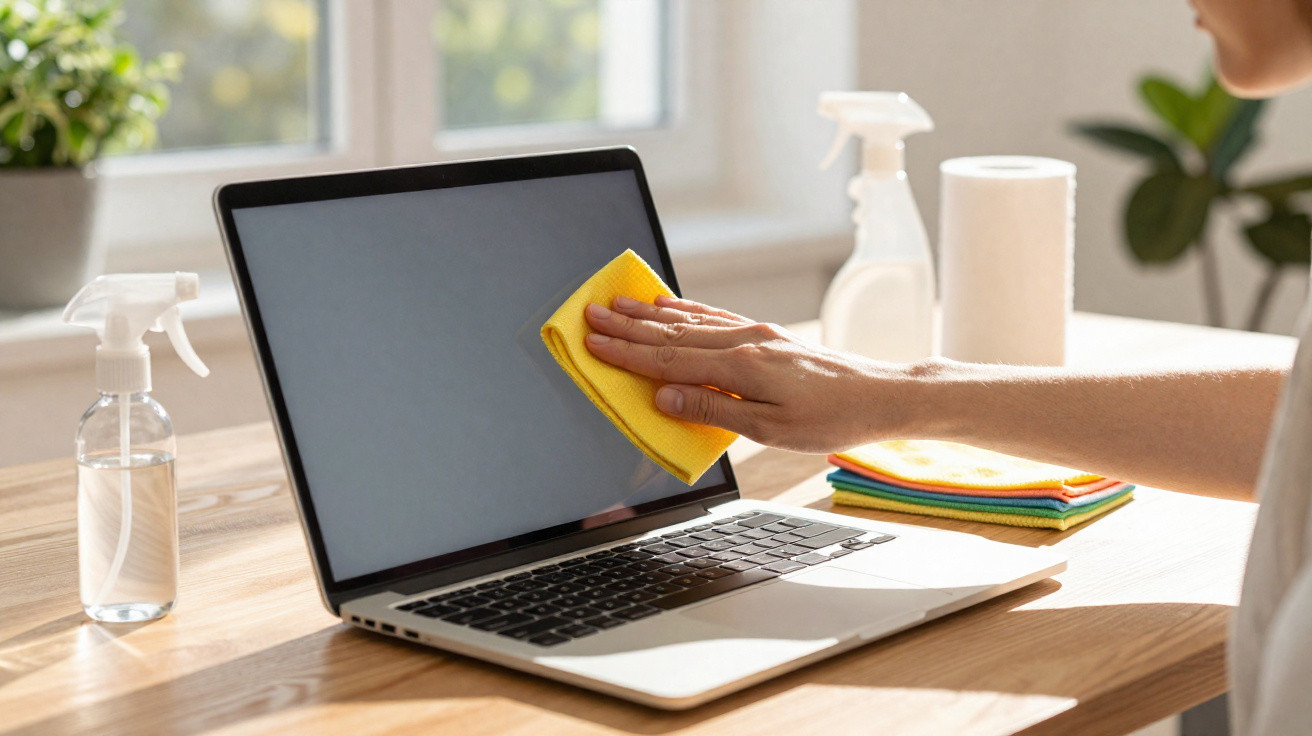
Cleaning a laptop screen can look like an easy job, yet everyday chemical cleaners and rough cloths can gradually wear down the surface. The right approach lifts dust, fingerprints and light marks without affecting brightness, image quality or the screen’s protective coatings.
The mistake starts with the wrong product
A laptop screen should not be cleaned like ordinary glass. Many displays use delicate layers, anti-glare finishes and coatings that react badly to alcohol, ammonia and strong degreasers.
The cloth matters just as much. Kitchen roll, an old T-shirt, sponges and scratchy fabrics can drag dust particles across the panel, creating tiny scratches that become noticeable over time.
- Avoid harsh chemicals: alcohol, ammonia and glass cleaners can stain the screen.
- Use the right cloth: a clean microfibre cloth removes dirt without scratching.
- Minimal moisture: the cloth should be slightly damp, never soaking wet.
- Screen switched off: cleaning with the laptop off makes marks easier to see and reduces risk.
When cleaning, less force works better
Before you start, shut the laptop down, unplug it from the mains and let the screen cool. Use a dry microfibre cloth with gentle strokes to lift loose dust.
If fingerprints remain, lightly dampen a clean section of the cloth with filtered or distilled water. Never spray liquid directly onto the screen, as it can run towards the edges.
A microfibre cloth makes the difference
A microfibre cloth is recommended because its fine, soft fibres can pick up grime without attacking the surface. It should be clean, dry and free from any gritty dust.
The pressure needs to be light.
The screen should not be scrubbed. Use soft circular motions or wipe in a single direction, without pressing into the panel. If a mark won’t shift, repeat the process patiently rather than increasing the force.
It is also wise to keep one cloth just for electronics. Cloths used for cooking or household cleaning can carry grease, chemicals and residue that leave smears on the display.
How often you clean depends on use
If you use your laptop daily, you can remove dust once a week with a dry cloth. Damp cleaning should only be done when there are visible fingerprints or bothersome marks.
Avoiding contact with the screen, closing the laptop without leaving items on the keyboard, and storing it away from dusty areas all help reduce how often you need to clean it.
Preserving image quality starts with simple care
Screen cleaning does not require force, expensive products or complicated recipes. Doing the basics properly-clean microfibre and very little moisture-already offers better day-to-day protection for your laptop.
In the end, the correct way to clean a laptop screen is also the gentlest. The less chemical cleaner, friction and excess liquid you introduce, the better your chances of keeping the image sharp for longer.
If this tip could prevent scratches on someone’s laptop, share it with anyone who tends to wipe their screen with whatever cloth is closest.





Comments
No comments yet. Be the first to comment!
Leave a Comment