
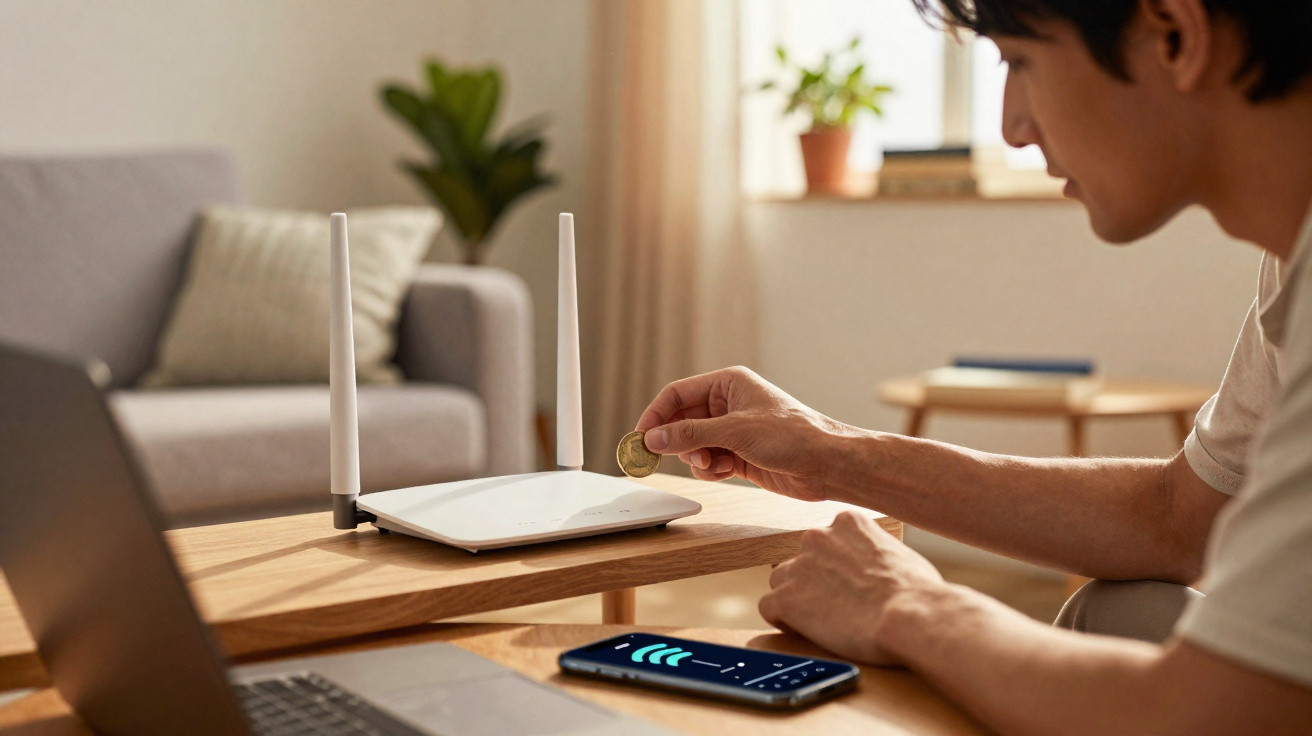
Many people look for do‑it‑yourself ways to optimise their internet, adopting odd little habits at home. One tip that gets passed around is placing a metal coin on top of the router, with promises of near‑miraculous improvements to household connectivity. Knowing whether this actually works can save you a lot of unnecessary frustration.
Why do people recommend putting a coin on the router?
This popular suggestion is based on the idea that metal would act like a tiny reflector for the transmitted waves. Those who back the method genuinely believe the coin helps steer the frequency towards particular parts of the home.
The goal is usually to push the signal into the rooms furthest from the router-such as a home office or bedrooms where the connection drops or becomes unstable. To understand what supporters claim is happening, here are the main details and factors they often point to:
- Signal focus: The coin is said to “push” the waves towards a specific area that needs internet access.
- Greater range: The trick is supposed to help the network reach rooms that are far from the device.
- Fewer dropouts: Some people expect the object to reduce frequent swings in connectivity.
Does a coin actually improve our connection?
In reality, a small piece of metal like a coin is not a dependable way to improve wireless network performance. Any improvement someone thinks they notice is typically down to everyday coincidence, rather than a real effect from an object placed on the equipment.
Sudden changes in speed are far more likely to be tied to the router’s physical position or the total number of devices using the network at that moment. Electromagnetic waves behave in complex ways, spreading through the home environment in a way that is independent of a coin.
How can metal objects interfere with a wireless signal?
Metal items can reflect, block, or scatter the invisible waves that carry your internet connection. Adding a coin may create the opposite of the intended effect, seriously harming the stability of digital communication.
Physical blocks to the signal
Barriers and overheating
A router needs to be kept clear so it can broadcast properly and also dissipate internal heat effectively.
Placing coins or other items over ventilation slots or near the antennas can create “shadows” in coverage and raise the device temperature.
Many everyday objects we keep around the house can cause real issues if they sit too close to transmitting antennas. To avoid hidden problems, it’s worth keeping an eye on a few key points in how your wireless network behaves:
- Run a speed test right next to the router and then again in the room with the problem.
- Check whether signal drops tend to happen at the same time each day.
- See if many mobiles, televisions, and laptops are connected at the same time.
- Compare overall performance between the 2.4 GHz and 5 GHz bands.
What changes improve the signal without tricks?
Improving coverage comes down to practical adjustments to what truly affects electromagnetic waves in your home-such as distance and physical obstructions. A router tucked inside cupboards or hidden behind furniture will lose performance, even if you pay for an extremely high‑speed internet plan.
Replacing home “hacks” with proven steps helps you browse reliably and sharply reduces dead spots around the property. It’s strongly recommended to use the right practices to boost how your signal is distributed, cleanly and effectively:
- Place the router in a higher, central location in the home.
- Keep the device away from appliances, cordless phones, and metal boxes.
- Set external antennas and adjust them to point in different directions.
- Use signal repeaters, mesh networking systems, or cables in larger properties.
- Restart the modem/router whenever you notice freezes or frequent slowdowns.
When should you contact your provider or replace the device?
While quick shortcuts can look appealing, ongoing browsing issues usually need a more thorough and accurate diagnosis. If the slowdown continues even when you are positioned right next to the router, the fault may lie with the hardware supplied by your provider.
Situations like this can indicate an inadequate package, damaged cables, or outdated systems that require immediate replacement by a qualified technician. Getting help from trained professionals can resolve the fluctuations properly and ensure excellent stability for day‑to‑day web use.






Comments
No comments yet. Be the first to comment!
Leave a Comment