
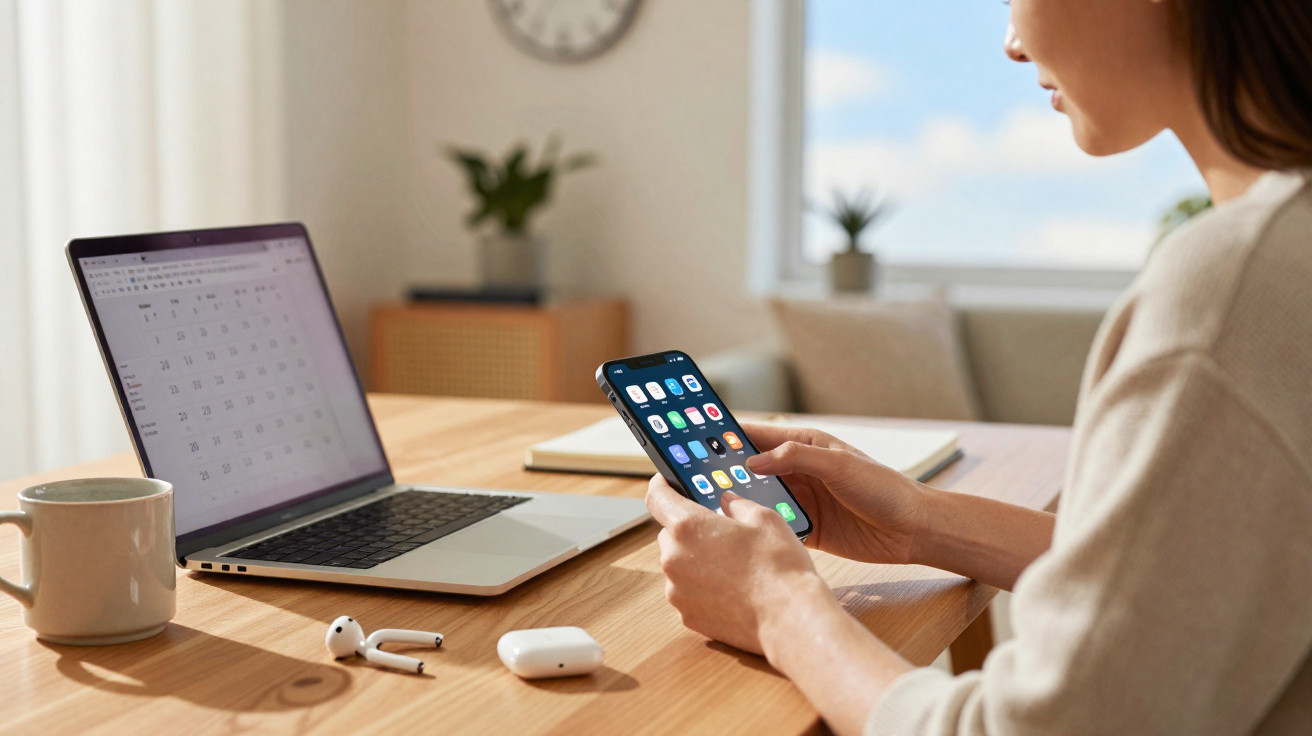
The latest iPhone update goes beyond the headline announcements: it includes plenty of practical settings for everyday use.
Available since 14 September 2026, iOS 27 introduces a wide range of refinements that are easy to overlook. They may not radically change the iPhone at first glance, but they can make conversations, photography, driving and personal organisation noticeably smoother. Here are 27 new features to try after installing it.
A lock screen that is easier to tailor
The first changes affect the lock screen and Control Centre. Apple now lets users make the clock shown while the iPhone is locked smaller. This will be useful for anyone who prefers a less cluttered display or wants to give their wallpaper more prominence.
The audio playback card can now also be dismissed with a swipe. Previously, it could remain on screen well after a song or podcast had stopped. Although minor, this adjustment frees up room when checking notifications quickly.
Timers are quicker to set as well. From Control Centre, users can select a duration straight away instead of working through several menus. The same area can be tidied up too, with certain connectivity buttons and Focus mode controls taking up less space.
“iOS 27 focuses some of its improvements on very short gestures: fewer actions are needed to start a timer, hide playback or change a setting.”
Within network details, the iPhone now identifies the connection type more clearly. Owners of a recent broadband router can therefore check whether their handset is actually using Wi-Fi 7. A connection aid can also step in when the switch between home Wi-Fi and mobile data is unreliable.
The camera and sound become more customisable
The Camera app gains a more flexible layout. Controls can be added, removed and repositioned to suit individual habits. Someone who records video regularly could, for instance, keep video tools within easy reach while making the photo interface less busy.
AirPods users get more precise sound controls. Bass, mid-range and treble can now be adjusted in the settings linked to the earbuds. It will not replace professional audio equipment, but this feature can correct sound that feels too muffled or too harsh for the music being played.
Another practical change separates the volume of alarms and timers from the main ringtone volume. This helps avoid missing an alarm because the iPhone was set quietly to prevent other notifications from disturbing people nearby.
Two views during a video call
FaceTime calls compatible with the dual-capture feature can show footage from both the front and rear cameras at once. Both participants must have a compatible device and the latest version of the operating system.
The feature is intended for straightforward situations: showing your face while presenting an object, cooking remotely with someone close to you, explaining a fault or sharing a travel view. It may also prove useful in a professional setting during a quick demonstration.
- Make the lock screen clock smaller;
- dismiss the music card without opening an app;
- select a timer duration directly;
- rearrange Camera controls;
- separate alarm volume from call volume.
Messages, photos and Calendar save time
The keyboard now displays recently copied items, whether these are links, text or images. The aim is to reduce switching back and forth between apps. A message that failed to send can also be resent automatically.
Shared albums receive more noticeable improvements. They now include search, filters and reactions for photos and videos. Guests can add content to an album through a submission link, without having to spend time finding the right control.
Another setting can schedule a shared album to be deleted automatically after 30 days. It may suit a birthday, a trip with friends or a one-off event. Selected images can also be saved more quickly to a personal photo library using a direct download button.
“Collaborative albums are no longer only for viewing other people’s images: they are becoming easier to add to, sort, comment on and archive.”
Calendar now supports attachments in events. An invitation, ticket, itinerary or work document can remain linked to the relevant appointment. Dates detected in messages are also presented more prominently as suggestions for creating a Calendar entry.
Safari, email and the car are better organised
Safari aims to bring order to open pages. Tabs can be grouped automatically according to the websites visited or the themes it identifies. This assistance will be particularly welcome for people who build up searches, comparisons and articles over several days.
In the email app, messages flagged for a reminder can leave the inbox and move to a separate section. This prevents emails to deal with later from being mixed with those requiring an immediate reply.
CarPlay receives two changes many drivers have been waiting for. It is now possible to move directly through a track using the playback slider. A mini-player also keeps music visible without occupying the entire in-car display.
Location sharing becomes more flexible
The location app now allows a custom time period to be set for sharing your location. There is no longer a need to choose between permanent sharing and stopping it abruptly. This flexibility can help on a late journey, when meeting in a busy location or during a hike.
A location can also be hidden temporarily, then become visible again automatically at a chosen time. This setting still deserves regular checks: forgotten sharing can reveal travel routines or a home address.
Weather offers a more direct view
In the Weather app, the hourly view lets users switch directly between temperature, precipitation and wind. The selection also applies to subsequent days. When planning a cycle journey, an outing with children or an outdoor activity, this view avoids having to move between several screens.
Not every addition will affect all iPhones in the same way. Some features, especially dual capture, depend on the model in use. Others are tied to connected devices, such as AirPods, home network equipment or the car’s in-built system.
Before adjusting these settings, it is worth spending a few minutes reviewing location permissions, photo access and sharing options. These discreet menus are often where the iPhone becomes both more useful and easier to keep under control.





Comments
No comments yet. Be the first to comment!
Leave a Comment