
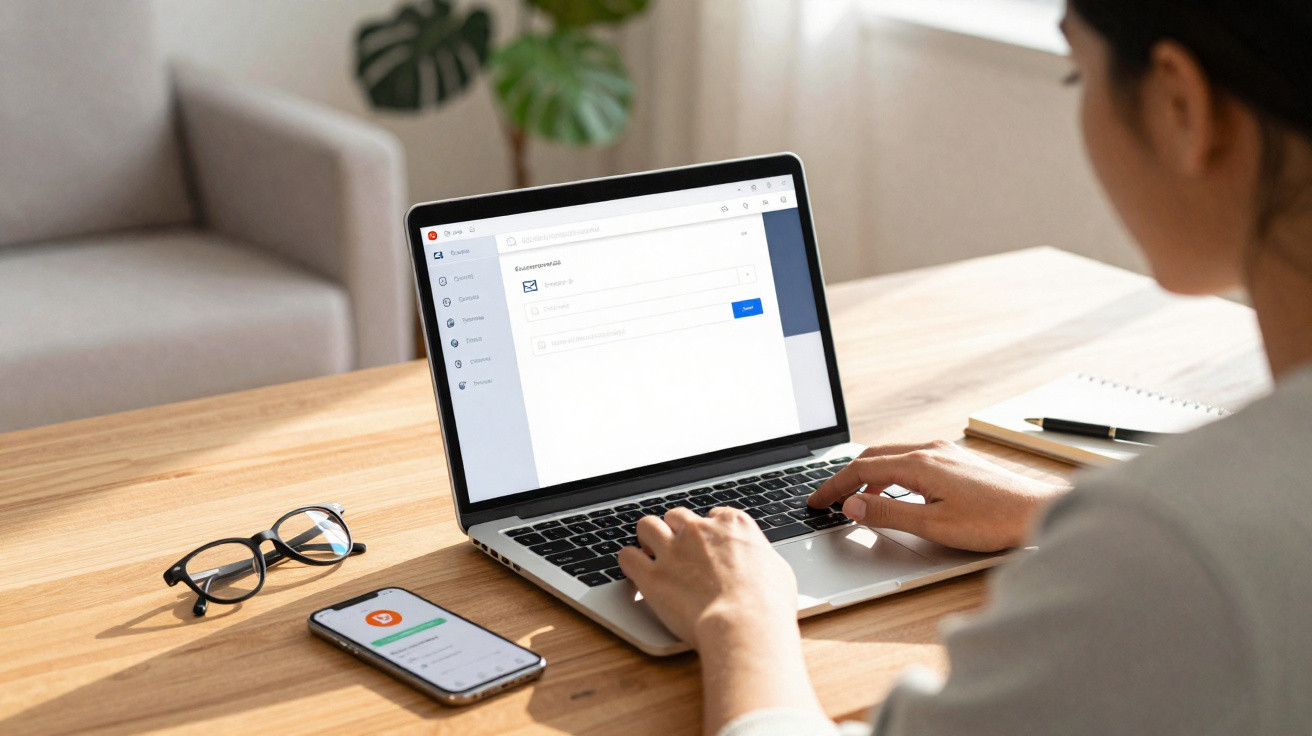
An email address often feels like part of who you are. Yet while your identity can shift over time, Gmail addresses have long been treated as fixed - meaning that, when people outgrew a jokey username created at school and wanted something more professional, they usually had no choice but to open an entirely new account. That situation has now changed: you can update your Gmail address while keeping the same Google account and Gmail setup.
Why changing a Gmail address matters
Google introduced this option earlier this year. It first rolled out to Gmail accounts based in the United States and then expanded to other countries. It is now available in France as well.
With this change, you can finally replace the identifier that appears before the “@gmail.com” part of your address, without starting from scratch with a different Google account.
Before you begin: backups, resets and compatibility
Warning! Google advises backing up your data as a precaution. The company also notes that, after you change your address, some app settings are reset.
On its help page, Google recommends taking extra precautions if you use a Chromebook. Issues can also arise with third-party apps if you rely on “Sign in with Google” (Google provides fixes on the help page), or if you use Google Chrome to connect to a remote desktop.
How to replace the email address on your Gmail account
- To check whether you’re allowed to change your email address, go to: myaccount.google.com/google-account-email from a computer, then sign in if prompted.
- On the page that opens, choose “Personal info” at the top left.
- Next, open “Email” (or “Email addresses”), then select “Google Account email”.
- Under “Google Account email”, click “Edit Google Account email address”. If you cannot see this option, it may mean that your account is not eligible to change its address.
- Continue by following the on-screen steps to change your Gmail address.
What happens to your old address?
Once you have changed your email address, the old address does not vanish entirely. For instance, it may still appear on certain items created before the change.
Most importantly, messages sent to your former Gmail addresses and those sent to your new one will still arrive in the same inbox.




Comments
Обязанности брокера
Преимущества:
Если обобщить, то можно определить, что брокеры отличаются от риэлторов тем, что работают в более узкой нише и больше связаны с посредниками https://белый.москва/zhk-champine
Для того чтобы стать успешным брокером, необходимо сочетание профессиональных навыков и личных качеств https://белый.москва/
Среди востребованных навыков — опыт в продажах, умение анализировать информацию и вести переговоры, а также подготовка и проведение встреч с клиентами https://белый.москва/zhk-lunar
Leave a Comment