
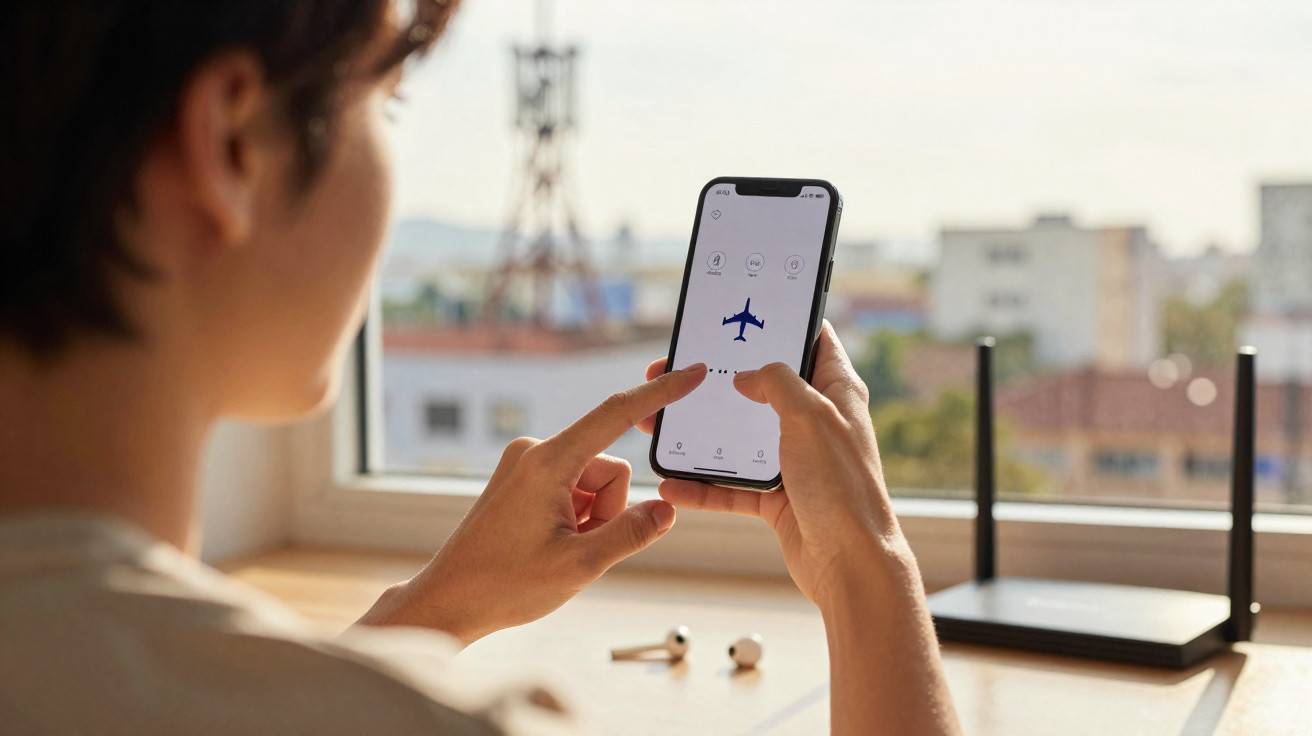
A technique that is still relatively little-known.
You’ve probably been in this frustrating situation: you arrive at a public place - and sometimes even when you’re at home - and your 4G or 5G mobile network reception on your smartphone just isn’t up to scratch. That can disrupt web browsing, music streaming, gaming sessions, endless social-media scrolling, and even your calls.
The good news is that there’s a very straightforward trick that can sometimes boost your signal in just a few seconds. Here’s what you need to know about this method, which may help you out of an awkward moment.
Why 4G/5G reception can be disappointing
In practice, the quality of your mobile signal depends on the relay masts around you and how busy they are. Even with 4G or 5G, your phone can end up connected to a mast that’s further away or more congested than another nearby option, which can lead to slowdowns and dropouts.
Airplane mode: your new ally for 4G/5G signal?
First of all, this approach works just as well on an iPhone as it does on Android devices. The idea is simply to switch your phone’s Airplane mode on, then switch it off again. Airplane mode is primarily designed to cut wireless transmissions from your smartphone, but performing this quick toggle also refreshes all wireless connections.
As a result, your phone disconnects from the surrounding relay masts and then reconnects to the nearest available mast - which may offer better bandwidth. In that case, you can clear up connection issues and sluggish performance, and make better use of 4G or 5G.
That said, this trick won’t work everywhere - especially if the masts nearby are already overloaded or there simply aren’t enough of them. It also appears that using Airplane mode too often may increase battery consumption, so it’s best not to overdo it.
Other tips to improve reception
Restart your phone
Another free and easy way to strengthen your smartphone’s mobile signal is to restart the device. Doing so can reset faulty temporary connections and forces the phone to reconnect to the strongest network available. Again, it won’t work every time, but it can sometimes fix weak reception in seconds.
Put simply: switch your device off, wait 30 seconds, then turn it back on. After that, check the signal bars or try making a call.
Keep your smartphone updated
If the problem doesn’t go away, you can also try updating your smartphone. Here too, there’s a chance the signal reception could improve over time.
Hopefully these methods help you deal with these issues. Do you have any other ideas for handling these recurring problems? Let us know in the comments.



Comments
No comments yet. Be the first to comment!
Leave a Comment