
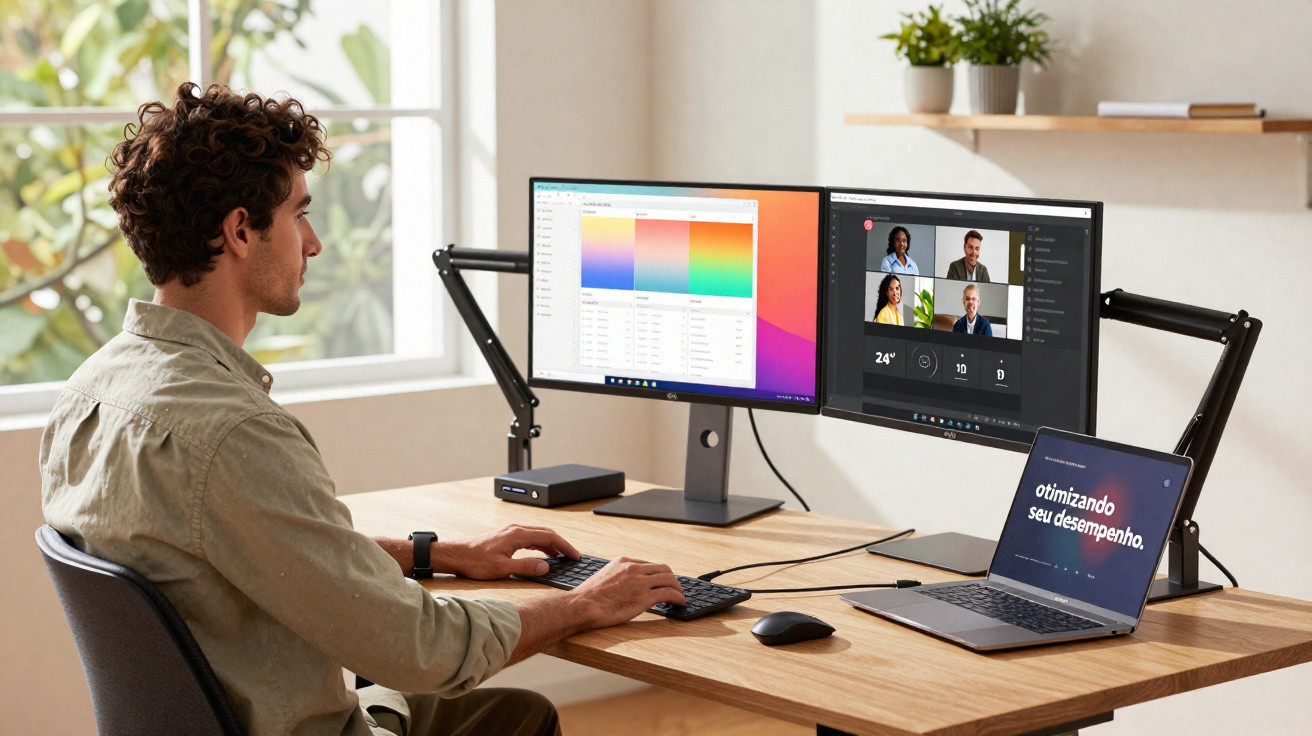
Anyone who juggles several tasks at once at work knows how vital a second screen can be. With two displays, you can compare and assess information from different sources side by side, edit video across separate workspaces, and even build richer, more complete presentations.
Dell, long associated with innovation and technology, has two monitors designed to make your setup tidier and easier to run. We’re talking about the Dell Pro 24 Plus (P2425H) and the Dell Pro 24 Plus with integrated USB-C hub (P2425HE) - models that can give your productivity a serious boost.
Both options feature a 24-inch Full HD panel with slim bezels, plus extensive adjustability for height, tilt and swivel. You can also rotate the screen to work in portrait or landscape, making it simple to set up your workspace exactly the way you like it.
Ready to take a closer look at what these models offer?
Vivid colours and full ergonomics
Because you can fine-tune the position of the screen in so many ways, these two Dell monitors are well suited to reducing discomfort when you’re spending long stretches in front of the display.
They also include an enhanced ComfortView Plus technology, which cuts harmful blue light emissions to 35% or less, helping to improve visual comfort while maintaining colour accuracy.
On the subject of colour, the panels provide broad tonal coverage, supporting up to 16.7 million colours on screen. And thanks to the 100 Hz refresh rate, you get less flicker, smoother scrolling and more fluid motion - a real advantage for anyone working with video.
Connectivity
Another strong point of these Dell monitors is the generous selection of ports, making it easier to connect additional devices to your setup.
The Dell Pro 24 Plus includes HDMI and VGA, a soundbar port, DisplayPort 1.2, one USB 3.2 Type-B upstream port, two USB 3.2 Type-A ports, and one USB 3.2 Type-C port with power delivery of up to 15W for charging or powering other devices.
The Dell Pro 24 Plus with integrated USB-C hub includes all the same connections as the model above, and adds a port for high-speed wired internet (Ethernet RJ45, 1 GbE). Its built-in hub also lets you send video, data and up to 90W of power at the same time using a single USB-C cable.
Optimising your performance
With the exclusive Dell Display and Peripheral Manager app - which comes pre-installed on the monitor - you can manage and customise the peripheral accessories in your workspace, including screens, keyboards, mice, pens, webcams, headsets, speakers and docking stations.
Among other features, the software lets you split the display into up to five windows and automate brightness and contrast settings based on your schedule.
You can also set up touch controls via the keyboard to share your screen, mute the microphone, manage chat notifications during video calls, and create shortcuts and actions for the mouse or keyboard, alongside other functions.
Now that you’re familiar with the key features of the Dell Pro 24 Plus and the Dell Pro 24 Plus with integrated USB-C hub, you can take your productivity up a level and start tailoring your setup exactly the way you want.
Like what you’ve seen? Then head to Dell’s website to round out your setup with more standout products from the brand.




Comments
No comments yet. Be the first to comment!
Leave a Comment