
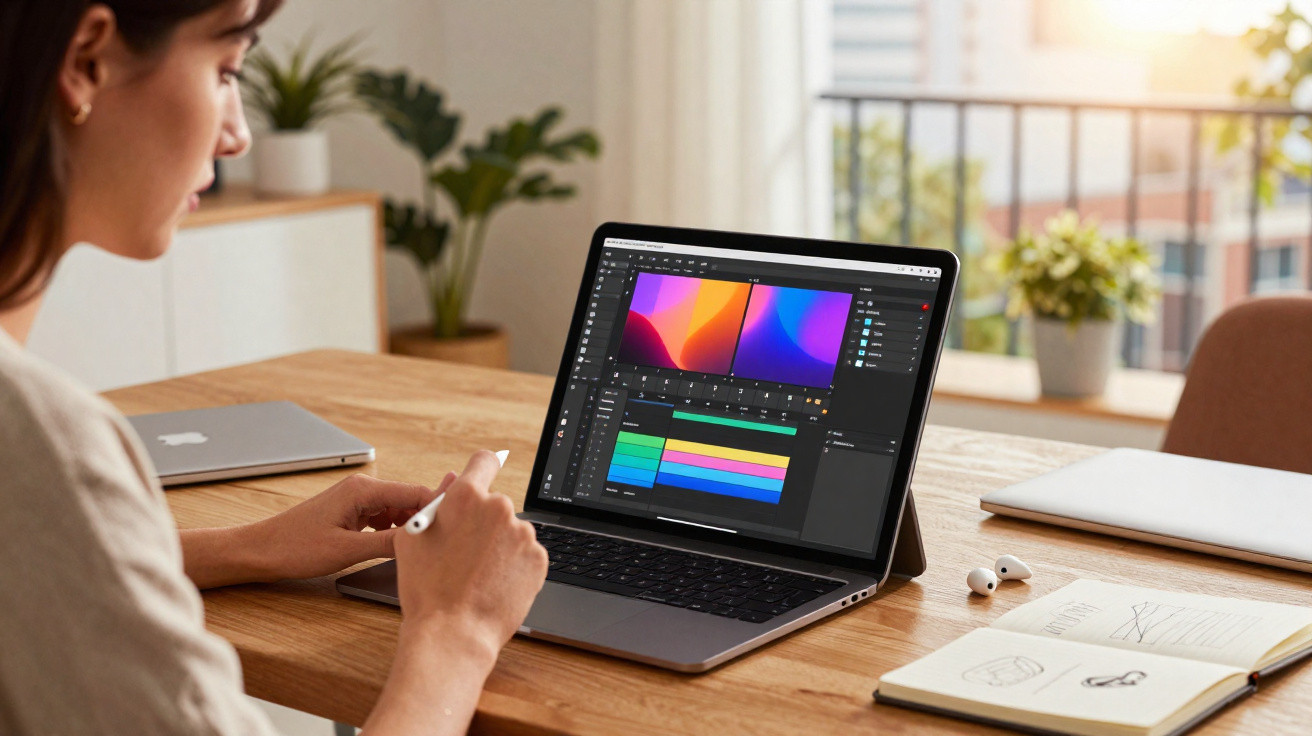
Rakuten is currently offering a sizeable price cut on Apple’s 13‑inch iPad Air with the M3 chip, shifting it from a once‑in‑a‑while splurge to a more achievable purchase for students, freelancers and creators gearing up for major work in 2026.
An M3 iPad Air deal that targets ambitious users
The promotion applies to the 2025 Apple iPad Air M3 in the 13‑inch size, Wi‑Fi version, with 128 GB of storage, finished in space grey. As part of the 2026 winter sales, the price falls from roughly €869 to €689.99 on Rakuten - a saving of close to €180.
This 13‑inch iPad Air M3 is currently listed at €689.99 instead of €869 on Rakuten, a rare drop for a recent Apple tablet.
The 13‑inch screen is the standout feature. For years, Apple reserved larger displays for the pricier iPad Pro range. With this iPad Air, you get a large, bright panel plus the newer M3 processor at a more attainable level - particularly when seasonal discounts kick in.
It’s clearly aimed at people who draw in Procreate, cut 4K video, run a side business while travelling, or want a light laptop substitute without leaving the tablet ecosystem entirely.
Power and display: why the 13‑inch M3 combo matters
This iPad Air is driven by Apple’s M3 chip, the same family of silicon found in recent Macs. In practical terms, that brings the iPad Air M3 closer than ever to laptop‑like performance for many everyday workflows.
The Liquid Retina screen as a creative canvas
The 13‑inch Liquid Retina display gives you a roomy workspace that suits both multitasking and creative software. It comfortably supports two apps side by side in split view without feeling cramped.
- Digital artists have more space for brush panels and larger canvases.
- Video editors can view more of the timeline while still monitoring the preview.
- Office users can keep email open alongside a document editor.
Apple’s panel is tuned for strong brightness and colour accuracy, which helps with photo edits as well as long stretches of reading or writing. If you’re moving up from an older 10.2‑inch iPad, those extra inches noticeably change day‑to‑day use: fewer pinch‑to‑zoom moments and more information visible at once.
M3 performance for creative workloads
The M3 is designed to handle jobs that previously pushed people towards a laptop. Apple frames it around 4K video editing, demanding image processing and heavy multitasking.
Combined with 8 GB of RAM and iPadOS 18, the M3 chip makes this Air feel closer to a compact MacBook than an entry‑level tablet.
In theory, that translates to smoother editing in apps such as LumaFusion, quicker exports, and the ability to stack more layers in Procreate before slowdowns appear. On the productivity side, hopping between several pro tools - email, calendar, notes, lots of browser tabs, plus a project management app - feels less restrictive than it does on older iPads.
iPadOS 18 turns the tablet into a roaming workstation
Out of the box, this model comes with iPadOS 18. The focus is on narrowing the gap between tablet and laptop use, while keeping the interface built around touch.
Multitasking, handwriting and accessories
Apple continues to refine multitasking in iPadOS with split view, Slide Over windows and widgets that stay in place. The larger 13‑inch display helps these tools feel genuinely practical rather than a novelty.
When you add a keyboard case and a stylus (both sold separately), the iPad Air M3 can be set up for different roles:
| Use case | How the iPad Air M3 fits |
|---|---|
| Student or researcher | Annotate PDFs with a stylus, write essays on a keyboard, keep reference articles open next to notes. |
| Freelance designer | Sketch concepts on the couch, refine illustrations, then send files via cloud tools without switching device. |
| Video creator | Rough cut 4K footage on the go, do colour tweaks, export directly to social platforms. |
| Remote worker | Handle email, video calls, documents, and presentations from any café with dependable Wi‑Fi. |
Thanks to iCloud and continuity features, your files can sync across an iPhone or MacBook. That smooths out the process: start an idea on the iPad and finish it elsewhere - or begin on another Apple device and carry on on the tablet.
Who really benefits from this Rakuten promotion?
A steep discount on a new Apple tablet usually suits particular buyers more than casual shoppers.
Creators at the start of a project cycle
For artists, photographers and content creators preparing substantial 2026 work, the timing may be ideal. Buying during the winter sales can leave more money available later for apps, storage subscriptions, or a keyboard cover.
If you’re upgrading from a 2018 iPad or anything older, the move to an M3 chip and a 13‑inch screen means less lag, sharper visuals, and more breathing room for future software updates.
Students and professionals seeking a laptop alternative
Not everyone will be comfortable with 128 GB of storage, particularly if they work with lots of video. However, for students dealing mainly with documents, cloud storage and lecture recordings, it can be workable with sensible storage habits.
Those who mainly edit text, browse the web and join online classes may find the iPad Air M3 a lighter, quieter replacement for a basic laptop.
For frequent travellers - consultants, journalists and trainers, for instance - the appeal is a device that wakes instantly, stays silent, and fits into a smaller bag, while still coping well with presentations and note‑taking.
Points to check before hitting “buy”
As with any sales period, there are a few practical considerations worth reviewing.
- Marketplace pricing can change throughout the day, particularly if stock is running low.
- Warranty terms can differ between third‑party sellers; it’s sensible to review seller ratings and the returns policy.
- A stylus, keyboard and protective case can significantly increase the overall cost.
- 128 GB fills up quickly with 4K footage and large games, so you may end up relying on cloud storage or external drives.
Rakuten also regularly offers cashback or loyalty schemes. These can improve the effective cost, but they may be paid as points rather than a straightforward discount - so checking the small print can prevent disappointment.
How this iPad Air compares with rivals in the same sales period
Winter sales are packed with tablet deals. Alongside this iPad Air M3 offer, Android options such as Xiaomi Redmi Pad bundles and Samsung Galaxy Tab promotions often appear with heavy reductions.
Android tablets can deliver more storage for similar money, and some include a keyboard or stylus in the box. They’re often a strong fit for people invested in Google services who prioritise flexibility and customisation.
The iPad Air M3, on the other hand, leans on tight Apple ecosystem integration, strong app optimisation and long‑term software support. Creative tools on iPadOS still tend to stand out for breadth and refinement, particularly for drawing, music production and video editing.
Practical scenarios: when the M3 Air starts to pay for itself
Imagine a freelance illustrator who currently draws on paper, then scans and tidies up work on an ageing laptop. With a 13‑inch iPad Air M3, sketching, colouring and exporting can all be done on a single device. Depending on rates and workload, faster delivery on commissions could cover the cost of the tablet within months.
Or take a student studying architecture or design. A capable tablet that runs drawing apps, note‑taking tools and 3D viewers reduces the need to carry a heavy laptop to campus every day. The external keyboard can stay at home on the desk, while the iPad travels between lectures.
Key terms and risks worth understanding
Some of the terminology is easy to skim past, yet it affects real use. “Liquid Retina” is Apple’s LCD display tech with high pixel density, intended to keep text sharp and graphics smooth. “M3” indicates a processor built on the same architecture as newer Macs, rather than the older mobile A‑series chips used in more affordable iPads.
On the downside, extra power doesn’t remove platform constraints. iPadOS still approaches external displays and file handling differently from a full desktop operating system. If you depend on specialist software that isn’t available on iPad, you may still need a traditional computer close by.
For buyers who can live with those limitations, this winter Rakuten price drop on the 13‑inch iPad Air M3 creates a clear opportunity: near‑laptop performance, a large display and modern iPadOS features at a cost that is usually well beyond everyday impulse spending.





Comments
No comments yet. Be the first to comment!
Leave a Comment