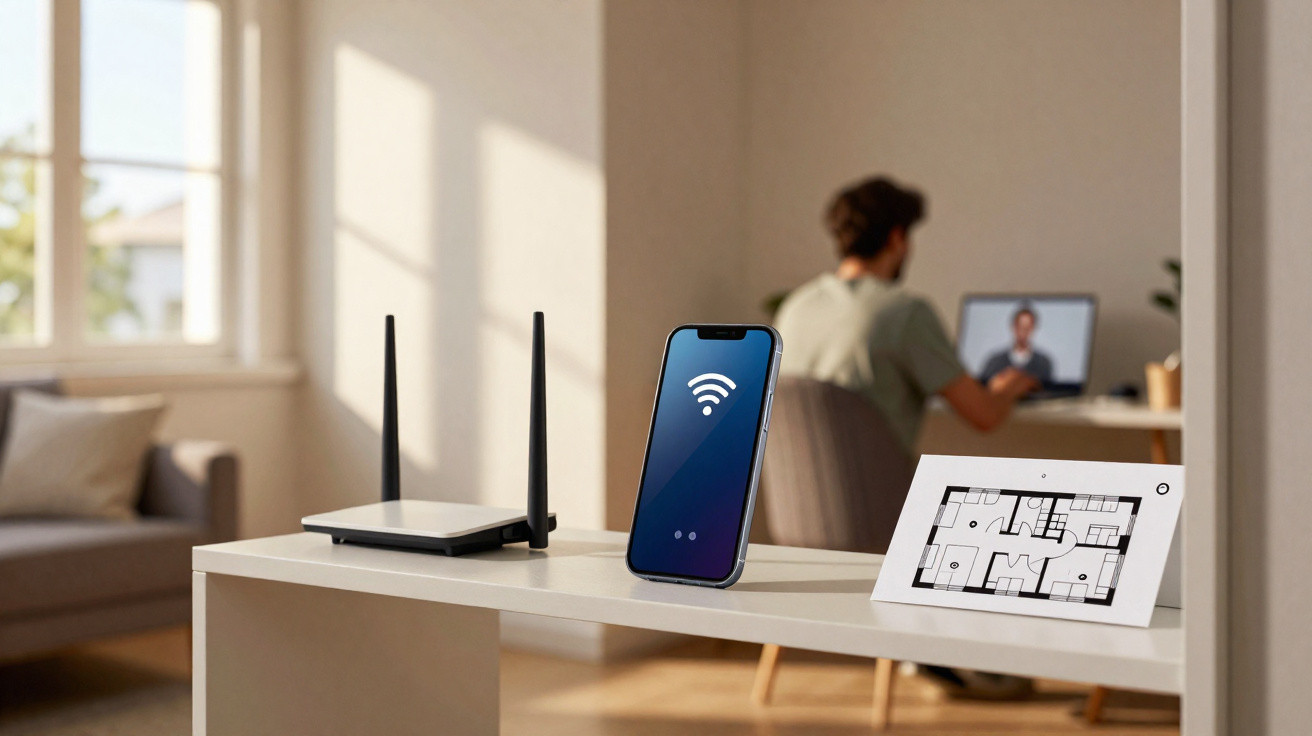
An old Android phone can take on a second role when the router signal does not reach every room properly. On compatible devices, the handset can receive the existing Wi-Fi network and share it again, acting as an intermediate point between the router and the poorly covered area. This method can extend the network’s reach, but it does not increase the speed included with your broadband package, and not every smartphone can repeat Wi-Fi natively.
How can a phone work as a Wi-Fi repeater?
The concept is much like that of a standard repeater. The phone connects to the main network, then creates a second wireless connection for other devices. This means that a laptop or television receiving a weak signal directly from the router can instead connect to a phone placed between the router and the weak-coverage area.
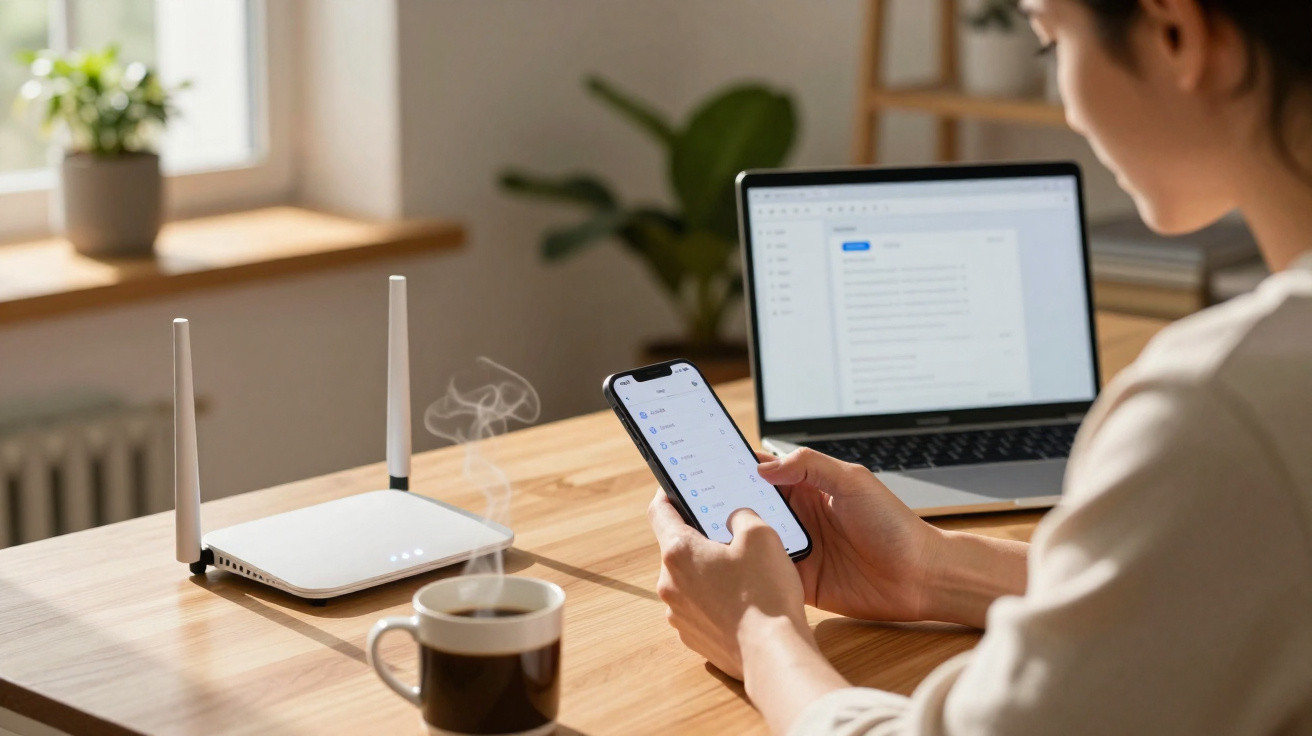
Some Android models can share a Wi-Fi connection directly through the hotspot feature. Devices without this option may use apps that create an intermediate network, although certain apps require extra settings, such as a proxy, on connected devices.
- Connect the old phone to the main Wi-Fi network;
- Look for Access point, Hotspot or Connection sharing;
- Check whether the phone keeps Wi-Fi enabled when the hotspot is switched on;
- Set a name and password for the network you create;
- Connect the device with poor signal to the new network.
Where should you place the phone for better coverage?
The phone used as a repeater should not be positioned exactly where the Wi-Fi signal has already disappeared. It needs to receive a reasonably strong signal from the router in order to retransmit a usable connection. In practice, a midway location, such as a hallway between the living room and a bedroom with weak coverage, often works best.
Why does the method not increase your internet speed?
A repeater does not add extra bandwidth. If your broadband package provides a certain speed, the phone simply redistributes the connection already available. Receiving and retransmitting data through the same device can also lead to slower speeds, higher latency and less stability than a direct connection to the router.
For that reason, this option makes more sense when coverage is the issue, rather than when the internet is already slow next to the router.
- A weak signal in a bedroom may improve with the intermediary device;
- Slow internet close to the router is likely to have another cause;
- Thick walls and long distances will still affect the signal;
- Old phones may have slower Wi-Fi than modern equipment;
- A mesh system or dedicated repeater is generally more stable for permanent use.
What should you do if Android turns off Wi-Fi when you enable the hotspot?
This behaviour suggests that the device is probably set to share mobile data only. The ability to keep the Wi-Fi connection and hotspot active at the same time depends on the manufacturer, Android version and hardware. In these situations, sharing apps may provide an alternative, but only well-known tools should be installed, requested permissions should be checked, and it is worth remembering that some methods rely on proxy configuration.
- Start by testing Android’s own built-in feature;
- Make sure the phone remains connected to the main Wi-Fi network;
- Do not accidentally enable mobile data if you only want to repeat the home network;
- Use a strong password for the secondary network;
- Keep the system and apps updated whenever updates are supported.
A forgotten phone in a drawer can fix a Wi-Fi dead spot
For a bedroom, home office or television positioned just beyond the router’s comfortable range, repurposing an old smartphone can be a straightforward option before buying more equipment. Placement is crucial: the phone must sit where it still receives a solid connection while also being closer to the area that needs coverage. As it will remain switched on for many hours, you should also monitor overheating and battery condition, particularly with very old devices.
This solution does not replace a dedicated repeater or mesh network when several rooms lack coverage, many devices are connected, or high speeds are required. Its benefit lies elsewhere: it turns an unused device into a temporary bridge that carries Wi-Fi a few metres further. If the phone supports sharing its own wireless network, a few settings may be enough to make the device useful and improve coverage in a troublesome part of the home.









Comments
No comments yet. Be the first to comment!
Leave a Comment