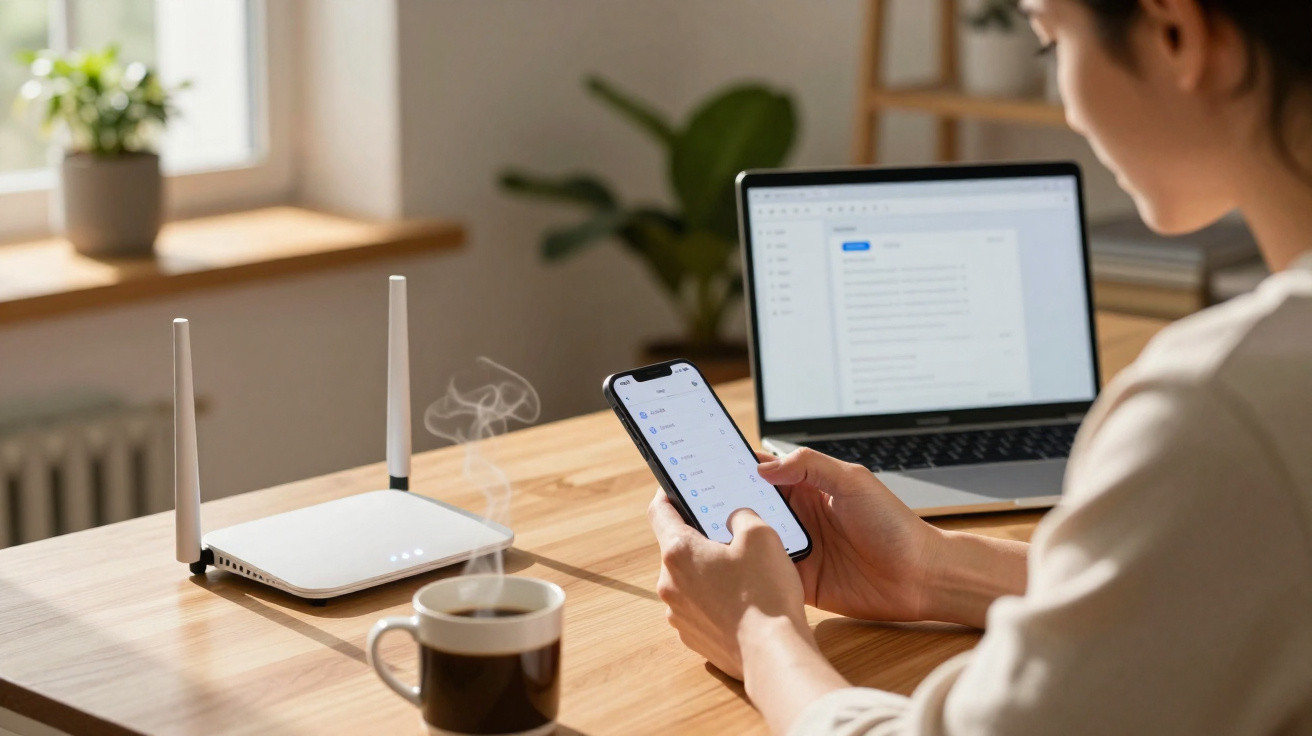
Have you noticed that your Wi-Fi connection is slower than usual? One of your neighbours may be using your network without your permission. Here is how to spot this and block their access.
Most of us have, at some point, tried to connect a computer or mobile phone to an unfamiliar Wi-Fi network that appeared nearby (thanks to inconsiderate neighbours who leave their networks unsecured!). Without realising it, this can expose the internet subscription holder to risks. Not only could their speeds be far lower than those advertised by their internet service provider, but they may also face problems if a neighbour using the connection visits unsuitable websites.
As well as generously sharing login details with neighbours, you may have been the target of a hack. You should therefore check the devices connected to your internet router regularly to avoid taking any risks. Reassuringly, even beginners can easily monitor the devices using their Wi-Fi network. Below, we explain how to identify a neighbour who is using your Wi-Fi network without permission.
The list of devices connected to your Wi-Fi network
The first step in finding out whether a neighbour is using your Wi-Fi connection is to open your internet router’s administration page. You can usually access it by entering an IP address in your browser’s address bar, or through your provider’s app. You will then need to provide a username and password, which can be found on the label attached to your internet router (or in its user manual).
Once you have signed in, look for the section displaying devices and network information; its name varies between providers. For example, Orange customers should select “My connected devices”, SFR users should open “My Local Network”, and Bouygues Telecom customers should check “My network diagram”. Free customers, meanwhile, need to choose “Network devices”.
You will then see every device connected to your network, whether through Wi-Fi or Ethernet. These may include computers, smartphones, tablets, televisions, games consoles, printers and other smart devices. Check the list carefully and work out what each device is. An unfamiliar or suspicious device could belong to an inconsiderate neighbour.
Check your Wi-Fi connection history
You can also review the connection history to identify unusual or abnormal activity on your network. For instance, you may find websites you have not visited, files you have not downloaded, or connection times that do not match your normal routine. Be particularly vigilant when a third party shares your connection: they could use it for illegal activity, potentially putting you at risk of legal action.
How to block Wi-Fi sharing
If you have discovered that a neighbour is using your Wi-Fi connection without your consent, there are several ways to deny them access. The easiest option is to change your Wi-Fi password for one that is more complex and harder to guess. You can use a password-generation tool to create a strong, random key that nobody can work out. Remember to disconnect every device from the network: you will then need to reconnect all of your own devices, which may take some time.
Hide your Wi-Fi network name
You can also make your Wi-Fi invisible by hiding its network name, or SSID, from your router’s administration page. Your neighbour will then no longer be able to find it when searching for available networks. However, make sure you write down the network name somewhere so that you can connect to it again later.
Finally, you can filter the devices permitted to connect to your Wi-Fi by using their MAC (Media Access Control) addresses, which are unique identifiers assigned to each device. From your router’s administration page, enter the MAC addresses of your own devices and block any that do not belong to you. This is the ultimate protection method, but it is also time-consuming.
One thing is certain: sharing Wi-Fi with third parties must be taken very seriously. Even if you trust your neighbour, using someone else’s Wi-Fi is not a long-term solution. It puts the person who took out the contract with their internet service provider at risk. It is better to follow the rules and share the connection only with trustworthy members of the same household.











Comments
No comments yet. Be the first to comment!
Leave a Comment