
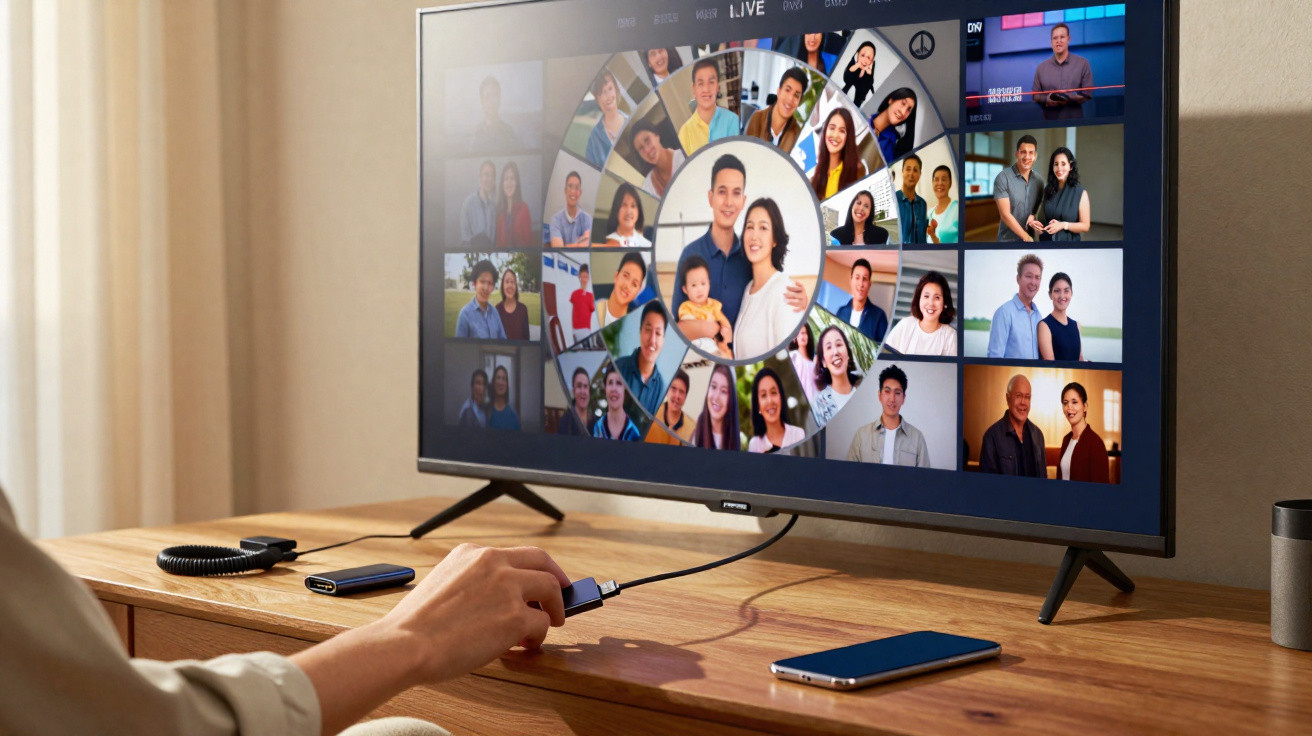
It usually begins with a small, irritated move. You pick up the TV remote control, trawl through endless menus, and that familiar, flat annoyance kicks in: loads of technology, but hardly anything genuinely handy. Then you spot something you almost always ignore - the quiet USB port on the side or the back of the set. A bit dusty, never used, practically invisible.
One night, a mate plugged in a small USB stick “just to show some photos.” Within two minutes, my TV felt like a different kind of device. It stopped behaving like a passive screen and started acting like a Swiss army knife I’d somehow overlooked for years.
Ever since, I haven’t seen that solitary USB port the same way.
Chances are, you’ve got the same hidden gem.
1. Turning your TV into a giant photo frame (that actually means something)
The first time you slot a basic USB stick into your TV and start a slideshow, it’s surprisingly affecting. All at once, your usual background isn’t some generic landscape from a menu - it’s your last weekend at the seaside, your dog in the snow, your child’s slightly blurry grin. In well under 30 seconds, the whole room feels different.
Instead of a black rectangle waiting for Netflix, the TV becomes a rotating gallery of your own moments. It’s calm, faintly nostalgic, and oddly personal.
A friend did this at a birthday dinner. While everyone chatted, the TV in the corner quietly began cycling through older photos: childhood summers, questionable haircuts, long-forgotten trips. No announcement, no build-up. People gradually stopped mid-conversation, then came the laughter - and the inevitable “Oh my God, remember that?”
There’s no need for a smart frame that costs hundreds of pounds. A cheap USB stick filled with carefully chosen photos - plus the TV you already have in the best spot in the room - creates a bigger impact on the atmosphere than most decorations ever do.
The idea behind the trick is straightforward: a large, bright screen pulls focus, even when we tell ourselves it’s only “background.” When that space shows your own images rather than generic content, the room starts to quietly reflect your story.
Most newer TVs hide a USB slideshow option somewhere in the settings. Format the USB stick, organise a few folders by year or event, and you’ve got a living archive instead of a blank screen. It’s the easiest way to feel like you’ve bought a new device without spending a cent.
2. Free media player: films, series and music without extra boxes
The second “secret” use of that USB port is even more practical. Many televisions can play video, music and photos straight from a USB drive, effectively turning the TV into a free media player. No extra box, no external decoder, no fiddly setup.
Copy your films or programmes onto a USB stick, plug it into the TV, and browse with the remote like a basic streaming library. In a holiday let with dreadful Wi‑Fi, that one simple move can rescue an entire rainy evening.
A colleague once told me about a family road trip. They’d rented a small place by the sea with “Wi‑Fi included.” In reality, the connection could barely load emails. The children were climbing the walls, and the parents were already composing complaint messages to the agency in their heads.
Then she remembered a USB stick she’d packed “just in case”, loaded with a few films and cartoons. Into the TV it went, and everything worked - movies, series, even a couple of downloaded music playlists. Crisis avoided. Peaceful evening. A small miracle for parental nerves.
Technically speaking, plenty of TVs support common formats such as MP4, MKV and MP3 over USB. It won’t feel as polished as a premium streaming app, but the freedom matters more. You’re no longer dependent on sluggish built-in apps, subscriptions you’ve forgotten you’re paying for, or an unstable connection.
And, honestly, nobody uses every buried smart-TV feature day in, day out. A small USB drive with your own hand-picked content, on the other hand, gives you a clear, offline option that you fully control.
3. Pause live TV and record shows, like it’s still the golden age of DVRs
On many sets, the USB port also has a hidden superpower: it can turn a simple USB stick - or an external hard drive - into a recording tool. With the right option enabled, you can pause live TV, rewind if you miss a line, or set recordings for when you’re out.
The label changes by manufacturer, but the concept stays the same: the TV writes the live broadcast to the USB drive in real time. Suddenly, the fixed timetable of channels starts fitting around your life instead of the other way round.
I remember a Champions League match clashing with a late work call. Ten years ago, that would have just been unfortunate. This time, I plugged in an old 64 GB USB stick, switched on recording, and left. When I got back, the match was there - neatly saved, ready to watch from the start. No spoilers, no rushing.
There’s something deeply satisfying about pausing “live” TV to answer the door, make popcorn, or put the kids to bed, then picking up again as if time hasn’t moved. For a moment, time feels less bossy.
The mechanics are simple: as long as the USB device is fast enough and has enough space, the TV can write either a temporary buffer file or a full recording. Manufacturers often encrypt recordings so they won’t play on a computer, but the benefit is on the sofa, not at a desk.
In effect, you turn traditional channels into something closer to on-demand viewing, without paying for another subscription. The USB port becomes a discreet time machine that most people never even switch on.
4. Power station for dongles, lights and tiny accessories that change everything
There’s a side to the USB port that’s even more overlooked: it can power small devices. Streaming dongles (Chromecast, Fire TV, Roku), LED bias lighting behind the set, wireless HDMI receivers, Bluetooth transmitters for headphones - all of them can draw power from that little metal slot.
That means one neat cable from the TV, rather than crawling behind the unit hunting for a spare wall socket, or adding another extension lead crowded with chunky chargers. In a compact living room, that can be the difference between a tidy setup and a nest of wires.
Plenty of people buy a streaming stick and plug its power lead into a random charger on the floor because “that’s what the manual shows.” Then, one day, they realise it runs perfectly well from the TV’s USB port. Less clutter, no stray charger, and one fewer thing to unplug when you move.
The same applies to subtle LED strips stuck behind the screen. Powered by USB, they cast a soft halo on the wall that reduces eye strain and quietly improves the mood. Nothing futuristic - just a gentle background glow that makes late-night viewing easier on the eyes.
This is the moment the USB port stops being merely a file connection and starts acting like a mini power hub. You can run several small accessories from a single place - and often from a single power state too: when the TV switches off, power to the USB socket frequently stops as well. No phantom energy use, and no forgotten LEDs shining at 2 a.m.
Sometimes, the most useful feature isn’t a new app or a complicated setting, but a single port gaining three or four unexpected roles.
- Power streaming sticks via USB
- Feed LED bias lighting for a softer viewing experience
- Run Bluetooth transmitters for wireless headphones
- Hide all these gadgets behind the screen for a clean setup
- Cut power automatically when the TV is off to save energy
5. Emergency charging and quick file sharing: the quiet daily hacks
The last group of uses is less dramatic, but incredibly helpful. You get home, your phone is on 3%, and every charger is in someone else’s room, in the car, or in some mysterious place you can’t remember. The TV’s USB port won’t charge as quickly as a proper adaptor, but it can stop your battery dying while you eat or watch an episode.
Plug the cable in, leave the phone on the TV stand, and let it sit for an hour. Not perfect - but reassuring.
That same port is also handy for a more ordinary task: quickly checking files or photos from someone else’s USB drive without going anywhere near your computer. A friend turns up with holiday pictures, a colleague brings a promo clip, a family member wants to confirm a document.
You plug the USB into the TV, browse, watch, and sort. No chance of dragging anything unwanted onto your laptop, and no juggling between work and personal machines. The TV becomes a neutral, shared screen for viewing content together.
This is where the more “emotional” side of technology creeps back in. We tend to treat the TV as a device for passive watching, but these small uses turn it into a household hub - somewhere you charge devices, revisit memories, test files, or simply get yourself out of a tight spot.
You start to notice that the free port you’ve ignored is actually a quiet everyday helper. Not flashy, not glamorous - just there, ready whenever you plug something useful in.
Rethinking that tiny port you’ve ignored for years
Once you start experimenting with the USB port on your TV, it’s hard to go back to only watching channels or apps. The screen becomes a photo frame when people come round, a local cinema when the Wi‑Fi fails, and a time-shifting tool when your day doesn’t match the broadcast schedule. It powers the little add-ons that make your setup more comfortable - and still manages to top up a near-dead phone.
We all know that moment when we grumble that “tech is too complicated now,” even though a simple, almost invisible solution has been sitting right under our noses - or, more accurately, behind the screen.
There’s also a particular satisfaction in getting more out of something you already paid for, without buying anything new. That USB port is a bit like a spare room you never opened. The day you finally try the handle, you realise it can hold your memories, your evenings, your backups.
Next time you sit down in front of the TV, look for that small rectangle on the edge. Instead of asking “What app should I download?”, ask “What could I plug in that would quietly make my everyday life easier?” The answer is often much more interesting than you’d expect from a single cable.
| Key point | Detail | Value for the reader |
|---|---|---|
| Photo frame mode | Use a USB stick with selected images to run slideshows on the TV | Transforms the living room atmosphere with personal memories at zero cost |
| Offline media & recording | Play films/series from USB and record or pause live TV on compatible sets | Regain control over what you watch and when, without extra subscriptions |
| Power and small daily hacks | Use USB to power dongles, LEDs, Bluetooth transmitters, and charge devices | Cleaner setup, fewer chargers, and handy backup solutions for everyday life |
FAQ:
- Question 1 How do I know if my TV can play videos or record via USB?
- Answer 1 Look in the user manual or on the manufacturer’s website for terms such as “USB media player”, “PVR”, “Time Shift” or “DVR via USB”. You can also insert a USB stick and search the TV’s menus for items like “Media”, “Sources” or “USB”.
- Question 2 What type of USB drive should I use with my TV?
- Answer 2 A standard USB 2.0 or 3.0 stick is usually fine for photos and music. For video playback and recording, choose at least 32 GB with decent read/write speeds; some TVs even list recommended models or minimum speeds in their documentation.
- Question 3 Can the TV’s USB port safely charge my phone?
- Answer 3 Yes - in most cases it provides enough power for slow charging. It won’t match a dedicated wall charger, and some TVs cut power when switched off, but it’s absolutely suitable for emergencies or overnight charging.
- Question 4 Why won’t my TV read certain video files from USB?
- Answer 4 Each TV supports only certain formats and codecs. If a file isn’t recognised, the container (such as MKV or AVI) or the internal encoding may be unsupported. Converting the video to MP4 (H.264 + AAC) often fixes it.
- Question 5 Is it risky to leave a USB stick plugged into the TV all the time?
- Answer 5 It’s generally safe, particularly for slideshows or playback. Over many years, constant writing (for recording) can wear out a cheap USB stick, so for frequent DVR use an external hard drive is typically more durable.





Comments
No comments yet. Be the first to comment!
Leave a Comment