
Dust, fingerprints and unseen germs slowly accumulate on your TV screen, muting colours and making your eyes work harder day after day.
To shift that hazy layer, many people instinctively grab strong sprays - only to end up with smears, streaks or, worse, lasting damage. Increasingly, though, tech owners are opting for a simple cupboard essential, avoiding detergents and disinfectants entirely.
Why your TV screen needs gentler care
Today’s televisions may look robust, but the display itself is built from fine layers of plastic, glass and specialised coatings that improve contrast and reduce reflections. Aggressive chemicals can erode those coatings, while a rough wipe can create tiny scratches that only reveal themselves when the light catches the panel.
As we moved from heavy CRT televisions to ultra-slim LED, OLED and QLED screens, our cleaning routines often failed to evolve. Plenty of households still use products designed for windows or bathroom tiles, despite manufacturer guidance warning against them - often tucked away in the small print.
Most TV brands advise: no alcohol, no ammonia, no classic glass cleaner, and no paper towels on the screen.
And it’s not only dust that settles on a TV. Screens also pick up:
- Fine airborne particles from cooking or candles
- Skin oils from fingerprints and accidental touches
- Micro-droplets from sneezes and coughs
- Residues from household sprays used nearby
Together, these create a thin, slightly greasy film that can dull brightness, make the picture seem less sharp and even provide a home for bacteria. Keeping on top of it with regular, careful cleaning helps maintain a crisp image and a more hygienic surface - particularly in busy living rooms or shared areas.
The one ingredient that actually does the job
A lot of social-media cleaning “hacks” are overblown, but one frequently repeated suggestion is supported by hygiene specialists and plenty of TV owners: plain white vinegar, used correctly and properly diluted.
White vinegar (acetic acid mixed with water) is effective at cutting grease and loosening light mineral marks without leaving thick residues behind. Mixed with distilled water and applied the right way, it can brighten the screen without scratching it or damaging coatings.
The key is not just “vinegar”, but the right mix: low concentration, soft cloth, and zero direct spray on the screen edge.
Why choose distilled water instead of tap water? Tap water contains minerals that can dry into spots or faint rings. Distilled water has those minerals removed, so it dries more cleanly and helps minimise streaking.
| Component | Role in the mixture | Risk level for the screen* |
|---|---|---|
| White vinegar (diluted) | Degreases, helps dissolve light grime | Low, if used in small amounts and not pure |
| Distilled water | Dilutes vinegar, avoids mineral spots | Very low, if not over-applied |
| Microfibre cloth | Lifts dust without scratching | Very low, if clean and not abrasive |
*Risks increase if liquid seeps inside the frame or the mixture is too strong.
How to clean your TV with vinegar and no detergents
Technique is just as important as what you use. If you do it carelessly, even plain water can find its way into electronics; if you do it properly, it’s a quick, low-risk routine.
Step 1: Power down and unplug
Switch the TV off and, ideally, unplug it. With a dark screen, marks are easier to spot, and the panel has time to cool. Cleaning while the display is warm can make moisture evaporate too quickly, which can lead to streaks and patchy marks.
Step 2: Mix the solution
In a clean spray bottle, make a gentle cleaning solution:
- 1 part white vinegar
- 1 part distilled water
Give it a light shake. There’s no need to increase the strength - a mild mix is usually enough to break down the oils left by fingertips.
Step 3: Never spray the TV directly
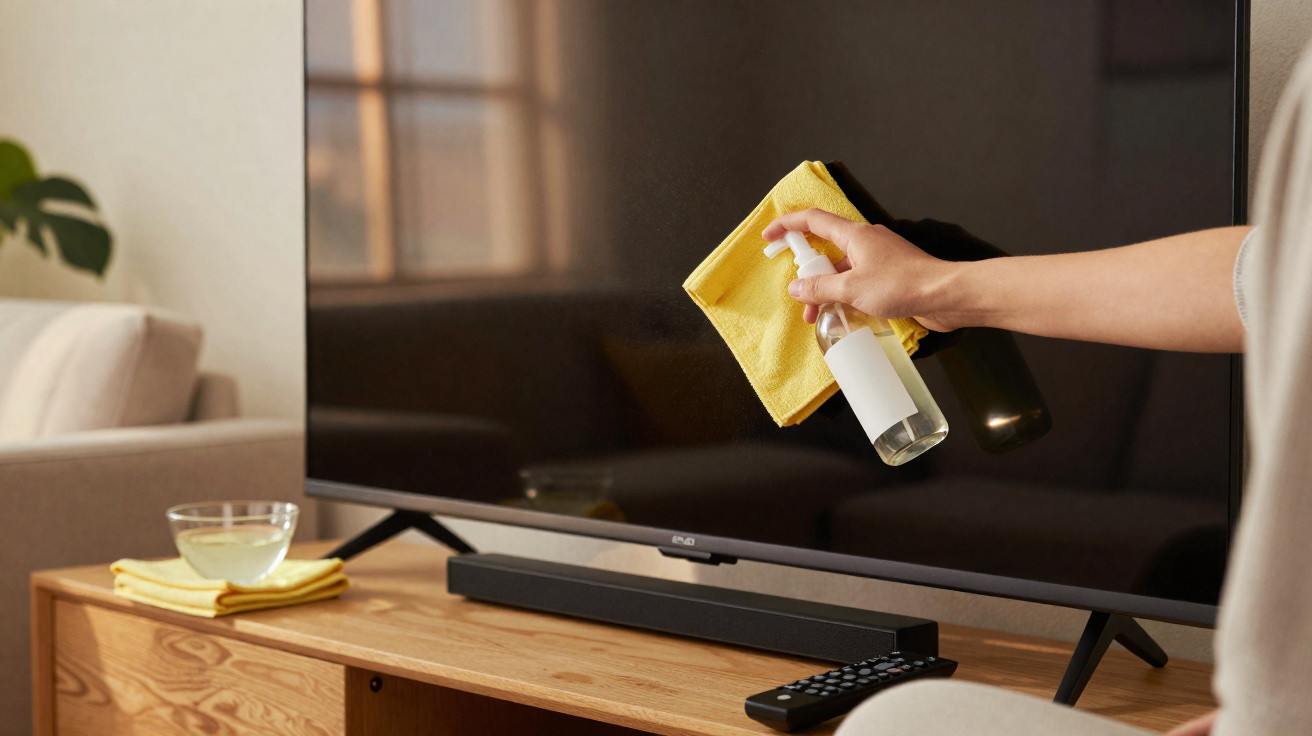
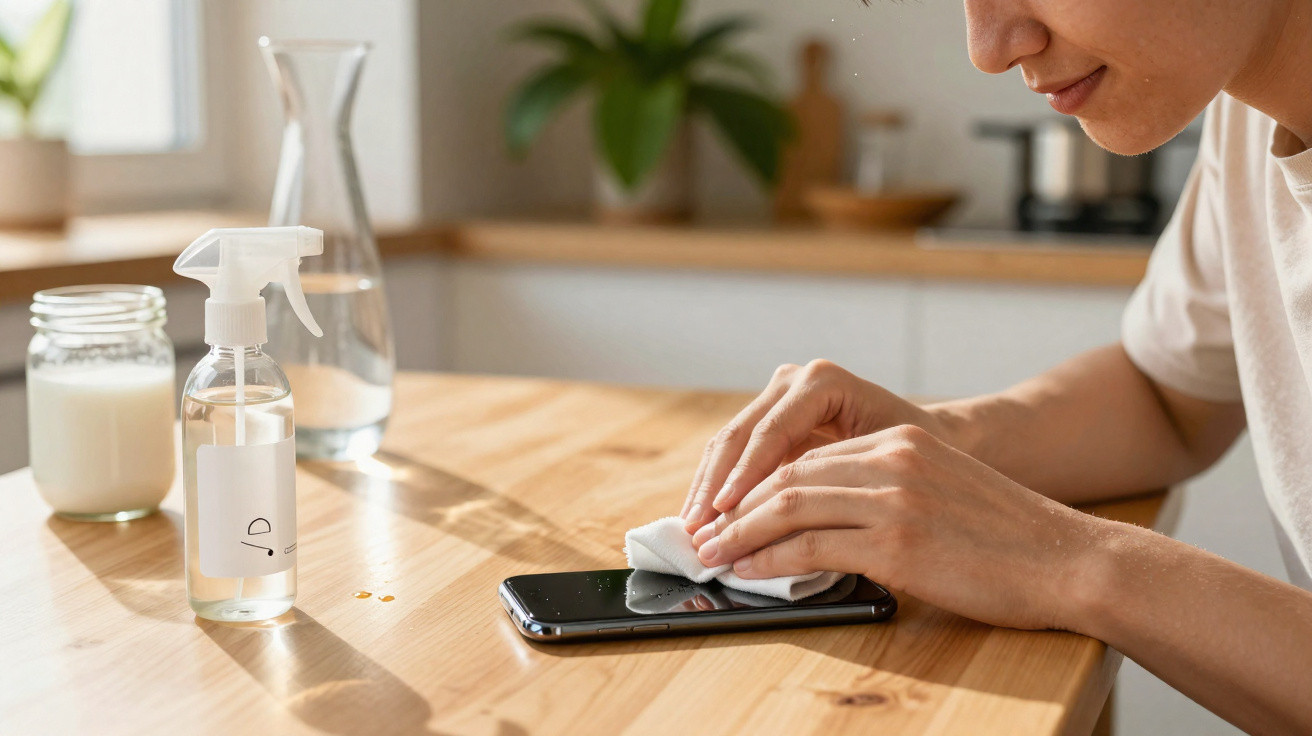
Spray the mixture onto a clean microfibre cloth, not onto the screen. The cloth should be slightly damp rather than wet. If squeezing the fabric produces drips, you’ve used too much liquid.
Liquid that runs down into the bezel or ports can cause damage long before the screen shows any visible problem.
Step 4: Wipe with light, controlled movements
With minimal pressure, wipe in straight strokes or wide circles, working from the top of the screen downwards. Don’t scrub at marks that won’t shift immediately. Instead, allow the diluted vinegar a moment to loosen the dirt rather than pressing harder.
If you’re dealing with fingerprints, briefly press the damp section of the cloth against the mark, then wipe it away. That short pause softens the oily residue so it lifts more cleanly.
Step 5: Dry and polish with a second cloth
Use a second microfibre cloth that’s completely dry to buff away remaining moisture and reduce streaks. Inspect the screen from the side under a light source - faint lines and smears often only show up at an angle.
Why you should skip disinfectant sprays and classic cleaners
During the pandemic, many households relied heavily on disinfectant sprays - on remote controls and, in some cases, on TV screens as well. For modern panels, that lingering habit is a bad fit.
Alcohol, ammonia and other strong solvents can degrade anti-reflective and anti-glare coatings. Over time, this may cause cloudy patches, rainbow-like effects or permanently dulled areas where the finish used to look smooth and rich.
Paper towels and kitchen roll can be just as problematic. Although they feel soft, they contain fibres that can behave like extremely fine sandpaper against delicate screen surfaces.
Swapping one harsh spray and a roll of paper towels for diluted vinegar and a microfibre cloth can extend the life of your TV’s finish by years.
How often should you clean your TV?
The ideal schedule depends on your household. A family living room with children, pets and snacks near the screen will need more frequent attention than a guest room that’s rarely used.
- Light dusting: once a week with a dry microfibre cloth
- Vinegar-and-water clean: every 2 to 4 weeks, or whenever smudges are obvious
- Deep check: every couple of months, including frame, stand and ports (without liquid)
If you dust gently on a regular basis, you’ll need damp cleaning less often. Fewer wipe-downs also mean fewer chances to press too hard or let moisture travel where it shouldn’t.
Beyond the screen: a quick hygiene check for your setup
The display isn’t the only part worth cleaning. Remote controls, soundbars and game controllers can carry more bacteria than people expect, simply because they’re handled constantly and rarely wiped down.
For these items, a different approach is usually more suitable: a slightly damp cloth with a tiny amount of mild soap for plastic surfaces, plus a cotton bud for gaps and crevices. Avoid harsh disinfectants on rubberised coatings, as they can trigger peeling or leave the surface sticky.
When vinegar is not the right choice
Most modern LED and LCD televisions cope well with a diluted vinegar-and-water solution on the outside surface, but it’s not universal. Some OLED manufacturers recommend only a dry cloth, or a cloth very lightly dampened with plain water.
If your TV is new or particularly expensive, checking the manual or the manufacturer’s support page can prevent an expensive mistake. If you’re unsure, start with distilled water on its own. It can remove more grime than you might expect, and you can reserve vinegar for occasional deeper cleans if the brand permits it.
Practical extras to protect picture quality
Cleaning helps, but a few small adjustments to how and where you use your TV can keep the picture looking consistent and make maintenance easier:
- Position the TV away from direct sunlight to reduce UV damage and make streaks less noticeable
- Don’t place scented candles or diffusers directly below or behind the screen
- In dusty rooms, consider an air purifier to reduce build-up on the panel
- Encourage children to point at what they see rather than touching the display
If you watch a lot of sport or use the TV as a second monitor while working from home, a spotless screen can also lessen eye strain. With no haze, no faint fingerprints and no uneven residue, your eyes don’t have to compensate.
With streaming hours rising and screens getting bigger, keeping that large sheet of glass and plastic clean becomes an easy weekly habit. In many homes, plain white vinegar, distilled water and two microfibre cloths are enough to keep the display clear - without using detergents or disinfectants at all.


Comments
No comments yet. Be the first to comment!
Leave a Comment