
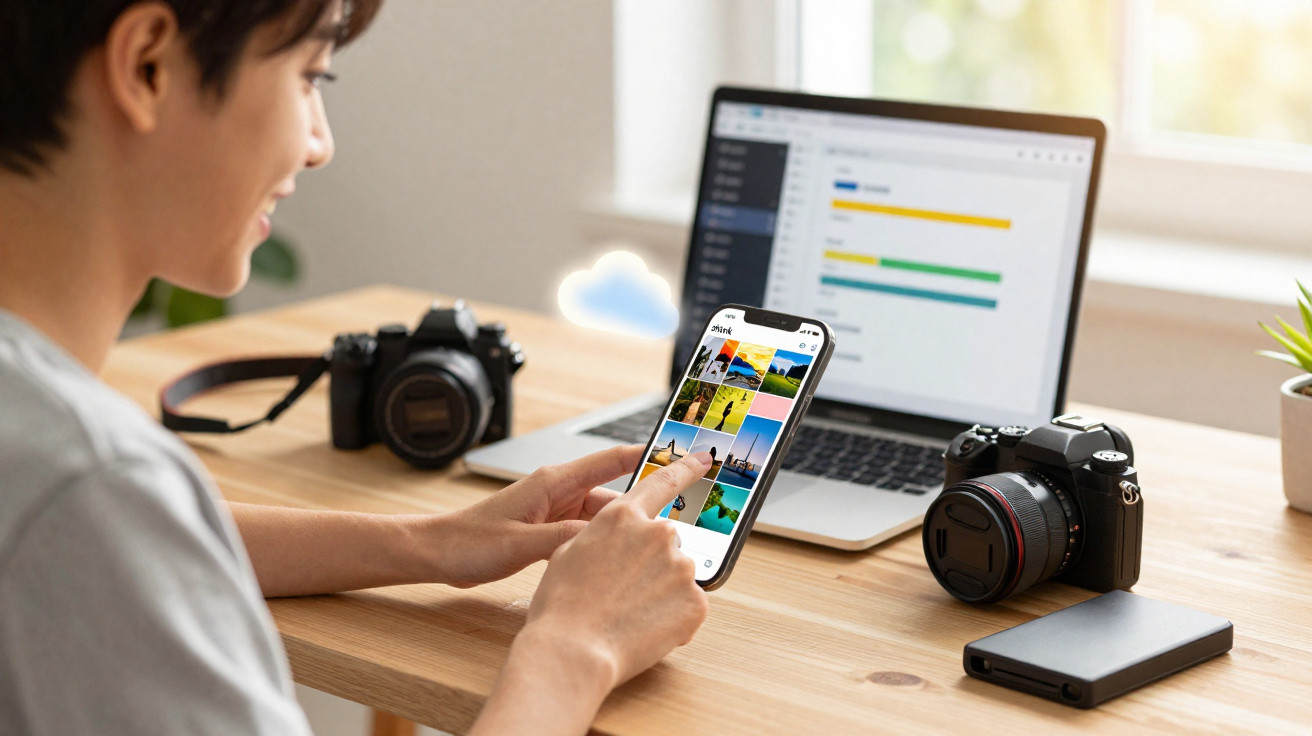
Google Photos users keep running into the same snag: running out of storage. And you may not fancy paying for yet another subscription just to keep your pictures in the cloud. There is, however, a lesser-known setting that can help you claw back space.
Managing photo storage has become a real headache in a world where everything is digital. Holiday snaps, screenshots and downloaded images soon add up, and your available space can fill far faster than expected.
Google Photos includes a straightforward, effective way to save cloud storage and avoid being pushed into an expensive extra plan.
High-quality compression: Google Photos’ hidden secret
Behind the scenes, Google Photos uses a sophisticated compression algorithm. It can significantly shrink file sizes while keeping the image looking almost identical to the original.
For most shots, the change is effectively invisible to the naked eye. In other words, turning this on is one of the best options if you don’t want to delete your favourite memories.
How to enable Google Photos compression on a PC
On a PC, you can switch it on in just a few clicks. Start by going to photos.google.com and signing in to your account.
Then click the settings icon in the top-right corner (the cog). In the menu that appears, choose “Settings”. A new page will open: find the section labelled “Back up quality for photos & videos” and select “Storage saver”.
From that point on, any new photos will be backed up using “Storage saver”. If you want to convert photos that were previously saved in Original quality, you’ll need to use the space-recovery option offered by Google Photos. It’s also worth opening the storage manager to clear out photos and videos you no longer need, so you can free up even more space.
Enable Google Photos compression on a smartphone
On an Android phone, open the Google Photos app. Tap your profile picture at the top right, then select “Photos settings”. Under “Back up”, tap “Back up quality” and choose “Storage saver”.
After that, the app can compress your library, helping you regain valuable GB of storage. Compressed photos can take up to 70% less space than the originals. That reduction makes it possible to keep more images without increasing your Google One storage plan.
The ideal solution for budding photographers
This feature is aimed above all at people who value convenience. For amateur photographers, it offers one of the best compromises between image quality and storage space. For everyday shots, family photos or travel memories, high-quality compression is more than adequate.
A few points are still worth noting. Compression can apply both to new photos and to images already in your library, and the change is irreversible.
That’s why professional photographers will often prefer to keep their original files. For very high-resolution images or large-format prints, sticking with Original quality remains the recommended option.




Comments
No comments yet. Be the first to comment!
Leave a Comment