
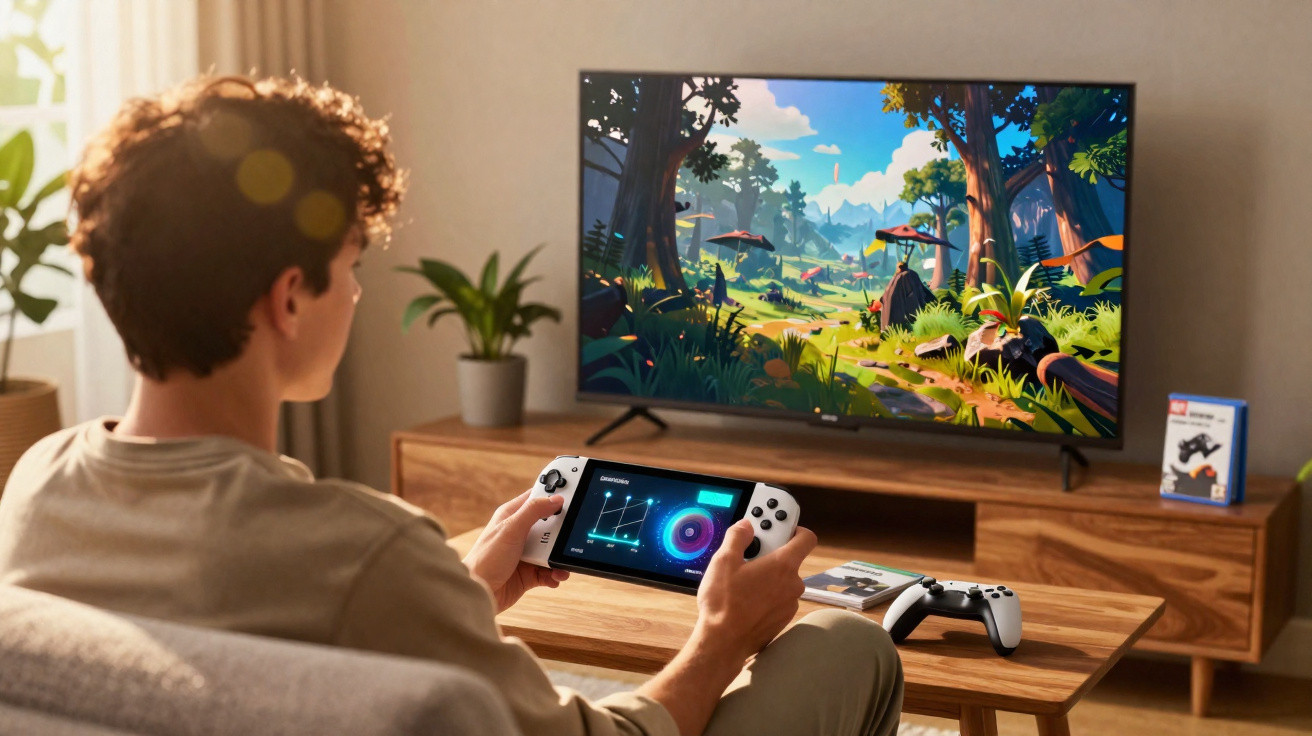
A major update landed for the Switch 2 overnight. It delivers a significant boost to visuals, but the dedicated setting is tucked away in the menus. Here is how to switch it on.
Nintendo pushed out a surprise update for the Nintendo Switch 2 during the night. Version 22.0.0 adds several quality-of-life tweaks, including improvements to the friends list and video playback, plus extra animations on the Home screen. It also introduces a long-awaited option: enhancing the graphics of Switch 1 games when played on Switch 2.
Why Switch 1 games can look rough on Switch 2
The Switch 2 runs almost the entire Switch 1 catalogue. The problem is that, in handheld mode, Switch 1 titles typically render at 720p. On the Switch 2’s 8-inch 1080p display, that lower resolution can look noticeably jagged.
This update addresses that issue by allowing higher definition in portable play. Nintendo’s approach is straightforward: it makes Switch 1 games think the console is in docked mode, which pushes the image up from 720p to 1080p. The trade-off is that certain handheld-specific features are disabled, such as the touchscreen and the Joy-Con gyroscope. Even so, the picture quality improves dramatically.
There is one catch: the feature is not enabled by default-and it is also buried deep in the settings.
How to improve the graphics of Switch 1 games on Switch 2
Step 1: Update your Switch 2 to version 22.0.0
Start by installing the latest system update:
- Go to System Settings, then scroll down to the System tab at the bottom.
- Select System Update.
- Follow the prompts; it only takes a few minutes.
Step 2: Turn on the hidden Switch 1 graphics option
Once the update is installed, enable the feature like this:
- Return to System Settings, then scroll down to the System tab at the bottom.
- Select Nintendo Switch Software Operation (you will need to scroll down to find it).
- Enable Handheld Mode Improvement.
What changes once Handheld Mode Improvement is enabled?
After that, Switch 1 games will run at 1080p on the Switch 2’s portable screen. We tried it briefly, and it really does make a difference. Where we were almost reluctant to launch a Switch 1 game on Switch 2 because of the ugly pixels, the image here is sharper and more pleasant.
That is a very welcome change, especially as the Switch 2 leans heavily on the enormous catalogue of its older sibling to win people over. It is just hard to see why Nintendo chose to hide such an important setting so far down in the menus.
Comments
No comments yet. Be the first to comment!
Leave a Comment