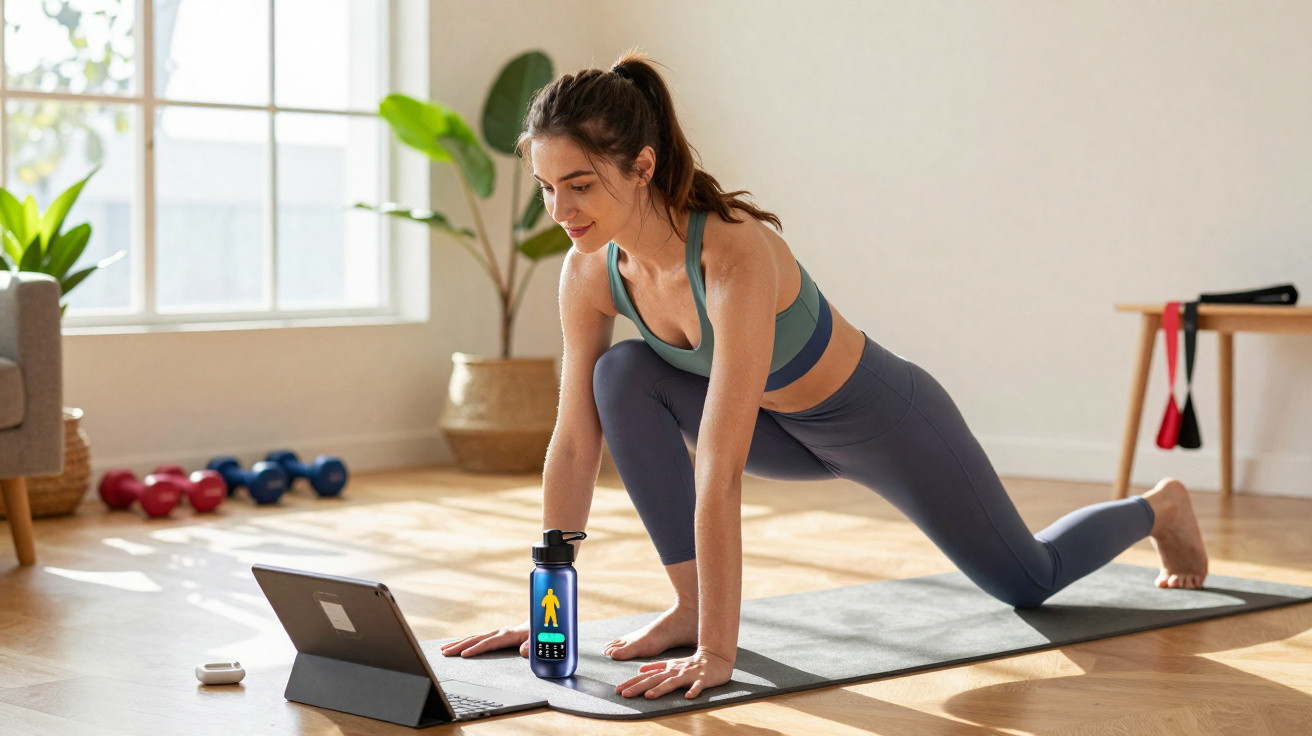
With brighter days returning comes the urge to get moving and take charge of your health again. Finding the time or budget for a gym membership is not always straightforward, though. Here are a few apps that can help you get back into shape without putting too much strain on your finances.
Looking after both physical and mental health has become vital in lives that are often stressful. Work commitments, ever-present screens and limited free time can make it difficult to set aside a genuine break for yourself. Exercise nevertheless plays an important part in lowering stress, improving sleep and boosting everyday energy. Scientists and doctors agree on this point. Yet finding the motivation or organisation needed to go to a gym can quickly dampen your enthusiasm.
Fortunately, fitness apps now make it possible to exercise, let off steam and unwind without leaving home. In just a few minutes, you can follow a session suited to your level, whether your aim is to tone up, stretch or simply release the pressure after a long day. Some apps even include breathing exercises or meditation, taking a rounded approach to wellbeing that covers both body and mind. They generally adapt to the user's profile and provide workouts for every fitness level.
So there are no more excuses. Whether you want to ease back into exercise or set yourself fresh challenges, these digital tools offer personalised, motivating support. Discover five essential apps for staying fit and looking after yourself directly from home. Every sports app listed is available on iOS and Android. Most are free, although some offer in-app purchases for access to extra features. If that appeals to you, we recommend trying the free versions before choosing the one you prefer.
Here is our non-exhaustive selection; feel free to add your suggestions in the comments.
What are the best apps for exercising at home?
Nike Training Club
Nike Training Club is undoubtedly among the most popular sports apps, perhaps because it belongs to the brand of the same name. Its main strength is that it is both comprehensive and personalised. On your first visit, you need to create an account and enter basic details such as your gender, height and weight.
The Workouts category is naturally the most useful section of this sports app, as it contains the exercises themselves. Once you have indicated your level, Nike Training Club suggests workouts matched to what you are looking for. Each one displays the activity, duration and level. You can select a muscle group, a workout type or the equipment you have available, whether you are at the gym or at home. Free multi-week programmes are also available and are usually named after the intended goal: slimming down, rock-hard abs and so on. They bring together several workouts to complete over the length of the programme. Bear in mind that Pilates workouts or running sessions may be included to vary the exercises.
The comprehensive NTC app includes a badge and rewards system based on your efforts, the workouts you select and when you complete them. Naturally, a dashboard also summarises your number of workouts, current programme and more.
Classes themselves may be videos featuring coaches, or a sequence of animated illustrations showing the movements to perform. A timer and tracking system are provided, so you can focus solely on yourself and your workout. In addition, classes are updated regularly, helping you avoid getting bored with the same exercises.
Download Nike Training Club
Freeletics
Freeletics is NTC's main rival. You can pick a workout using various criteria, including muscle group, time available, equipment on hand or training type (workout, warm-up, recovery, stretching, cardio and more). The app's main menu has three sections: Community, Coach and Profile.
The Coach menu gives you access to the various workouts. Rather than video classes with real coaches, it uses a timer and images of positions to follow in order for the allotted time or required number of repetitions. This system is practical and functional, but less engaging and motivating than NTC's. You can activate a video of the current movement by tapping the camera icon at the top right of the screen, making it easier to perform correctly.
By selecting the Community menu, you can view a feed of articles in English, along with community comments that are mainly in English, all relating to sport, wellbeing and similar subjects. You can also join or create challenges to share with the community, providing extra motivation.
The Profile menu provides access to your sporting statistics. Your “level” rises according to the number of workouts you complete, allowing you to earn badges and other rewards. Note that your Daily Athletic Score can only be calculated and viewed with a paid subscription, which also lets you receive personalised programmes based on your sporting profile.
For more complete support, Freeletics also offers a separate app dedicated to nutrition.
Download Freeletics
Decathlon Coach
Who better than a major sports clothing and equipment retailer to guide you and offer training programmes? That is exactly what Decathlon provides. Its free app gives you access to dozens of sessions and programmes tailored to your level and physical abilities. You can even choose between activities including walking, running, boxing, swimming, football, cardio fitness, Pilates, tennis, triathlon and many others. It is also possible to create your own sessions, provided you have a free account, or record a “free workout” without a particular programme.
Naturally, the app tracks your sessions, enabling you to review the history of all completed programmes, your statistics and your weight, which must be entered manually. In the app settings, you can connect accessories such as a heart-rate sensor or a smart watch from certain brands to obtain performance metrics adjusted to your results. You can also link other apps, including Strava, Garmin and Fitbit, which work with their own products.
Decathlon Coach also includes advice articles and, naturally, a Shopping section highlighting equipment from the brand. Challenges, with points and rewards to win, are also available to encourage you to exercise more.
As well as being accessible on Android smartphones and iPhones, Decathlon Coach is available as an online service, meaning you can use it on your PC's larger screen regardless of its operating system.
Download Decathlon Coach
7 Minutes Workout
Even with a busy schedule, you can still train and exercise with 7 Minutes Workout. It is probably the most accessible at-home sports app in this list for anyone wanting a straightforward service that is not especially personalised. With this app, there is no need to create an account or enter your goals. The interface is minimalist and has very few features; clearly, appearance is not its strong point.
Two tabs are available: Workout and Calendar. The first offers a list of targeted sessions for abs, glutes, legs and arms, as well as more conventional options such as full body and stretching. For every workout, users can view instructions listing the movements to complete, with images to help perform them properly, before starting the programme in the stated order or enabling random mode. There are no demonstration videos, of course, only somewhat basic illustrations and a timer. The explanatory voice is robotic and minimal, offering little motivation. The small camera icon sends you to YouTube videos, forcing you to leave the 7 Minutes Workout app and pausing the timer.
The Calendar tab displays a diary with a small tick whenever you have exercised. It is also where you can view statistics for your number of sessions, weight and BMI, if you have entered the required information. You will also have to deal with advertising. That is more or less everything it offers: no advice or articles, no personalised programme and no diet plan. If you simply want sports programmes, this is the simplest and most minimalist app.
Download 7 Minutes Workout
30 Days Fitness Challenge
30 Days Fitness Challenge takes a more targeted approach. On your first use, it immediately asks you a series of questions about yourself, your physical abilities and your goals. This information allows the app to create a sporting profile and generate a suitable programme, provided you take out a subscription. However, by closing the window using the small cross at the top right, you can return to the interface and access the app's free programmes. The numerous adverts are a drawback, although thankfully they do not appear during sessions.
Otherwise, 30 Days Fitness Challenge is a fairly comprehensive app. From the programme menu, you can access your personalised programme as well as the food programme, which suggests daily menus to follow in an attempt to maintain a calorie deficit and therefore lose weight if that is your goal. Be aware that these are recommendations, rather than a plan supplied by a nutritionist. No measurements or quantities are provided. The most interesting section is the 30 challenges menu, which groups together the various exercises: arms, abs, glutes, full body and legs. For each exercise type, two sessions are offered across the three available levels: beginner, intermediate and advanced.
You can then choose the type of coach-real video footage of a coach, or animated images of a man or woman-adjust the difficulty if needed and save the session as a favourite. During a session, the robotic voice, if you chose animation, provides alternatives and advice when an exercise feels difficult to complete. Each session is saved in your history, letting you obtain statistics on calories burned, total training time and the number of sessions completed.
Here too, you will need to put up with adverts when changing menus, when about to begin a session and when ending one.
Download 30 Days Fitness Challenge







Comments
No comments yet. Be the first to comment!
Leave a Comment