The scene opens on a packed suburban train, somewhere between the after-work rush and TikTok scrolling. Someone beside you has AirPods in, their phone partly visible, and you watch them type into their notes app: “Netflix password”, “bank PIN”, “email login”. They quickly add an asterisk, as though it were some kind of protective shield. They lock the phone, put it away and lean back. Soon afterwards, your own smartphone buzzes: another data-breach alert, another “Please change your password” email. You feel that quiet knot in your stomach: how many of your secrets would be contained in a stolen note? The illusion of security is bloody convenient.
Why your notes app behaves like an unlocked locker
We all know the situation: a new account, a new password, and your mind is already screaming, “I’ll never remember that!” So you open the notes app, create a folder called “Passwords”, and the issue seems sorted. A few taps and you are done, ready to get on with your day. No complicated tool, no additional sign-in, everything kept in one place. Just you and your phone notes: a little digital notepad in your pocket. Convenient, familiar and inconspicuous. Almost personal.
The harsh reality is that, to someone who steals your phone, it looks like a buffet laid out for them. One glance at the notes icon, one search for “password”, “login” or “PIN”, and your digital life is suddenly served up on a plate. Some attacks do not even involve theft. All it takes is a brief moment when you leave your phone on the table. Someone you only partly know and only partly trust. Two minutes, a curious glance, perhaps a screenshot. A great deal of damage often takes very little time.
From a technical perspective, a notes app is the wrong tool for an exceptionally sensitive problem. It is designed to capture thoughts, shopping lists and ideas, not to store secrets on which your entire financial and private life depends. Even where individual notes are encrypted, passwords are usually saved in plain text. Malware, a compromised backup or an unlocked device can turn all that plain-text information into labelled keys on one large keyring. Let’s be honest: no one methodically reviews their notes every day to remove old logins or incorrect entries. The mess keeps growing. And chaos is a data breach’s best friend.
How to store passwords securely - and break the notes app habit
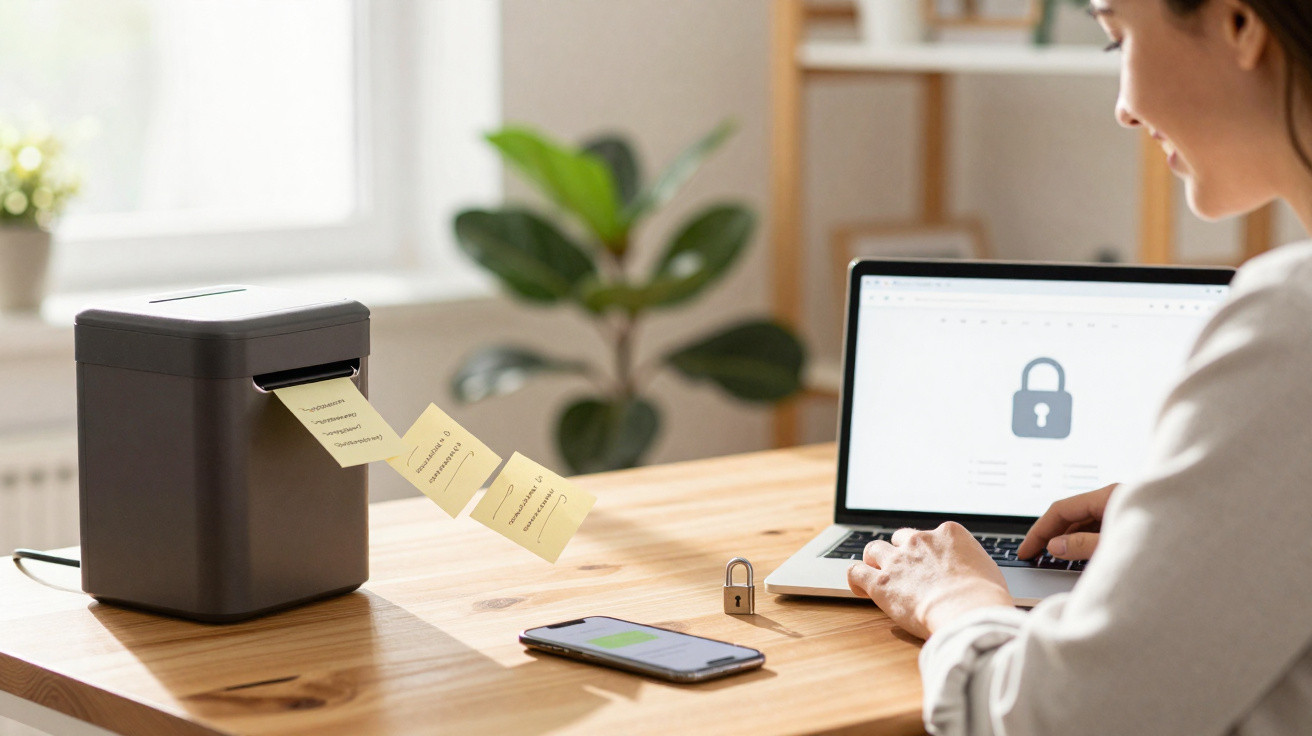
The good news is that you do not need a degree in hacking to manage passwords more securely. The key step is changing your tool. Instead of a notes app, use a reputable password manager. The principle is remarkably straightforward. You create one strong master password, which unlocks a vault where every other login is stored in encrypted form. Many of these tools automatically generate random passwords whenever you register for something new. That means you do not have to remember 40 different combinations of numbers, symbols and letters - only one key. And that key is not hidden in a loose note, but held in a safe built specifically for the job.
At first, making the change can feel awkward, like returning to the gym after three years on the sofa. You look for the old “Passwords” folder in your notes app, panic briefly and realise how dependent you had become on it. That is normal. Many people make the mistake of using both systems at once: a notes app and a password manager. It happens through convenience, mistrust or habit. That leaves the gap open. A better approach is to set aside one evening, transfer every password from your notes into the manager, then delete the entire password folder in the notes app. Yes, actually delete it. Check that the backup in the password manager is in place first, then clear out that digital notepad thoroughly. Your future self will thank you when your phone gets left somewhere.
There is a psychological side to this change as well. We cling to improvised systems because they have “somehow always worked”. An IT security expert once told me in an interview:
“Most people underestimate how much their smartphone knows about them - and how little protection an unencrypted note actually provides.”
To make it easier to move away from this habit, the following steps can help:
- Begin with your most important accounts: email, banking, Apple/Google account and social media.
- Enable two-factor authentication for those accounts wherever possible.
- Choose one strong master password and, initially if necessary, write it down on paper rather than storing it digitally.
- Delete the old notes app entry each time you transfer a login - do it step by step, not all at the end.
- Make a commitment to save new logins directly in your password manager from the outset, rather than putting them “briefly in a note”. No holding area.
What is at stake - and why the effort is genuinely worthwhile
When we talk about passwords, it can sound abstract and almost technical. In reality, it is about very specific experiences: the shock when unfamiliar purchases suddenly appear on your account; the call from your bank because it has noticed “unusual activity”; the embarrassing message from a friend asking, “Have you been hacked? I’m getting weird DMs from you.” Every weak or improperly stored password can mean hours spent on helplines, chargebacks, anxiety, frustration and shame. That is the cost of convenience, although we generally only see it once the damage is done.
Choosing not to park your passwords in a notes app is not about achieving perfection; it is about accepting a different level of risk. The aim is not to become impossible to attack. It is to avoid being the easiest target. Attackers look for the path of least resistance: plain-text lists, reused passwords and obvious organisational systems. A password manager, regularly updated logins and no “password” notes are like a sturdier door with a proper lock. They offer no guarantee, but they make a break-in far less inviting.
Perhaps now is the time to take a quick look at the reality on your own phone. How much confidential information is sitting openly in notes, email drafts and messaging chats? How much trouble could one hour of disciplined clearing-out save you? The sober truth is that the vast majority of everyday security problems are caused not by brilliant hackers, but by convenient habits. The minimum level of protection today is simple: move away from the notes app and towards real tools designed for secrets. Sometimes that change of direction begins with a small, unremarkable moment - when you are sitting on the train, looking at your notes and thinking for the first time: “This really isn’t a safe.”
| Key point | Detail | Benefit for the reader |
|---|---|---|
| Notes apps are not a vault | Passwords are usually stored in them unencrypted and are easy to find | Awareness of the genuine risk if a phone is lost or accessed by others |
| Use a password manager | One master password protects encrypted, individual logins | Less stress, greater security and no need to remember dozens of passwords |
| Make a complete switch | Transfer passwords from notes, delete them, and save new logins securely straight away | Reduces the attack surface and prevents old insecurities from carrying over |

















Comments
No comments yet. Be the first to comment!
Leave a Comment