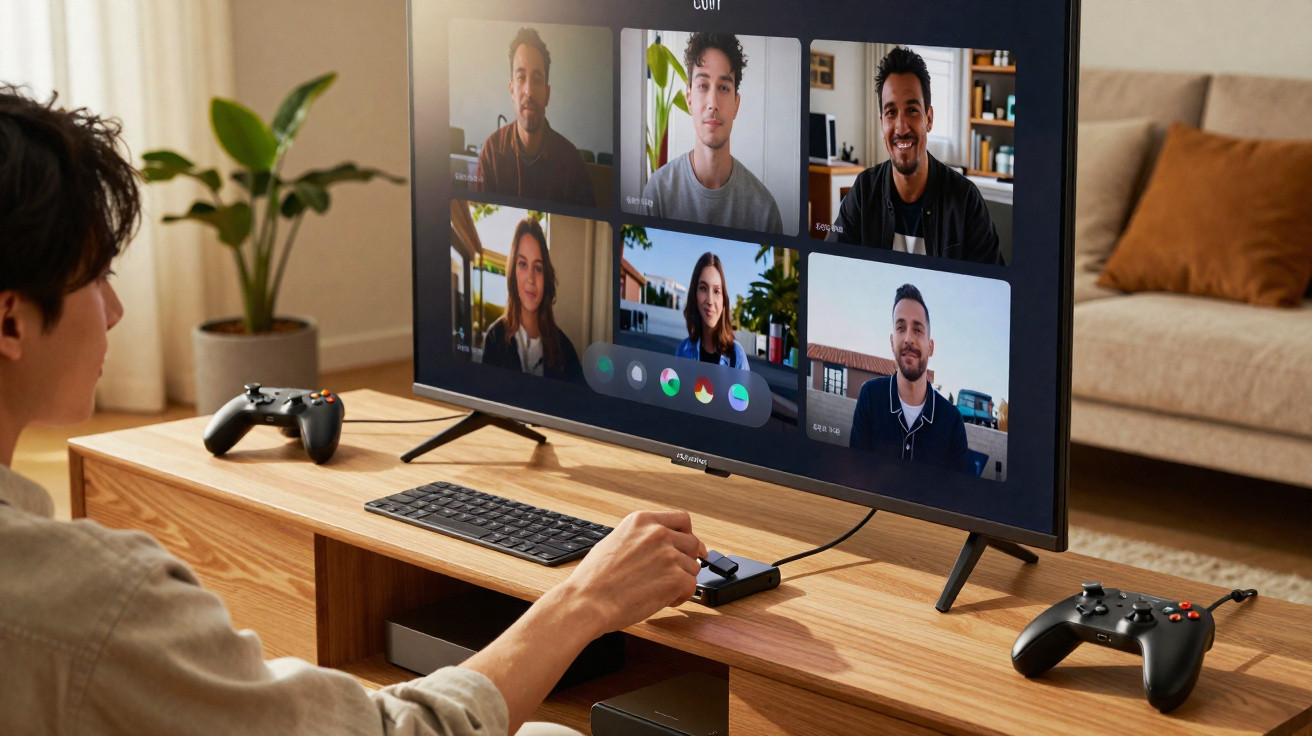
Did you know that your TV’s USB port can do far more than play films from a memory stick? Often overlooked or misunderstood, it can reshape the way you use your television. Here are 4 ways to use your TV’s USB port that could make a difference to your everyday routine.
Expanding storage and recording programmes
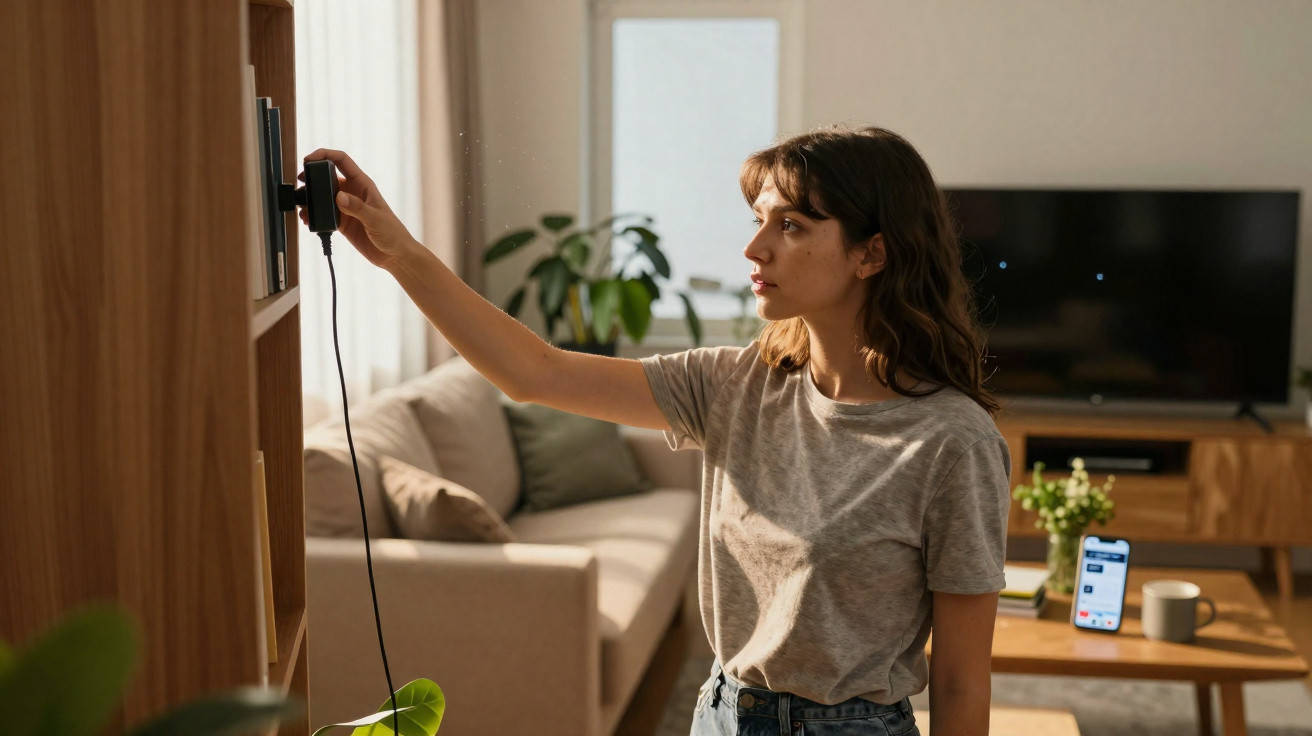
Whether they are smart models or not, modern televisions frequently come with limited storage space. This restriction can soon become an issue when you want to install several apps or record your favourite programmes. This is where the USB port can be especially valuable: it lets you increase your television’s storage capacity. By plugging in a fast USB memory stick or external hard drive, you can record live broadcasts, watch a film again or save content without affecting the TV’s internal memory.
Some newer televisions can even detect external storage devices automatically and format them appropriately to ensure recordings play smoothly. Put simply, the USB port can turn your television into a capable, fully self-contained media hub.
Connecting peripherals: keyboard, mouse and games controller
A USB port can also turn your TV into a workstation or games console. This universal connection allows you to plug in a wired or wireless keyboard and mouse, making it more comfortable to browse the web, write emails or even access work documents stored in the cloud.
For gamers, USB makes it possible to attach a controller and enjoy game streaming, services such as GeForce Now, or even emulators offered through certain Smart TV platforms. The result is an experience that comes very close to using a home console, without complicated setup or extra adapters.
Viewing your personal photos and videos with ease
The USB port is not only for playing downloaded films. It also provides a quick, straightforward way to share memories on a larger screen. When you insert a USB memory stick containing photos, videos or slideshows, your television detects the device and displays its content immediately through an optimised interface.
It is a popular option for bringing a family meal to life or revisiting a trip with friends. There is no need to use a third-party app: direct USB playback offers both simplicity and compatibility. Some models can even produce dynamic slideshows with background music, creating a more immersive and personalised experience.
Expanding memory to install more applications
On many smart televisions, internal storage is often below 8 or 16 GB, a limit that can be reached quickly after installing a few apps. The USB port then becomes an essential expansion option. With an external storage device connected, you can move certain applications, install new streaming services or download games without worrying about running out of room.
This is particularly useful for people who make full use of their Smart TV’s capabilities, whether for work, entertainment or multimedia. With a suitable storage device, your television can adapt as your needs change.









Comments
No comments yet. Be the first to comment!
Leave a Comment