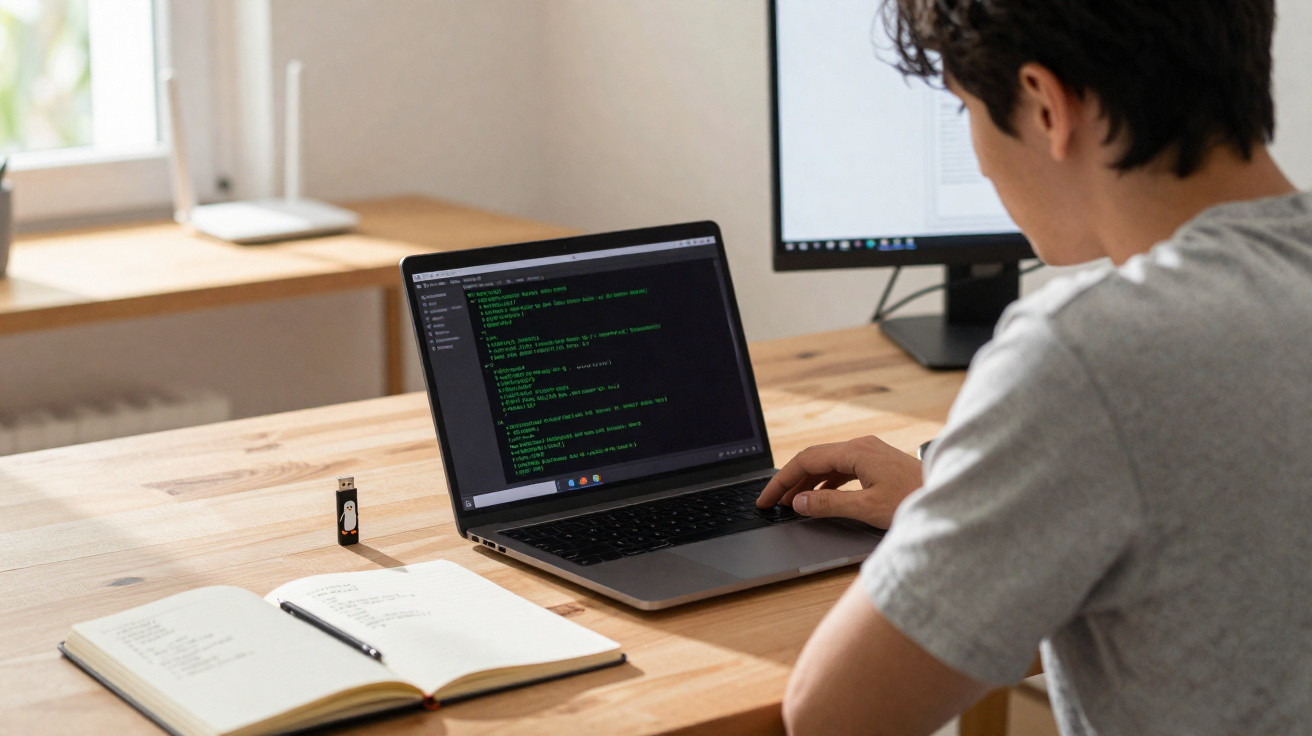
Peropesis may initially appear to be a relic from a bygone era: text only, terminal only, without a colourful window anywhere in sight. However, anyone not put off by that austerity gains an unexpectedly powerful tool for genuinely understanding Linux – far removed from endless clicking and convenience features.
What Peropesis is all about
Peropesis, short for “Personal Operating System”, belongs to the Linux distribution family, although it feels rather like its eccentric uncle. The system operates solely in live mode, straight from its ISO image, and provides just one interface: the command line.
Once it has booted, you sign in as a user with full privileges. As no password exists initially, setting a secure one with the passwd command is the first essential task. There is no graphical sign-in, no login screen and no taskbar – merely a cursor waiting for commands.
Peropesis forces you to use Linux as it was fundamentally intended: directly through the command line – without graphical crutches.
That is precisely the distribution’s purpose: it is designed not for convenience, but for learning, understanding and experimentation.
Why a terminal-only Linux system makes sense
Anyone who has encountered Linux only through graphical click paths will soon reach their limits. In day-to-day work, many professional administration jobs, server configurations and troubleshooting tasks are handled through the command line, known as the CLI (Command Line Interface). Peropesis focuses entirely on this level.
This approach brings several benefits:
- No distractions: No application menu or pop-ups, just commands and their effects.
- Learning in “laboratory conditions”: Mistakes can be made safely because nothing is stored permanently.
- Practising real-world scenarios: Many standard Linux server tasks can be recreated, albeit on a smaller scale.
The result is a kind of training environment that may look spartan, yet delivers exactly what many beginners and switchers need: it requires deliberate interaction with the system.
A live system with no traces: nothing is saved
A key feature of Peropesis is that, by default, it does not retain changes permanently. It has no built-in persistence, so every restart returns the system to its original state.
At first, that may sound like a drawback, but it becomes an advantage when learning. If you configure something incorrectly or “break” it, simply restart and begin again – with no reinstallation or lengthy repair process required.
A virtual machine as the ideal playground
Peropesis runs most conveniently in a virtual machine, such as VirtualBox or another hypervisor. There, you can create a snapshot: a frozen version of the system state.
A typical process could look like this:
- Boot the Peropesis ISO in a VM.
- Sign in as Root and set a password.
- Create a snapshot of the fresh environment.
- Experiment freely with commands, services and files.
- Return to the snapshot whenever required and test again.
This creates a safe practice environment in which even risky experiments can be tried without putting important data or a production system at risk.
What you can learn with Peropesis in practice
The distribution has no graphical interface, but it is not short of tools. Several programs are pre-installed and are ideal for practical exercises.
These include:
- S-nail: a command-line mail client
- Links: a text-based web browser
- lighttpd: a lightweight web server
- nano: a straightforward terminal text editor
- curl and git: tools for retrieving files and source code from the internet
These components alone are enough to simulate a surprising number of classic administration jobs, from configuring a web server to retrieving source code from a repository.
A mini web server in just a few steps
A simple practical example is a small website on a home network.
The overall sequence is straightforward, but it teaches many fundamentals:
- Start the
lighttpdweb server using a service command or start instruction. - Create an
index.htmlfile in the standard web directory, for example withnano /var/www/htdocs/index.html. - Edit and save an HTML file directly in the editor.
- Find the system’s IP address with a command such as
ip a. - Open the page in a browser from another device on the same network.
By working through these stages, you also learn:
- how to start and stop services;
- how Linux file structures are organised;
- how network configuration and IP addresses work.
Peropesis as a training ground for the Linux command line
Peropesis is not intended to be an everyday system. It lacks package managers with huge repositories and offers none of the convenience of installing new programs. That is exactly what makes the distribution a kind of training ground.
Typical areas of expertise that can be built up gradually with Peropesis include:
| Area | What can you practise? |
|---|---|
| File system | Navigating with cd, listing with ls, assigning permissions with chmod/chown |
| Editing | Editing, saving and searching text and configuration files in nano |
| Network | Checking IP addresses, carrying out simple LAN tests, creating small web-server scenarios |
| Processes | Starting services, checking logs, listing and stopping processes |
| Development | Retrieving code with curl or git, compiling and running it (without a GUI) |
Anyone seriously aiming for system administration, DevOps or IT security will benefit from precisely these foundations. Many exams and job tasks quietly assume command-line competence.
Who will benefit most from using it
Peropesis is aimed primarily at three groups:
- Curious beginners who want to understand Linux rather than merely click through it.
- Windows switchers who plan to work with servers and need to build CLI skills.
- Experienced users who would like a minimalist emergency or tools environment they can carry with them.
Anyone who prefers colourful interfaces and has no interest in commands is unlikely to enjoy this distribution. Everyone else gets a compact practice system that can be launched within minutes.
Risks, limitations and useful additions
Working as a user with the highest privileges always carries a certain risk. In theory, one incorrectly entered command can alter a system substantially. Although live mode removes the damage after a restart, important data should never be kept on the same machine used for testing Peropesis.
While the distribution can teach a great deal, it does not replace a fully featured desktop Linux system. Areas such as software management through graphical tools, office applications and multimedia are outside its scope. Peropesis is therefore better suited as a complement to an existing primary system.
It can be useful to keep cheat sheets or notes alongside it: which commands worked, which options proved useful, and which errors occurred? Over time, this builds a personal reference guide that is enormously useful in everyday work.
Those wishing to go further later can transfer the knowledge gained to server distributions, such as traditional web servers, database machines or container hosts. The tools used there are fundamentally the same, merely deployed at a larger scale – and Peropesis is specifically designed to prepare you for that core.
















Comments
No comments yet. Be the first to comment!
Leave a Comment