
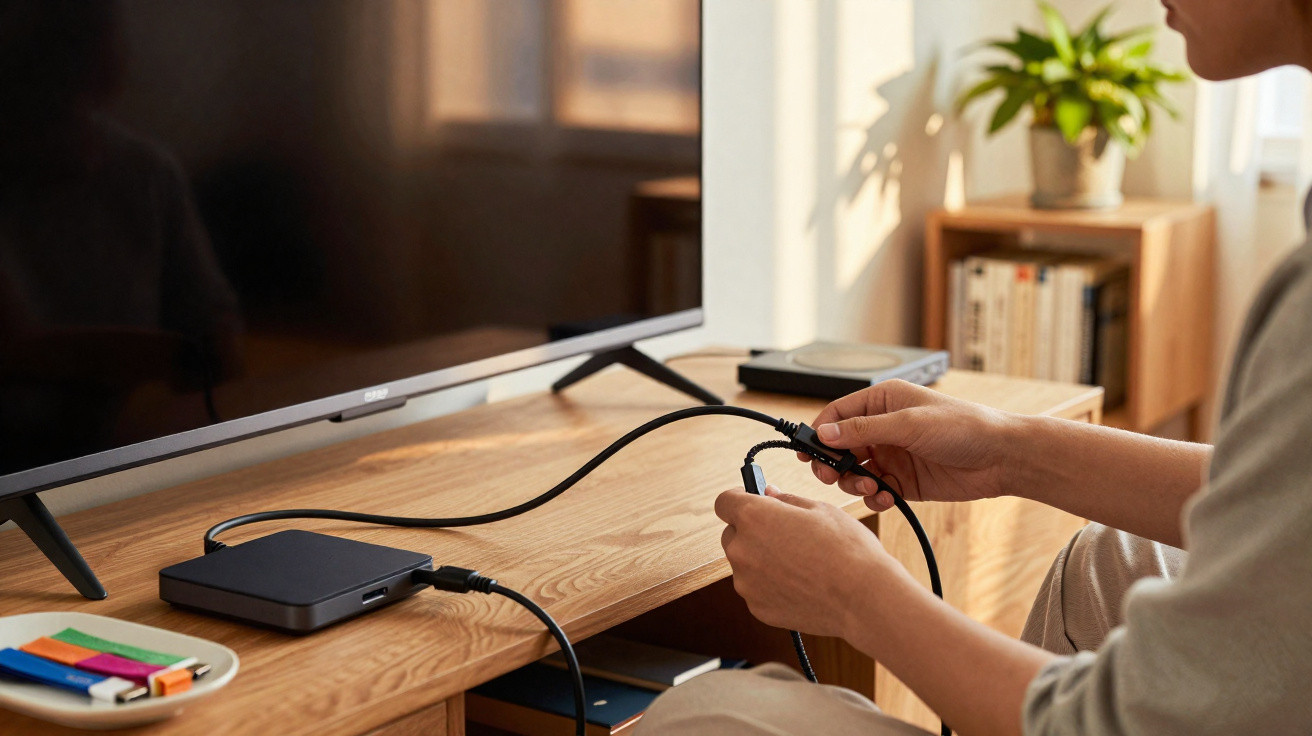
Keeping your electronics drawer tidy can feel like a never-ending challenge, especially as more cable standards appear. Knowing what HDMI and USB actually do makes day-to-day use of laptops, televisions and other modern technology devices far simpler.
What technically distinguishes the HDMI interface from USB ports?
HDMI stands for High-Definition Multimedia Interface and is designed to carry high-quality digital video (along with audio) between devices. It is a key standard for linking equipment such as games consoles and televisions, helping ensure sharp playback of full audiovisual content.
USB, short for Universal Serial Bus, is built around data transfer and power delivery. Its flexibility makes it suitable for connecting peripherals, moving files around and keeping the batteries of portable equipment properly charged.
In everyday use, a few core characteristics make these connections easy to tell apart:
- HDMI: Dedicated to transmitting digital audio and video signals.
- USB: Primarily aimed at data transfer and supplying power.
- Versatility: USB-C can carry data and video at the same time.
- Compatibility: Different physical connector shapes reduce accidental misplugging.
- Standardisation: Ongoing revisions improve internal communication speeds.
How can you correctly identify the purpose of each cable?
Many people get caught out by connectors that look similar in home environments. Checking the small symbols printed next to device ports helps prevent damage to internal components and supports the smooth running of your technology set-up.
Mixing up cables can also slow you down in daily use. Spotting the visual differences at each end is important for connecting peripherals properly and getting the best technical experience from computers, smart TVs and games consoles.
Below is a video from the ASUS Brasil YouTube channel that explores the points covered in this topic in more detail.
Why is it important to understand variations of these standards?
A solid grasp of basic connectivity can spare you the frustration of trying to integrate different devices into the same set-up. Having the technical basics in mind reduces stress and helps protect the physical condition of the delicate cables that make up your workspace.
Connections
Digital security
Understanding each standard helps prevent short circuits and serious communication failures.
Using the right cable in the right place helps extend the service life of your most expensive electronic devices.
Managing your wiring properly also reduces dust build-up and limits premature wear on metal connectors. By separating audio leads from those intended for pure data, you can keep your office more organised and maintain order across your technology materials.
To keep your cable set-up in top condition, consider these recommended habits:
- Label each cable with clear adhesive tags.
- Keep power cables away from sensitive signal leads.
- Avoid excessive bending of high-performance cables.
What essential care helps preserve the lifespan of these cables?
Preventive care ensures data and video cables keep working reliably for years. Protecting the ends from moisture is crucial to maintain the physical integrity of the internal copper, preventing corrosion that can reduce technical quality.
Never force an HDMI or USB connector into an incompatible port, as this can cause permanent damage. Careful, organised handling reduces unexpected interruptions during important tasks and supports consistent stability across your digital environment and connected peripherals.
To help your accessories last longer, follow these straightforward guidelines:
- Store cables coiled without tightening the ends.
- Wipe metal contacts with a dry cloth.
- Replace leads that show cuts or splits in the plastic insulation.
How can you simplify cable organisation at home?
A simpler cable layout can noticeably improve both the look and usability of a living area or home office. Using cable organisers keeps the space tidy and makes it easier to identify the right lead quickly whenever a technical adjustment is needed.
When each cable is visually clear, you can connect equipment quickly and safely. Tidying up peripherals can transform day-to-day routines by removing unnecessary clutter and creating a productive space that is far more visually pleasing.
Read also: The straw trick that protects your charger cable





Comments
No comments yet. Be the first to comment!
Leave a Comment