
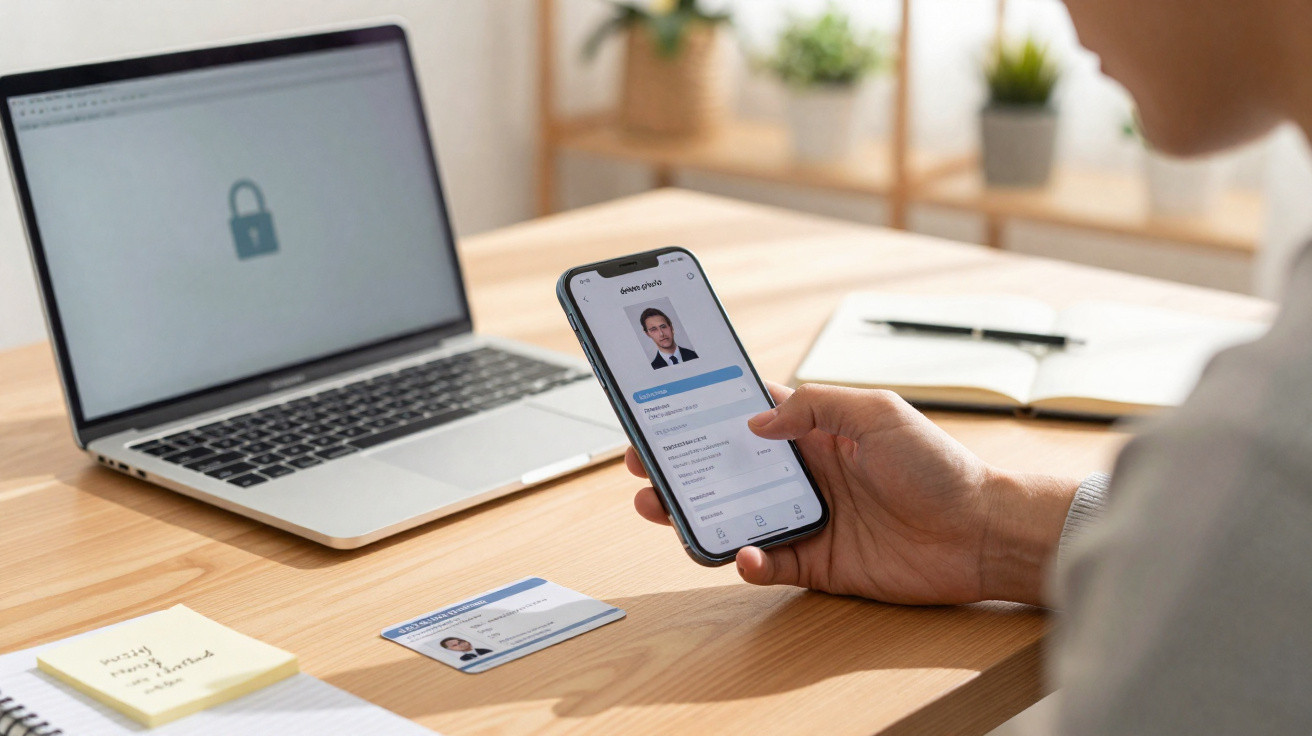
Many people use the camera to capture everyday information quickly, turning the phone’s memory into a highly sensitive archive. However, keeping confidential files in your gallery puts your privacy at serious risk, making break-ins and frauds far easier if the handset is stolen.
Why do ID documents and passwords create vulnerability?
Photos of identity documents such as an ID card, passport and driving licence contain enough personal details to enable the opening of fraudulent accounts. Likewise, saving images of passwords written on paper hands control of online profiles straight to criminals who manage to access the device.
Bank receipts and screenshots showing balances can expose spending patterns, credit limits and partial card numbers. Taken together, these clues help offenders build tailored scams using social engineering, which is why removing these risky photographic records quickly is essential.
How do new scams manage to break into mobile phones?
Recent digital techniques exploit unseen weaknesses in the system to capture saved files without the user noticing… Read more
What risks come with private conversations and corporate data?
Screenshots containing intimate chats or personal confessions can be used for emotional blackmail and financial extortion. If third parties gain access to these conversations, the personal and social fallout can be devastating, damaging the victim’s reputation in a profound and potentially irreversible way.
Taking photos of contracts, internal reports or work spreadsheets can breach corporate compliance rules and information security policies. An accidental leak of these confidential files may lead to summary dismissal, legal action and severe losses for the company involved.
Below is a video from the UFLA YouTube channel that explores the points discussed in this topic in more depth:
How do medical results and digital tickets attract fraudsters?
Medical reports, prescriptions and test results contain extremely private details about a patient’s clinical condition. Leaving this data stored on the handset makes it easier to create fake profiles and can fuel fraud against health insurance.
Photos of tickets for concerts and travel often include barcodes and quick authentications that work without checking the name. If criminals copy the code before the event, the original entry can be rejected at the scanner, causing immediate financial loss.
Essential Digital Cleaning Kit
Immediate actions to protect your gallery
Three simple steps to remove vulnerable records from your smartphone:
- 1 - Delete screenshots of passwords and bank cards;
- 2 - Move work documents into secure digital vaults;
- 3 - Empty the photo bin permanently.
Which practical steps help protect stored information?
Building a regular review habit prevents sensitive images piling up on your smartphone. By carrying out ongoing cleaning, the owner dramatically reduces the chances of data being exploited by scammers after any incident.
Using built-in protection features-such as locked folders with biometrics or encryption-keeps essential files separate from common areas. This extra layer of security helps ensure unauthorised people cannot view confidential material when the device is shared.
Recommended practices to keep full control of your visual records:
- Turn off automatic media saving in messaging apps;
- Use encrypted digital vaults to store temporary receipts;
- Review and delete old screenshots weekly.
Why is ongoing prevention the best route against leaks?
Understanding how fragile digital files can be helps avoid large-scale emotional and financial harm. Staying alert to the type of content you capture ensures your personal life remains protected against unwanted exposure.
When you make organising your gallery a consistent habit, you remove weak points before they grow into serious problems. Maintaining this discipline protects your identity and supports a far more calm and secure digital routine.





Comments
No comments yet. Be the first to comment!
Leave a Comment