
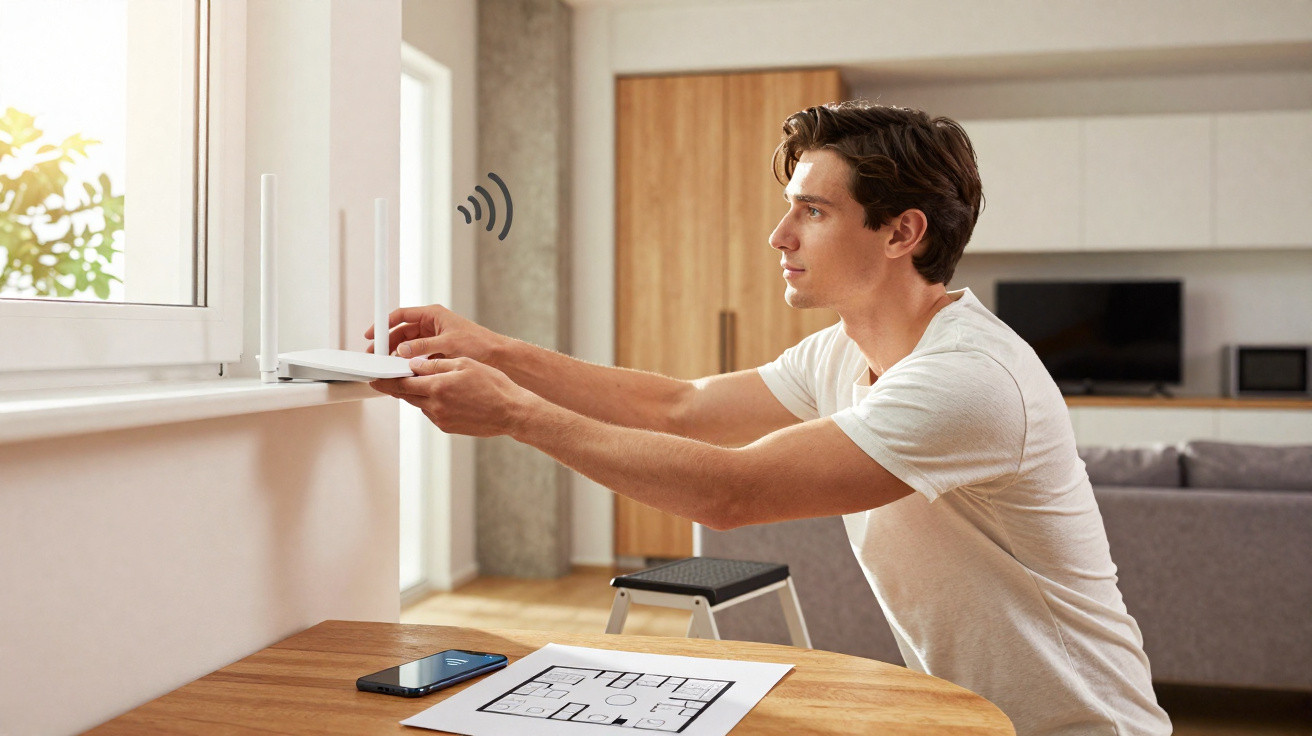
Placing the Wi‑Fi router up high and in the open helps minimise barriers between it and connected mobiles, computers and televisions. When it sits on the floor, tucked behind the TV or shut inside a cupboard, the signal has to push through more furniture and surfaces, which can lead to slower speeds, drop-outs and dead zones.
Why does height improve Wi‑Fi signal distribution?
The router’s antennas broadcast radio waves around the unit, but floors, furniture and other objects absorb or deflect some of that energy. Setting the router on a shelf or an open piece of furniture gives the signal a clearer route into nearby rooms.
It doesn’t need to be mounted extremely high. A position somewhere between waist height and above head height generally performs better than the floor, as long as the device is stable and has plenty of ventilation. Try to avoid placing it in:
- Fully enclosed cupboards;
- Spaces behind televisions and monitors;
- Large metal surfaces;
- Corners boxed in by two or more walls;
- Spots close to the floor or inside drawers.
What is the advantage of choosing a central point in the home?
A central point lowers the average distance between the router and the connected devices. If the unit is installed at one end of the property, some of the signal is effectively wasted outside the building, while rooms on the opposite side get a weaker connection. When deciding where to put it, consider:
- Which rooms rely most on the internet;
- How many walls sit between the router and those spaces;
- Whether corridors help the signal travel;
- Where computers, televisions and consoles are located;
- Whether the area has a power socket and good airflow.
How do walls and furniture weaken the connection?
Concrete and brick walls, mirrors, aquariums and large items of furniture can reduce the strength of the waves used by the wireless network. In general, the thicker and denser the obstacle, the greater the loss. Wi‑Fi is based on IEEE 802.11 family wireless communication standards, which support different frequencies and transmission capabilities.
The 2.4 GHz band typically reaches further and passes through obstacles more easily, but it tends to suffer more interference. The 5 GHz band can deliver higher speeds close to the router, yet its signal drops off more quickly as it goes through walls.
Which devices should be kept away from the router?
Microwaves, Bluetooth devices, cordless phones and other electronics can compete for frequencies or create interference, especially on the 2.4 GHz band. Heat and humidity are also best avoided: while silica gel packets are used to reduce moisture in various items, the best approach is to install the router in a dry, well‑ventilated area.
- Keep it well away from the microwave oven;
- Avoid placing it next to wireless speakers;
- Do not block the ventilation openings;
- Position it away from aquariums and plant pots containing water;
- Do not stack other electronics on top of the router.
What to do when moving the router does not solve the problem?
After relocating the unit, check performance in the rooms you use most. Large houses, multi‑storey homes and buildings with thick walls may still have weak spots, even with the router positioned higher up. In these situations, a mesh system or wired access points will usually spread the network more effectively than repeaters placed where the signal is already very weak.
Wi‑Fi signal quality also depends on the router itself, the broadband package you pay for, interference and how many devices are connected. Even so, keeping the router in a central, open spot and away from dense walls is one of the simplest ways to improve coverage without changing your contracted speed.




Comments
No comments yet. Be the first to comment!
Leave a Comment