
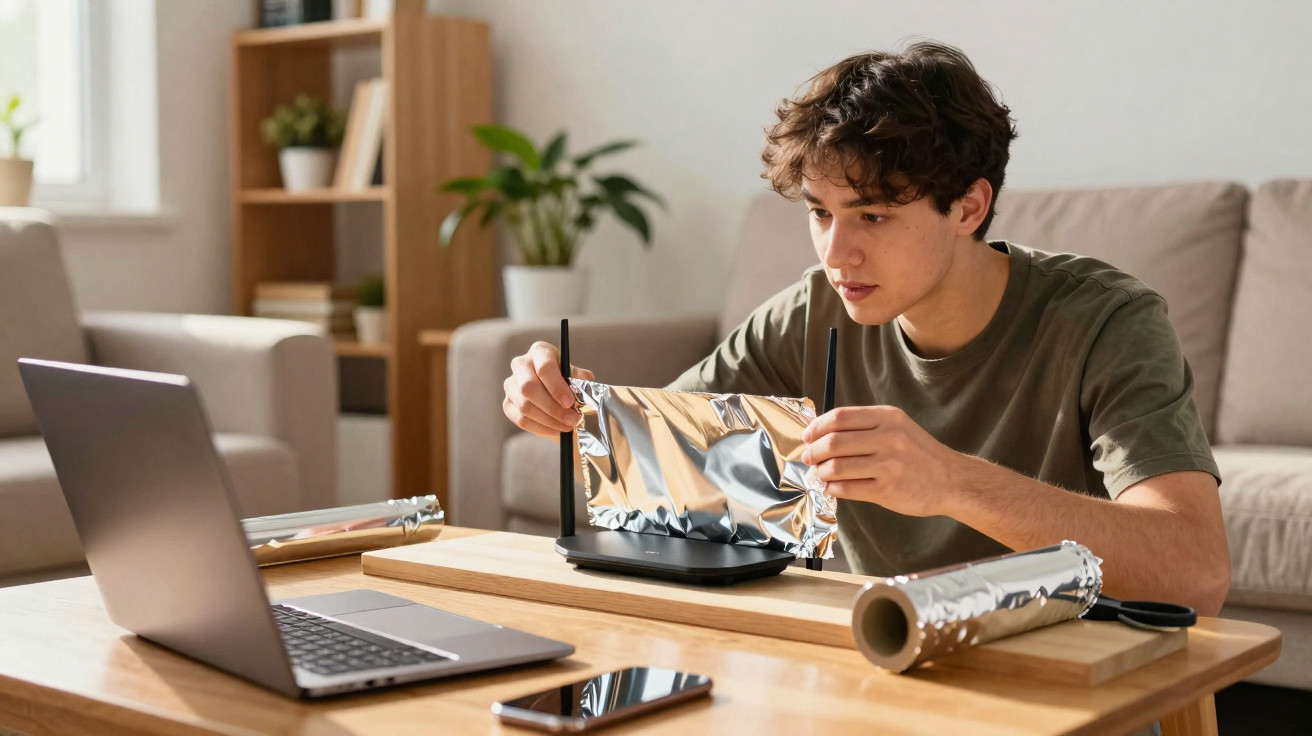
When the internet starts dropping out in certain rooms, many people look for quick fixes before spending money on repeaters or replacing the router. One of the most talked-about hacks is placing a sheet of aluminium foil behind or underneath the Wi‑Fi modem/router. It sounds odd, but there is a basis in physics: aluminium can reflect some of the radio waves the router emits and help steer the signal towards a particular part of the house. Even so, this method does not increase Wi‑Fi power, and it will not work in every scenario.
Why can aluminium foil change the Wi‑Fi signal?
Routers broadcast their signal in multiple directions at once. If there is a curved metal surface close to the antennas, some of those waves may be reflected, concentrating more of the signal in one direction.
This idea became better known after a Dartmouth University study showed that properly designed metal reflectors were able to improve coverage in specific areas. At home, however, the results are typically much more modest and depend on factors such as where the router sits, how many walls there are, and the layout of the rooms.
How is this trick usually done?
The most common approach is to use a slightly curved sheet of aluminium foil placed behind the router, facing away from the room where you want stronger coverage.
The aim is not to wrap the device, but simply to create a small reflector that redirects part of the radio waves.
- Cut a sheet of aluminium foil to roughly 20 cm by 30 cm.
- Fold it gently to create a curve.
- Place it behind the router, never covering the device.
- Point the curved side towards the opposite direction of the room that needs a better signal.
- Run a speed test before and after.
- Adjust the position until you find the best result.
What precautions matter?
Specialists warn that aluminium foil should never fully enclose the modem/router or block its ventilation openings. Doing so can make it harder for heat to dissipate and may affect how the equipment operates.
It is also worth remembering that this trick only redirects some of the signal. If the real issue is very thick walls, interference from other devices, or excessive distance, any improvement is likely to be small-or there may be no improvement at all. In those cases, options such as moving the router, using a repeater, or installing a mesh Wi‑Fi system are usually more effective.
- Improve the signal in a specific room.
- Reduce Wi‑Fi spill into areas you rarely use.
- Try a low-cost option before buying extra equipment.
- Aim the router’s coverage more effectively.
- Complement a well-chosen router location.
- Work out whether the problem is related to signal distribution.
Is it worth trying?
Because it costs virtually nothing, it can be a worthwhile test when the connection is weak in only one part of the house. Expectations should remain realistic, though: aluminium foil will not increase the internet speed you pay for, and it is not a substitute for dedicated equipment designed to expand coverage.
If the connection is still poor after trying it, it is worth checking the router’s placement, cutting down on interference, and considering purpose-built kit to extend your network’s range.






Comments
No comments yet. Be the first to comment!
Leave a Comment