
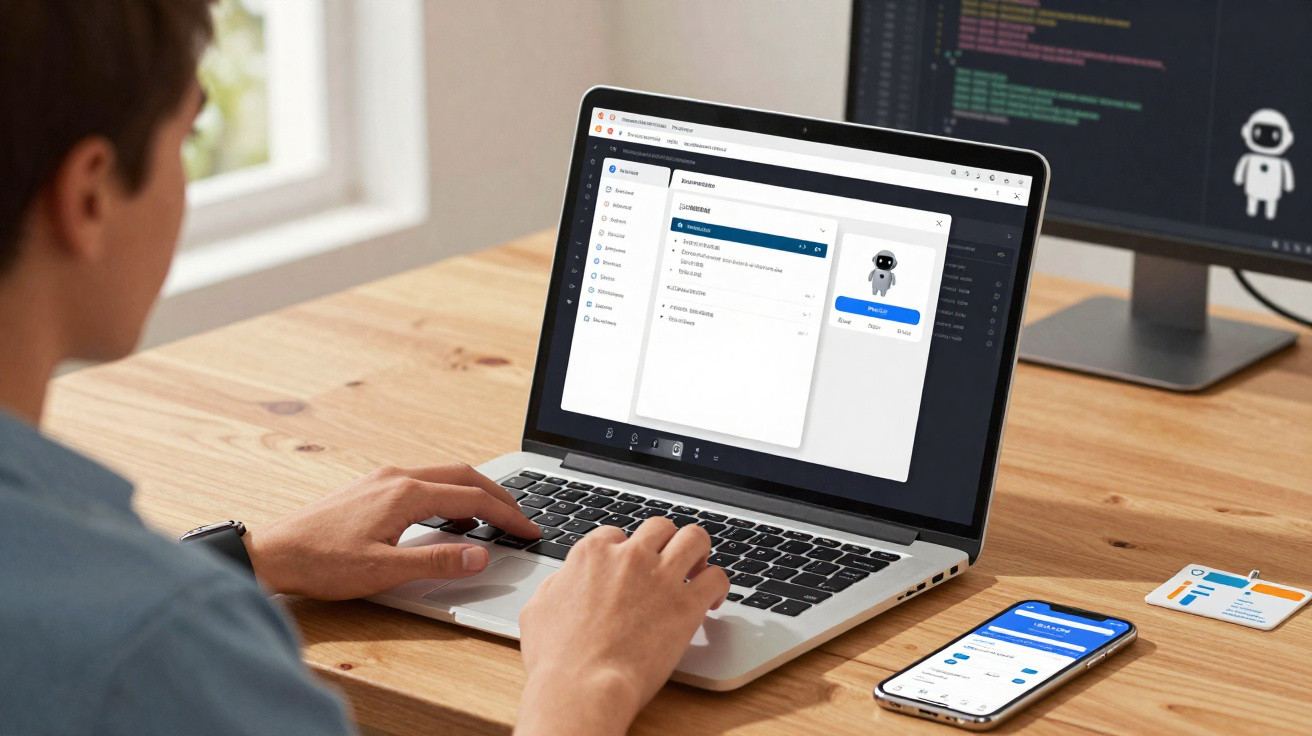
Claude Cowork can already carry out tasks on a computer by using connectors or by taking over a web browser. Now, however, Anthropic’s AI agent can also take control of an entire computer when it needs to. The company still acknowledges the risks involved and advises users, for instance, not to allow Claude to access banking apps.
Anthropic, the maker of Claude, is continuing to refine its AI with the ambition of turning it into a top-tier productivity tool. One of the most practical features in this ChatGPT rival is Claude Cowork: an assistant (or AI agent) designed to complete tasks on a user’s behalf, freeing them up to focus on more important work. Up to now, when Claude Cowork (and Claude Code, aimed at developers) was asked to do something, it relied on connectors that let it interact with other services (such as Slack) or it would control Google Chrome via a browser extension.
What’s new: full computer control for Claude Cowork
Some jobs, though, are not covered by Claude’s connectors and cannot be done purely within a browser. To remove that constraint, Anthropic has introduced a new capability that allows its AI to take over the whole computer and work in the user’s place.
“When Claude doesn’t have the connector or tool you need, it navigates directly on your screen: it clicks, types text and opens apps exactly as you would. It can work in your browser, open files and automatically launch your development tools, with no configuration required,” Anthropic says. The system can also be controlled remotely from a smartphone.
Subscribe to Presse-citron
A last resort
For now, the feature is available on macOS, with Windows support coming soon. To use it, Claude Cowork or Claude Code users will need a paid subscription.
Anthropic adds that Claude will always prioritise more direct methods to carry out actions for the user-starting with connectors. If a connector needed for a task does not exist, Claude will try to use a browser first. Only as a last resort will it take over the mouse cursor and keyboard to control the entire computer.
A risk with sensitive apps
Compared with connectors, operating through the operating system is not only slower but also riskier. Anthropic explains that, in this mode, the AI relies on screenshots; as a result, sensitive information can be captured when Claude is in control of a machine.
Safeguards and recommended restrictions from Anthropic
Anthropic says it has put several security measures in place. For example, Claude always asks for the user’s permission before opening an application on the computer. Users can also create a list of apps Claude must not use.
The company has also issued guidance for users. “Do not grant permission to access sensitive apps (such as banking, health or government apps),” the developer advises.
On the other hand, an app developer could ask Claude to open a smartphone emulator and move through the interface of an app under development to look for malfunctions. The feature could also help an employee extract data from a company’s internal tools that do not have connectors.



Comments
No comments yet. Be the first to comment!
Leave a Comment