
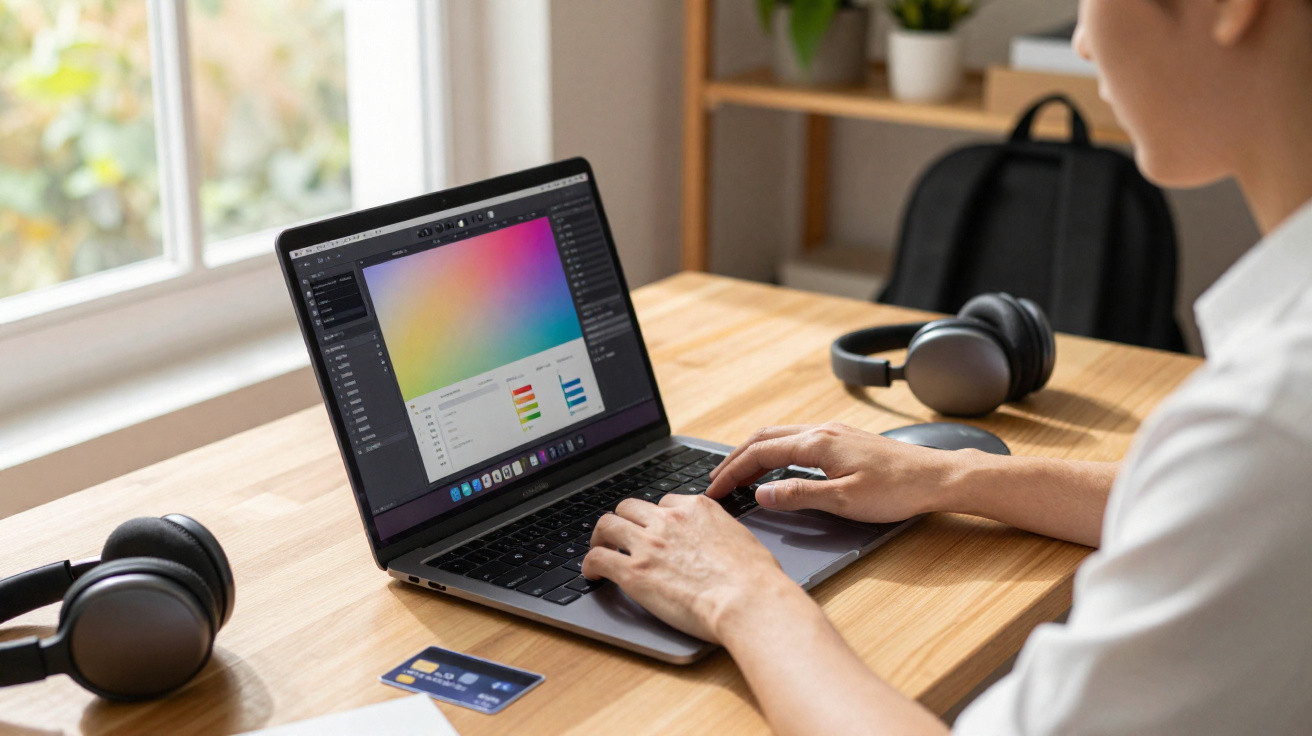
Over the past few weeks, one particular ultra-thin Apple laptop has become a talking point among people who use a computer to work, study and create content.
A sharp price, a latest-generation chip and a well-rounded spec sheet have put the 13-inch MacBook Air in an unusual position: an “entry-level” choice that already delivers performance you would normally associate with a professional machine.
A MacBook Air that goes beyond the basics
The model in question is the 13.6-inch MacBook Air with the Apple M4 chip, 16GB of unified memory and a 256GB SSD. In Europe, its official price is €1,099, but it has been appearing at around €949 at major retailers, which works out at roughly a 14% discount.
"Right now, it is the cheapest MacBook Air with an M4 chip and 16GB of memory - a combination that is usually limited to much more expensive versions."
In practical terms, that drop brings a professional-leaning, ultra-light notebook within reach of people who, not long ago, were effectively pushed towards lower-memory configurations with less headroom for demanding work.
What changes with the M4 chip
The MacBook Air range has always been closely tied to portability. The big shift in recent years came with Apple Silicon, and the M4 pushes that story further. It includes a 10-core CPU, split between four high-performance cores and six focused on power efficiency.
That design means the laptop can stay snappy when you have lots of browser tabs open, edit 4K video or compile code - without draining the battery as quickly when you are doing lighter tasks such as writing documents and joining video calls.
Graphics and artificial intelligence in everyday use
The MacBook Air M4 also comes with an 8-core or 10-core GPU depending on the configuration, with support for hardware-accelerated ray tracing. For anyone doing light 3D modelling, real-time previews, or simply wanting smoother animations and casual gaming, that capability can make a noticeable difference.
Another key component is the 16-core Neural Engine, aimed at artificial intelligence and machine learning workloads. Image recognition, audio transcription, smart filters and features tied to Apple Intelligence should run faster while using less power.
"The combination of a powerful CPU, a capable GPU and the Neural Engine creates a situation where the Air stops being just a ‘light notebook’ and starts acting like a pocket workstation."
Key specifications of the 13-inch MacBook Air M4
- Apple M4 chip with a 10-core CPU (4 performance + 6 efficiency).
- 16GB unified memory, with 120GB/s memory bandwidth.
- 256GB SSD, best suited to people who rely heavily on cloud storage or external drives.
- 13.6-inch Liquid Retina display, 2,560 x 1,664-pixel resolution.
- 500 nits brightness, P3 colour and True Tone.
- Battery life rated at up to 18 hours of video playback.
- Weight of 1.24kg and thickness of just 1.13cm.
- MagSafe 3 charging port and two Thunderbolt / USB 4 ports (up to 40Gbit/s).
- Wi‑Fi 6 and Bluetooth 5.3.
- Four-speaker system with Spatial Audio.
Display, sound and build designed for heavy use
The 13.6-inch Liquid Retina screen keeps the look of recent MacBooks: slim bezels, plenty of brightness for working in well-lit spaces, and colour accuracy that suits photo and video work. P3 colour coverage helps with more precise adjustments, while True Tone shifts the screen’s white balance to match ambient light, which can reduce eye strain during long sessions.
On the audio side, the four-speaker array with Spatial Audio produces impressively full sound for such a thin chassis. It will not replace proper headphones or external speakers, but it is more than adequate for video calls, online lessons, and watching series and films.
Portability without sacrificing battery life
At 1.24kg and around 1cm thick, the MacBook Air remains one of the easiest laptops to carry in a backpack. The 53.8Wh battery, paired with the efficiency of the M4 chip, is rated by Apple for up to 18 hours of video playback - or a full working day switching between a browser, office apps and video meetings.
"For students, consultants, journalists and creators who are constantly on the move, the mix of low weight and long battery life often matters just as much as a few extra benchmark points."
Connectivity and use as a desk-based setup
Physically, the laptop includes a dedicated MagSafe 3 connector for charging plus two Thunderbolt / USB 4 ports. These provide up to 40Gbit/s of bandwidth, support DisplayPort, and can be used to connect monitors, hubs, high-speed external SSDs and full docks.
It supports up to two external 6K displays at 60Hz, turning the machine into a complete work setup when you plug it in at home or at the office. Add a keyboard, mouse and screens for a stable workstation - then at the end of the day, take the same computer back into your bag.
Webcam and video calls
A 12MP webcam with Centre Stage automatically adjusts framing to keep you in the middle of the shot. In long meetings, that is genuinely helpful because you do not need to keep repositioning the laptop. A three-microphone array captures your voice more clearly and helps reduce background noise.
Who this MacBook Air makes the most sense for
The 16GB unified memory configuration is aimed at people who need more than basic web use. Those working with 4K video editing, large Photoshop or Lightroom projects, software development with multiple virtual machines or containers, and music production are likely to feel the day-to-day benefit in responsiveness.
The 256GB SSD, however, does require some forethought. It works well if you keep larger files in the cloud or on external SSDs and mainly store documents, in-progress projects and installed apps locally. If you manage huge photo or video libraries, it is worth pairing the laptop with a fast portable SSD.
- Best fit: students in creative subjects, hybrid workers, freelancers and small-scale content creators.
- Moderate use: people who mostly do light tasks but want longevity and stronger resale value.
- Less suitable: anyone who needs lots of internal storage or plenty of ports without using adapters.
Understanding a few technical terms
“Unified memory” is central here. Unlike the traditional PC approach where system RAM and graphics memory are separate, Apple’s architecture combines them into a single, high-speed memory pool. The CPU, GPU and Neural Engine all draw from that same resource, which helps reduce bottlenecks and improves overall responsiveness.
Ray tracing, available on the GPU, is a rendering technique that simulates the path of light more realistically. In compatible 3D software and games, it can produce more accurate shadows, reflections and lighting - with a significant visual improvement even in relatively simple scenes.
Practical use cases with the current discount
With the reduced price, the 16GB MacBook Air M4 competes directly with mid-range Windows laptops and some entry-level gaming models. In a hybrid working setup, it can work as your only computer: portable during the day, then a desk-based machine in the evening, driving two high-resolution monitors.
For anyone upgrading from an older laptop with an Intel processor from past generations, the jump is likely to feel dramatic. Tasks such as exporting a video for Instagram, rendering a presentation packed with effects, or syncing large cloud libraries become noticeably faster - and fan noise all but disappears, as the Air stays silent most of the time.
"The promotion does not turn the model into an absolute bargain, but it lowers the entry barrier to an ecosystem of high performance, long battery life and genuine portability."
When you weigh up the price, the spec sheet and real-world usage, the cheapest MacBook Air M4 with 16GB of memory becomes a credible option for anyone who needs a work laptop with enough headroom for the next few years, without immediately stepping up to the Pro line.



Comments
No comments yet. Be the first to comment!
Leave a Comment