
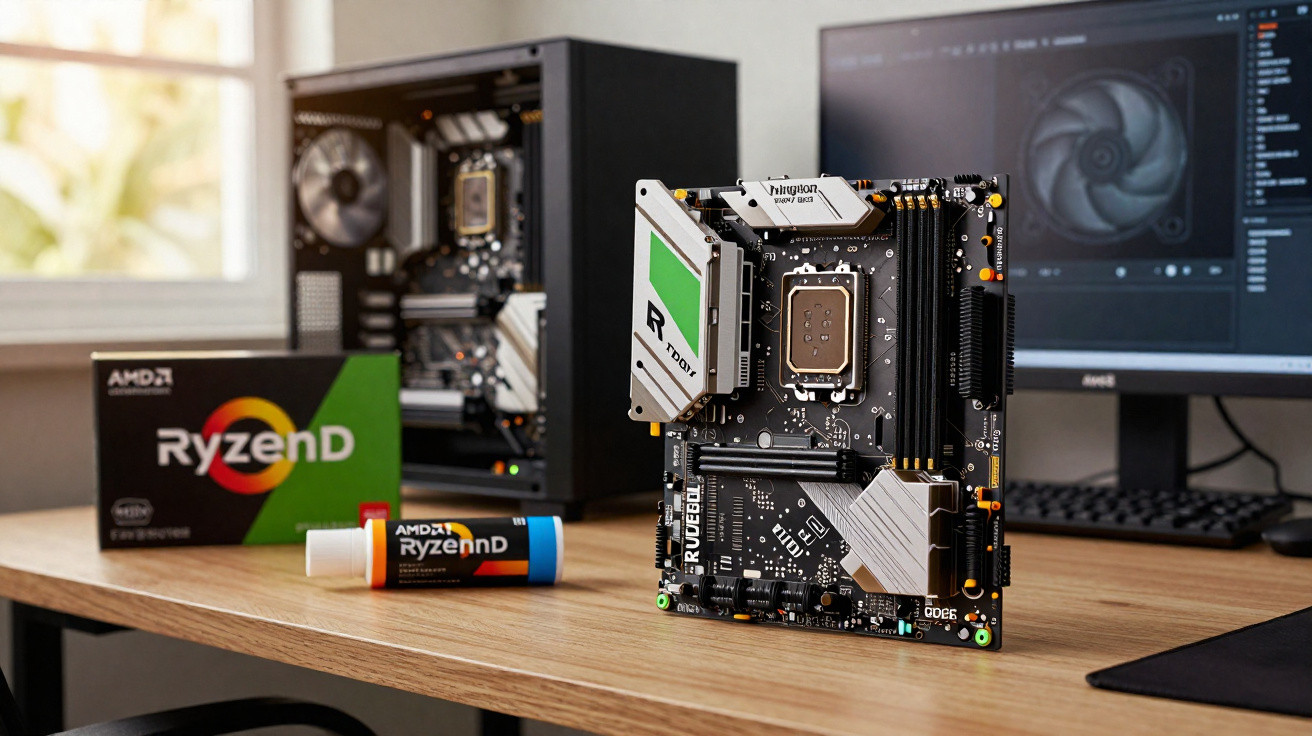
Desktop PCs are drawing more power, new games are arriving with ever-larger installs, and DDR5 memory pricing is edging upwards again-slowly, but noticeably.
That makes the purchase window more important if you’re aiming for a premium build that still feels roomy a couple of years from now. A well-priced 64GB DDR5 kit can shift the value proposition for gamers, streamers and creators putting together a serious AMD Ryzen 7 9800X3D system.
Why 64GB of DDR5 is starting to make sense
For years, 16GB was the typical baseline for a gaming machine. As bigger releases and creator workloads became more demanding, 32GB turned into the comfortable middle ground for many. Now, with contemporary engines, huge texture packs, streaming layers and AI-assisted tools, 64GB is increasingly practical rather than purely “workstation-only”.
A fast 64GB DDR5 kit also lands neatly for anyone building around a CPU such as AMD’s Ryzen 7 9800X3D. This processor benefits from high memory speeds, particularly in games where frame pacing and low-end FPS matter just as much as the average frame rate.
"Pairing a Ryzen 7 9800X3D with 64GB of DDR5 at 6400 MHz targets smooth gaming, heavy multitasking and long-term headroom in one move."
Meanwhile, DDR5 pricing has begun to rise again. Locking in a performance-oriented kit now-before costs drift higher-makes sense for anyone planning a build meant to hold up for three to five years without significant upgrades.
Inside the Kingston Fury Beast 64GB DDR5 kit
This particular set is part of Kingston’s Fury Beast range, offering 64GB across two 32GB DIMMs. The 2 × 32GB configuration suits the majority of current ATX and micro-ATX motherboards, and on boards with four slots it still leaves two free for a later expansion.
Key technical specs
- Capacity: 64GB total (2 × 32GB)
- Type: DDR5, 288-pin desktop DIMM
- Speed: 6400 MHz (PC5-51200)
- Primary timings: CL32-39-39
- Profiles: Intel XMP 3.0 and AMD EXPO compatible
- Cooling: Low-profile aluminium heat spreader
- Extras: On-die ECC and limited lifetime warranty
Configured for 6400 MHz with CL32-39-39 timings, the kit is aimed at a strong blend of bandwidth and responsiveness on current enthusiast platforms. DDR5 often achieves higher raw frequencies than DDR4, but it can come with increased latency; keeping timings down at CL32 helps maintain snappy response, which can be valuable both in games and in hands-on creative applications.
"DDR5 at 6400 MHz CL32 offers strong bandwidth for data-heavy tasks while keeping latency in a range that still favors gaming performance."
Easy setup on Intel and AMD platforms
The memory includes Intel XMP 3.0 and AMD EXPO profiles stored in the SPD information. With a suitable motherboard, you only need to enable the appropriate profile in the BIOS, and the system will apply the intended speed, timings and voltage automatically.
That approach cuts out much of the experimentation for users who want solid performance without manual tweaking. It also reduces the risk of common configuration issues-such as insufficient voltage or mismatched timings-that can show up as intermittent instability during long gaming sessions or lengthy renders.
Cooling and stability details
Each module uses a compact aluminium heat spreader. Rather than a tall, RGB-focused design, the low-profile format can make life easier with large air coolers and tighter mini-tower builds. The emphasis is on practical heat management, not lighting effects.
On-die ECC is also included to improve stability. It can correct certain internal cell errors before they affect the wider system, which becomes more relevant at higher operating speeds. For extended 4K rendering, overnight simulation runs, or long competitive sessions, that added margin can help prevent the occasional crash that spoils the whole run.
Why this kit pairs so well with an AMD Ryzen 7 9800X3D
AMD’s Ryzen X3D processors-including the Ryzen 7 9800X3D-use stacked cache to speed up gaming workloads. They can also be sensitive to memory performance, particularly for competitive play and high-refresh-rate gaming.
By pairing the CPU with 64GB of DDR5 at 6400 MHz, you reduce the chance that background activity intrudes on the resources your game needs. Streaming tools, web tabs, Discord, capture software and overlays can remain resident in memory instead of constantly leaning on the page file.
| Use case | Benefit of 64GB DDR5 6400 MHz |
|---|---|
| 4K gaming + streaming | Stable frame times while OBS, chat, music and browsers remain open |
| Content creation | More room for 4K timelines, RAW photos and audio tracks without swapping |
| Virtual machines | Ability to run several VMs at usable allocations simultaneously |
| Data and code work | Large datasets or heavy IDEs stay responsive alongside other apps |
If your setup is focused on 1080p or 1440p gaming with light multitasking, 32GB can still be plenty. The jump to 64GB becomes most compelling once streaming, content creation, or several concurrent workloads enter the picture.
Who actually needs 64GB right now?
A kit this large won’t deliver the same gains for everyone. That said, there are clear situations where 64GB provides tangible day-to-day benefits.
Enthusiast gamers and streamers
If a typical session includes a current AAA game, voice chat, a couple of browser windows, OBS recording, background updates and a music app, you’re exactly the kind of user who can make use of 64GB. Games with vast open worlds or heavy texture packs can already consume more memory than many people realise.
With 64GB installed, the PC can hold more cached data, move between tasks with fewer stutters, and cope better with overlays and companion apps that would otherwise strain a 16GB-or even 32GB-setup.
Content creators and freelancers
Editors working in 4K or higher often hit RAM limits once they stack effects, colour grade, and preview complex timelines. Large Lightroom catalogues, multi-gigabyte Photoshop projects and intricate audio sessions can all scale up with the amount of available memory.
"For creators, 64GB often shows up not as higher benchmark numbers, but as fewer freezes, fewer “not responding” messages and smoother timelines under pressure."
That extra headroom is particularly helpful for freelancers who can’t afford delays in the middle of client work or when deadlines are tight.
Developers, researchers and power users
It doesn’t take long for heavyweight IDEs, multiple Docker containers, several virtual machines, local databases and browser-based tools to overwhelm 32GB. AI tasks and data-science notebooks can also be extremely memory-hungry as models and datasets grow.
In these workflows, 64GB helps a general-purpose desktop behave more like a multi-role workstation, supporting experiments, sandboxing and active projects without constant decisions about what must be closed.
Price context: DDR5 volatility and value
DDR5 arrived at premium prices, then settled, and is now in a phase where costs are trending upwards again as demand grows and parts of the supply chain shift towards next-generation standards. High-capacity, high-speed kits often feel this squeeze first.
A 64GB kit at 6400 MHz with CL32 timings and a lifetime warranty can look like good value next to slower kits that aren’t much cheaper, or ultra-fast niche sets that cost significantly more for relatively small gains. For many buyers, dependable stability, vendor support and straightforward BIOS profiles outweigh chasing the last few percentage points.
How to check if this kit fits your build
Before you buy, it’s worth doing a few quick compatibility checks to avoid hassle later. If you’re building around a Ryzen 7 9800X3D, the following points are worth confirming in the motherboard manual and specification sheet.
- Confirm DDR5 support and maximum tested speed for your board and CPU.
- Check the QVL (qualified vendor list) for 6400 MHz 2 × 32GB kits, even if the exact model is not listed.
- Verify clearance under large air coolers or tight radiators, especially in compact cases.
- Plan for future expansion: 2 × 32GB leaves two slots free in four-DIMM boards.
- Update the BIOS before installing, to improve EXPO/XMP compatibility with newer memory.
Most recent AM5 motherboards cope well with 6400 MHz using two single-rank DIMMs, particularly with up-to-date firmware. Some setups may still benefit from a small voltage adjustment or a manual memory training run, but plug-and-play results are far more common than they were a generation ago.
Thinking beyond raw capacity
When choosing RAM, it’s easy to fixate on the capacity figure alone. In reality, the overall experience is shaped by capacity, frequency, timings, stability features and the manufacturer’s support policy. A 64GB kit that becomes unstable during long renders is less useful than a slightly slower option that remains reliable and is backed by strong profiles and warranty coverage.
There’s also an often-overlooked upside to fitting more memory than you strictly need. With a larger pool, Windows or Linux can cache commonly used applications and assets more aggressively, shorten load sequences over time, and cut down on background disk activity. The result is a subtle but genuine sense of responsiveness that benchmarks don’t always capture, but users notice quickly.





Comments
No comments yet. Be the first to comment!
Leave a Comment