
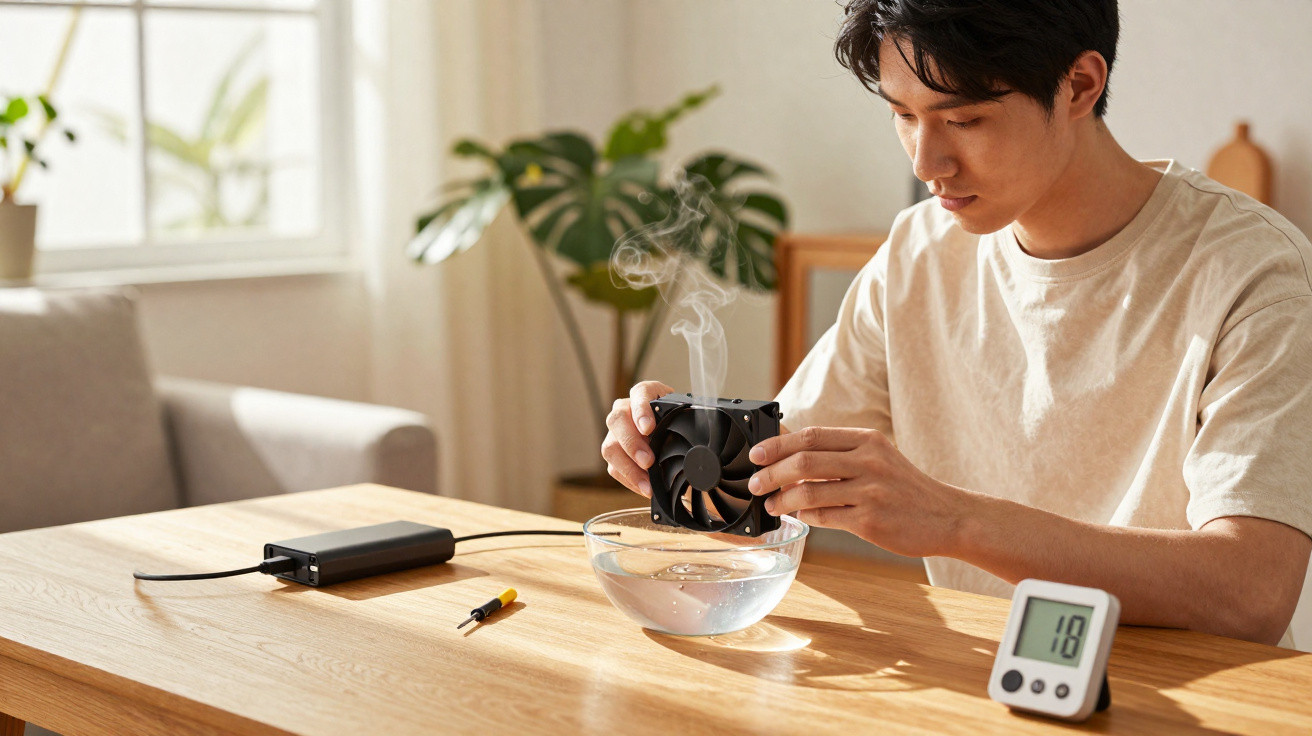
During spells of dry weather, plenty of people look for straightforward ways to make the air at home feel more comfortable. One increasingly popular hack is to repurpose a PC cooler fan as a small DIY humidifier, using its airflow to speed up water evaporation and make indoor spaces feel better without paying for expensive appliances.
How does a computer cooler help to humidify the air?
This trick relies on evaporation: the breeze from the cooler is aimed at a damp surface, helping water evaporate faster and blend into the surrounding air. In practice, the cooler works as a simple “air mover”, pushing that moisture around a bedroom or living room.
It’s worth noting that the cooler doesn’t generate extra water in the air-it only speeds up evaporation of the water you provide. That means the result depends on how much water is available, the size of the room, and how much ventilation there is. In smaller, more enclosed spaces, the effect is usually easier to notice, especially on very dry days or at night.
How to build a simple humidifier using a PC cooler
If you want to try this at home, you can put together a basic setup with just a few items, as long as you pay attention to stability and where everything is placed. It’s a budget-friendly option with low energy use, best treated as a temporary fix during periods of dry air.
The most common materials include:
- A computer cooler in good condition (case fan or power supply fan)
- A compatible power supply (USB, 5V or 12V, depending on the cooler)
- A container of water (a stable basin, pot, or bowl)
- An absorbent cloth, sponge, or clean towel
- A simple stand or support to keep the cooler steady and secure
A typical way to assemble it is to place the water container on a firm surface, set the cloth so it’s partly submerged with a section left exposed (and kept consistently damp), then position the cooler so it blows directly at the wet area. Some people also make a cardboard or plastic “tunnel” to focus the airflow over the damp fabric.
What precautions matter when using a cooler as a humidifier?
Even though it’s simple, this adaptation needs care around electrical safety, because water and wiring do not mix. Keep the power supply, plugs, extension leads, and connections well away from splashes, and make sure cables don’t run behind or underneath the water container.
Hygiene matters too, as fabric sitting in water can become a breeding ground for mould, fungi, and bacteria. To help lower those risks, it’s sensible to follow a few day-to-day precautions:
- Change the water daily, or whenever it looks cloudy
- Wash the cloth or sponge regularly using mild soap
- Avoid using it in rooms with existing mould or a heavy build-up of dust
- Watch for signs of too much humidity, such as a musty smell or darkening walls
When is this hack most useful-and when isn’t it enough?
A PC cooler used as an improvised humidifier tends to work best in smaller rooms, such as bedrooms and compact offices, particularly at night or during times when there’s little outside airflow. In regions that experience dry-air spells between autumn and spring, it may help ease discomfort such as irritated airways and dry skin.
However, it does not replace purpose-built equipment in homes where someone has chronic respiratory conditions, or where a doctor has recommended strict humidity control. In those situations, the cooler should only be viewed as occasional support, and it’s best to keep track of how comfortable people feel in the space-making sure the air seems more pleasant without any signs of mould or excess damp.






Comments
No comments yet. Be the first to comment!
Leave a Comment