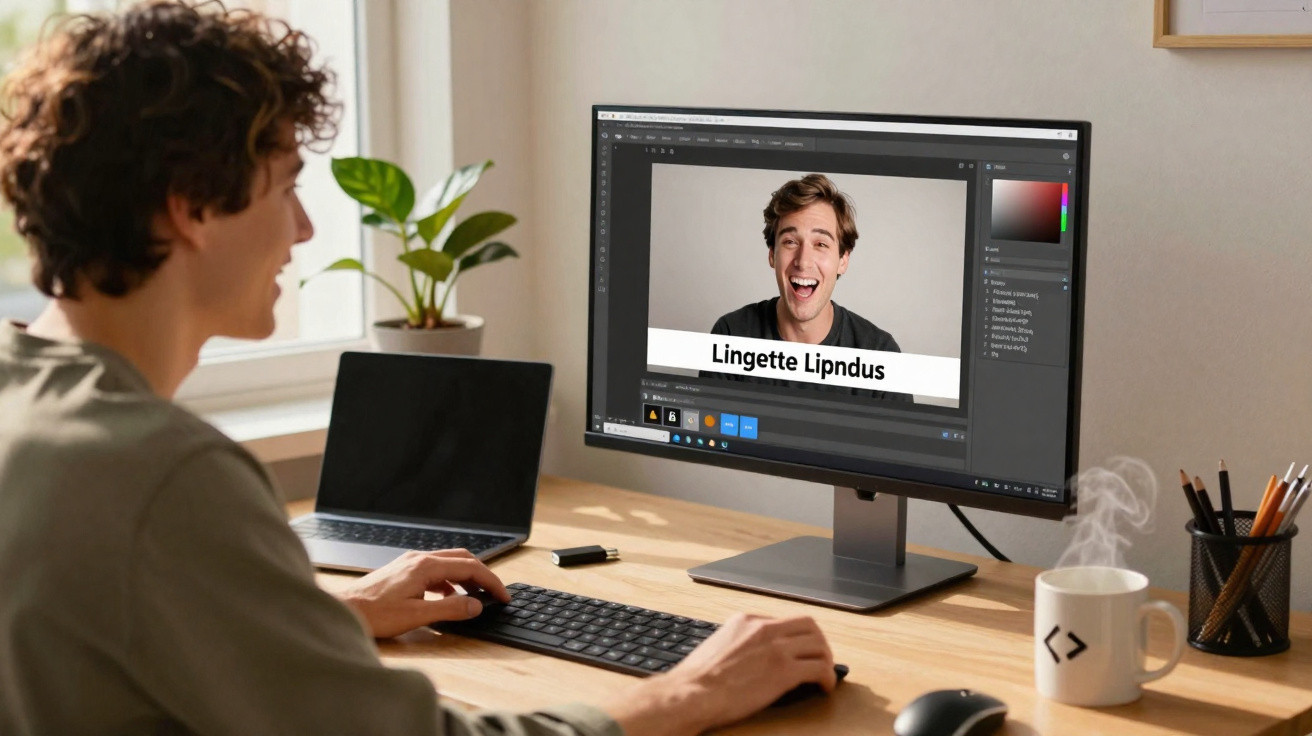
Memes have long been part of everyday digital life, yet many casual creators are put off by complicated image-editing software. A small Linux app now takes a different approach, focusing uncompromisingly on what really matters: add text to an image quickly, export it, post it – done.
Why meme apps are in demand again
It can feel as though everything currently revolves around generative AI, filters, effects and complex workflows. Anyone who simply wants to place a thought or punchline on an image can quickly feel overwhelmed. This is precisely where the free Linux application Memerist comes in.
Memerist deliberately avoids professional-grade features and focuses on what makes memes effective: speed, simplicity and humour.
Rather than presenting a stack of layers with hundreds of settings, the app offers a manageable collection of tools that even beginners can understand within minutes. Anyone who has struggled with GIMP or similar programs will find Memerist a far more relaxed alternative.
What Memerist can do – and what it cannot
Memerist is not intended to compete with image editors such as Photoshop or GIMP. It is designed to be a meme generator, nothing more and nothing less. That focus is exactly what keeps it pleasantly streamlined.
Features at a glance
- A built-in, compact image library containing familiar meme templates
- Importing your own images into that library
- A text tool with basic formatting and rotation
- Exporting as PNG or JPG
- High-contrast filters or an intentionally “pixelated” look
- Zoom for detailed work
- Separate text and image layers
- A live preview while editing
Its lack of hundreds of effects is a key part of the appeal. In most cases, creating a meme only requires three things: an image, text at the top or bottom, and a fast export option. Memerist handles exactly these three aspects neatly.
Where the tool reaches its limits
The app deliberately has limitations in certain areas. For instance, it cannot distort text perspective in the way professional programs can. If the lines within an image run at an angle, the text can sometimes appear slightly out of alignment.
Perfection is secondary with memes – what matters is whether the joke lands and the message gets across.
Anyone wanting to carry out meticulous layout work should still turn to GIMP or other heavyweight applications. For quick social-media posts, however, the available feature set is entirely sufficient.
Installing Memerist on Linux
The app is distributed through Flatpak and is available in the Flathub repository. It can therefore run on virtually any common Linux distribution, provided Flatpak has been set up.
Option 1: Installation through the graphical software manager
Many distributions, including Fedora, Linux Mint and some Ubuntu derivatives, integrate Flathub directly into their app store. In that case, the usual process is straightforward:
- Open the software centre.
- Search for “Memerist”.
- Select the entry and click “Install”.
Once installed, the application will appear in the desktop environment’s menu. If the icon does not appear immediately, logging out and back in again will usually resolve it.
Option 2: Installation using a terminal command
Anyone who prefers using the terminal, or does not have Flatpak integration in their store, can use a single command:
flatpak install flathub io.github.vani_tty1.memerist
This installs the current version of Memerist on the system. You can then launch it from the applications menu or with an appropriate launch command, depending on the desktop environment.
Getting started: create your own meme in minutes
The real strength lies in how it works. When launched, Memerist displays its library of template images. If you would rather use your own material – such as a photo from the last day in the office – you can import it in just a few clicks.
A typical meme workflow
- Choose an image from the library or add your own photo.
- Activate the text tool (the “B” icon in the sidebar).
- Position a text box and enter the content.
- Adjust the font size, colour and alignment.
- Optionally apply a filter to sharpen the visual style.
- Start the export, choose a file name and save it.
The app displays every change immediately in a preview. This makes it easy to move the text until it has the best effect – traditionally at the top and bottom, or intentionally in the middle of the image.
PNG or JPG – which export option is better?
Memerist exports in PNG format by default. This provides high quality, although file sizes can be fairly large. Many social networks support it, but some platforms prefer JPG.
| Format | Advantages | When is it useful? |
|---|---|---|
| PNG | high quality, fewer artefacts | for archiving, high-quality screenshots, crisp edges |
| JPG | smaller files, faster transfer | for social media, messengers, websites with limits |
If you would prefer a JPG instead of a PNG, simply change the file extension in the name during export. The app will then automatically create a JPG file.
Why Memerist is worthwhile for many users
Memes thrive on spontaneity. An idea, an image, ten seconds of text work – that is rarely more than is needed. Achieving that pace is difficult in a cluttered image editor, but effortless in Memerist.
Anyone who does not want to spend hours stuck in tutorials gets a tool with Memerist that requires no learning curve.
This is a notable point for Linux. The system is often seen as complicated in creative fields. With a focused app such as Memerist, that reputation can at least be corrected somewhat when it comes to meme creation.
Practical tips: making memes more effective
The app takes care of the technical side, but you still have to provide the content. A few simple rules can help make sure the joke really works:
- Use few words: Short, punchy text is more memorable than lengthy explanations.
- Consider contrast: Light text on a dark background – or the reverse – is the clearest approach.
- Prioritise readability over effects: Clear lettering is better than decorative fonts that nobody can decipher.
- Timing: Current topics work far better in memes than generic sayings.
- Respect rights: Choose your own images or templates that are free to use to stay on the safe side legally.
Especially where image rights are concerned, it is worth checking the source briefly before a post goes viral. Memerist does provide some templates, but the user remains responsible for everything else.
Memes as a counterweight to an AI overload
At a time when entire image series are sometimes generated by AI, a simple meme app can seem almost old-fashioned. That is exactly what makes Memerist appealing. It produces something handmade: real images, real thoughts, no prompt, no model.
Anyone already using Linux gains a lightweight, free tool for quick visual comments, whether in a team chat, a private group thread or a public feed. The barrier to entry remains low, while the scope for spontaneous humour is surprisingly broad.
















Comments
No comments yet. Be the first to comment!
Leave a Comment