
The café was only half full, with the usual late-afternoon atmosphere of people scrolling rather than speaking. At the next table, a man in a blue hoodie repeatedly checked his phone with a worried look. Its charge was vanishing before his eyes: 14%, then 10%, then 7%.
“I don’t get it, I didn’t even use it,” he muttered. His friend leaned across, opened the quick settings and switched off Wi‑Fi. The signal symbol vanished, and the battery indicator finally stopped dropping like a stone.
As they left, I saw his screen light up again in his hand. Walking along the street, his Wi‑Fi had reactivated itself.
That little symbol had become about more than getting online. It was also about what keeps trailing you after you believe you have moved on.
The innocent Wi‑Fi icon working behind your back
You leave your flat, press for the lift, open Instagram, and your day is under way. Although you are using 4G or 5G, your handset is still searching for Wi‑Fi as eagerly as a dog looking for food.
As you pass each shop, café and neighbour’s router, your smartphone silently asks: “Are you there? Are you there? Are you there?” It does this continually and invisibly, even while your attention is elsewhere.
That modest search for networks looks harmless, but it is not. It consumes power, exposes information and retains a history.
Security researchers are particularly fond of public transport, not for the scenery but for the number of phones asking to find Wi‑Fi. Using a small device carried in a backpack, they can detect “probe requests”: the signals sent by your phone while it searches for familiar networks.
These signals may contain the names of networks you used previously, such as “Home‑Fibre‑1234”, “Johns‑iPhone‑Hotspot” and “Office‑Guest”. To most people, these are simply arbitrary labels. To an interested observer, they can form a map of where you spend time, which companies you work for and, in some cases, even the type of router you use.
In one trial in a large European city, thousands of these requests were recorded in less than an hour. No one glanced up; everyone carried on scrolling, certain that they could not be seen.
The unexciting but useful reality is that perpetual Wi‑Fi scanning drains your battery while creating a small, ongoing trail of risk. Your phone checks for networks, negotiates connections, attempts to maintain weak signals and then abandons them. All of that requires energy.
Nearby equipment can also capture every one of those pings. This is not science fiction; it is simply the way the protocol functions. Your phone seeks convenience through recognised networks, stored passwords and automatic reconnections. That system was created before we carried our entire lives around in our pockets.
Today, this appetite for convenience can be used to follow patterns: home, gym, office, favourite bar. GPS is hardly necessary when your Wi‑Fi history says so much.
Turning Wi‑Fi off when you leave: a small action with a major effect
The most straightforward habit is almost frustratingly simple: as you walk out of the door, pull down quick settings and switch off Wi‑Fi. It takes one second and one tap, with no clever trick involved.
Doing so stops the repeated “Are you there?” cycle. Your phone no longer broadcasts its past connections with assorted routers into the air. Instead, it relies on mobile data, which is frequently more reliable when you are on the move anyway.
When you get home, one tap puts you back on your own network and inside your familiar digital bubble. There is no fuss, only a clear boundary between being indoors and being out.
On a busy Monday Tube journey, a young woman checked her battery level: it was at 19% by 8:30 a.m. She sighed, opened the battery settings and found a familiar notice: Wi‑Fi scanning active.
Over the weekend, she had moved between bars, a friend’s home and a co-working space. Throughout it, her phone had attempted to hold on to every feeble Wi‑Fi connection it encountered, like a climber gripping crumbling rock. It was unsurprising that it was exhausted before the working day had properly begun.
Once she began turning Wi‑Fi off when leaving places, her battery no longer died during the journey home. Her apps and usage stayed the same; only the invisible background handshakes were reduced.
There is a less obvious privacy issue too. Every Wi‑Fi network you join and every captive portal you accept gives another network a view of your device and, sometimes, your behaviour. When Wi‑Fi remains enabled by default, your phone can seem eager to join anything familiar, or at least exchange information with it.
Switch it off outside places you trust and you reduce that exposure. Fewer unknown routers can see you, fewer records can log your passing, and there are fewer “free” networks that are free only because you are the product.
It is a modest boundary to set: your phone does not need to be sociable with every router, café and bus it passes. It can remain silent instead.
Making the “Wi‑Fi off outside” rule genuinely practical
A tidy approach is to make this a partly automatic routine. Most phones let you configure “Wi‑Fi preferences” so that Wi‑Fi automatically comes on only close to saved networks. You then switch it off manually once you leave home or work.
While you are out and about, your phone remains on mobile data, then quietly reconnects to trusted Wi‑Fi as you come back through the door. There is no continual searching across town, and no loss of comfort at home.
If you are more technically minded, automation apps can take this further: “When I disconnect from Home‑WiFi, turn Wi‑Fi off.” One rule means one fewer task to remember.
Most people will not build elaborate routines. They may try it for a week, then let it slip. Let’s be honest: nobody really does this every day.
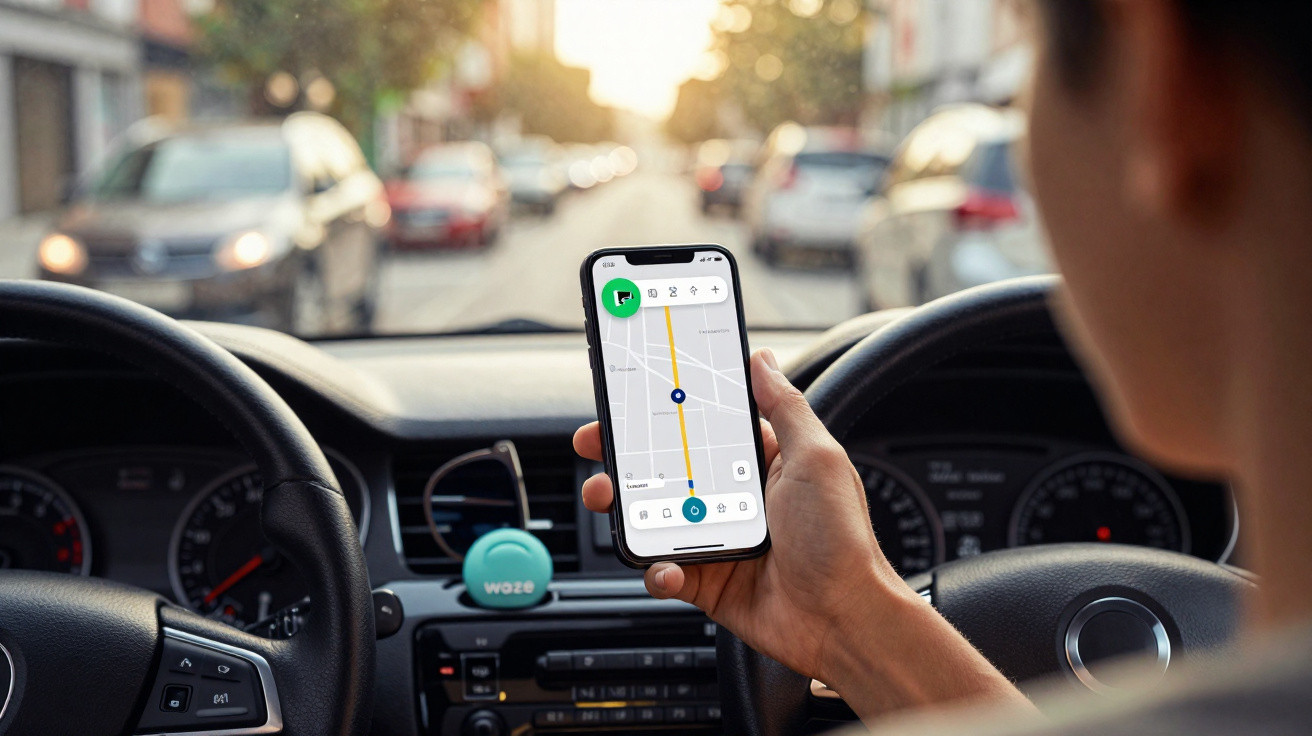
Set a lower, smarter target instead. Connect the Wi‑Fi action to something you already do: when locking the door, tap the Wi‑Fi tile; when getting into the car, swipe and tap quickly.
Repeat the same action when you return and put down your keys. Perfection is not the aim. The purpose is to limit the disorder on days when your phone might otherwise use 40% of its battery monitoring every anonymous router in town.
“The most powerful privacy tools are the boring ones you repeat without thinking,” a cybersecurity analyst told me once. “Turning off what you don’t use is the digital version of closing your front door.”
You do not need to make it a religion. Begin with one location: home. For one week, make switching off Wi‑Fi part of leaving home, and nothing else. Then see what it does for your battery and your peace of mind.
- Less background noise – Your phone no longer searches all day for unreliable networks.
- Longer battery life – Reduced scans and failed connections mean less wasted power.
- Quieter digital footprint – Network records make it harder to reconstruct your movements.
How turning off Wi‑Fi changes the way you move through the world
There is something unexpectedly reassuring about watching the Wi‑Fi symbol disappear as you step outside. Your phone is no longer trying to latch on to every coffee shop signal, every locked neighbour’s network or every bus hotspot. It is simply… with you.
You may also find that some apps work more reliably over mobile data than on inconsistent public Wi‑Fi. There are fewer partly loaded pages when you cross the road, and fewer missing notifications because your phone assumed it was online when it was not.
We have become so accustomed to everything being permanently switched on that deliberately disabling one feature can feel almost radical.
That small change can also alter how you view “free Wi‑Fi” signs. Rather than connecting automatically, you may ask yourself: Do I actually need it now? Is this place worth giving another network access to my device details and behaviour logs?
At a deeper level, you begin to draw a mental map of trusted areas: home, work and perhaps a favourite café where you know the owner. The rest of the city becomes mobile territory: quick, temporary and less attached.
On a crowded high street, signals still surround you, but they start to feel more like weather than hooks: present, yet not something you need to connect with each time.
We all recognise the moment when a phone reaches 3% at 6 p.m. and life suddenly resembles 1998: no maps, no messages and no way to arrange a ride home. That little panic can often be the cost of a day filled with unseen background chatter.
Switching off Wi‑Fi when you go out will not solve everything. It will not end all tracking or turn your smartphone into a monk. However, it removes an entire layer of unnecessary exposure and needless energy use.
Perhaps that is the quiet revolution: not an app or a gadget, but a fingertip developing a new habit. A smartphone that speaks less. A battery that lasts all day. A feeling that silence can, sometimes, be power.
| Key point | Detail | Benefit for the reader |
|---|---|---|
| Wi‑Fi constantly scans outside | Your phone sends “probe requests” to look for known networks wherever you go | Explains why battery drains and how movements can be mapped |
| Manually switch Wi‑Fi off when leaving home | One quick toggle as you leave and another when you return | A simple habit that improves battery life and privacy with almost no effort |
| Use smart preferences/automation | Restrict automatic activation to trusted networks and build small routines | Cuts background connections while retaining convenience at home and work |
















Comments
No comments yet. Be the first to comment!
Leave a Comment