
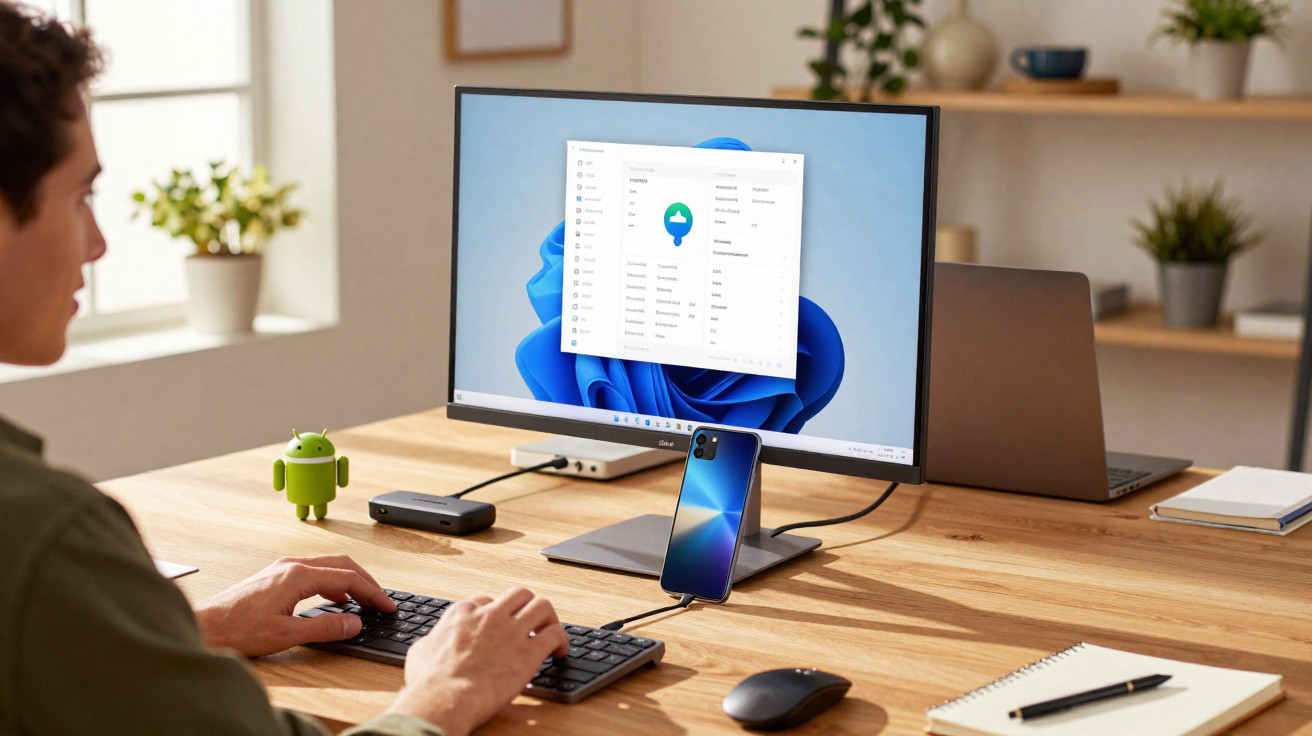
Developed for years inside Google, Android’s PC mode finally arrived this March. The feature is being offered on a select list of Google Pixel smartphones.
Samsung has long provided DeX, a feature that turns its premium handsets into a computer-style central unit when connected to an external display. In parallel, Google has been working on its own Android desktop mode to deliver a comparable experience. The work has taken time, but in early March the company finally announced a working version of this mode for Google Pixel phones.
Unveiled as part of the March “Pixel Drop”, the update switches Android’s phone interface into a computer-like layout whenever the device is plugged into a screen. “Connect your Pixel phone to an external display via USB-C to enable multi-window desktop mode. This feature turns your phone into a productivity centre, allowing you to use multiple apps at the same time. It’s the simplest way to handle complex multitasking without needing a laptop”, the company explains.
Which Google Pixel models support Android’s Desktop Mode?
Unfortunately, this new capability is not available across the entire Google Pixel line-up. To use Google’s Desktop Mode once it rolls out, you will need a Google Pixel 8, a Google Pixel 8a, or a newer model.
Android targets the PC market
Introducing a PC mode for Android phones could be another step towards the launch of Aluminium OS, the new computer operating system Google is developing. Unlike Chrome OS, it is expected to be based on Android.
Alongside Mobile World Congress in Barcelona, Sameer Samat, who leads Google’s Android ecosystem, confirmed to Android Authority that the company still plans to release this PC version of Android in 2026. He also said that, even while introducing a new Android-based OS for PCs, Google will continue developing Chrome OS.

Comments
No comments yet. Be the first to comment!
Leave a Comment