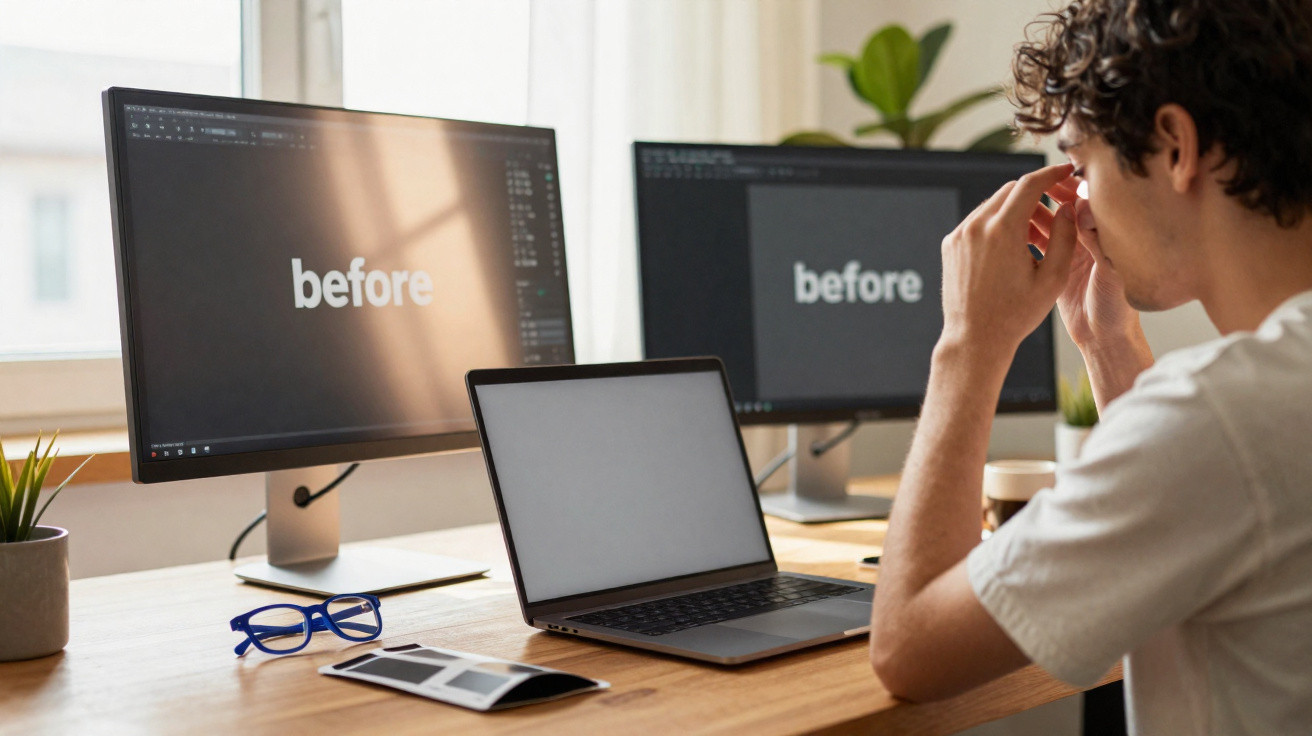
Late in the evening, with Slack still pinging, Emma leaned towards her laptop as though getting nearer might make it reveal the answer. The stark white spreadsheet shone back at her, cold and piercing, bouncing the ceiling light directly into her eyes. They began to sting. She pressed the heels of her hands against them, then noticed faint blue halos drifting over the keyboard.
She turned down the brightness, but it made no real difference. She adjusted the screen angle. She shifted her chair. The glare simply moved with her, as if it were following. She knew she ought to stop, yet the deadline sat in red on her calendar. So she carried on, blinking more frequently and tightening her jaw a little further.
When she eventually closed the laptop, the room seemed dark and blurred, as though her eyesight had not quite readjusted. The screen’s glow lingered in her thoughts, floating behind closed eyelids.
There had to be a better way to spend an entire day looking at a screen.
Why screen glare damages your focus and eyes
Most people blame eye strain on “too much work” or “too many emails”. But a sizeable part of the discomfort comes from light reflecting off the screen in ways that strain your eyes. Glare is deceptive. It is not always as obvious as sunlight flooding a monitor. It can be a soft shimmer from a window or a bright lamp appearing as a pale, ghost-like mark on the glass.
Your eyes repeatedly try to focus through that reflected patch, around it and then back to the content. The small muscles within them contract and relax over and over. The effect is not loud; it builds quietly. You may feel a gradual headache at your temples, burning when you blink, or a nagging feeling that the words are “harder to read than they should be”.
Eventually, you are not merely tired. You are subtly worn down, often without recognising glare as the reason.
Call centres, trading floors and open-plan offices are ideal places to see how glare gradually exhausts people. A European survey found that employees reporting high glare exposure were far more likely to report blurred vision and headaches at the close of the day. This was after an ordinary working day, not an extreme 12-hour shift.
One bright spring afternoon, a UX designer I interviewed showed me her workstation. It had a stylish monitor, a large window, plants and the whole Instagram-ready look. Then she opened a blank document. The window reflection transformed the display into a mirror. “This looks beautiful in photos,” she said, “but after three hours I feel like my eyeballs are sunburned.”
She had tried shutting the blinds, wearing a cap and even relocating her entire desk. Nothing completely worked until she fitted a basic matte screen filter. The improvement was not especially dramatic on camera, but she said her eyes suddenly found the room quieter.
There is a simple explanation for why glare is so tiring. Human eyes developed to function in fairly even natural light, rather than with intense points of brightness confronting them from one fixed place. When a screen reflects a lamp or window, your eyes must continually adapt to two competing light sources: the display’s own light and the reflected light layered over it.
That continual micro-adjustment takes effort. Small muscles tense, you blink less and the tear film dries more quickly. Dry eyes and tense muscles cause that rough, gritty feeling. Add blue-rich light from LED screens, and your brain receives a stronger “daytime” cue than it needs late in the evening.
Glare, then, is not merely “annoying brightness”. It is a subtle mechanical stressor that makes a normal working day feel like a slog long before your diary suggests it should.
How anti-glare screen filters settle the visual noise
The understated strength of screen filters is that they do not require you to overhaul your life. They alter the light instead. An anti-glare or matte filter diffuses incoming reflections, replacing sharp white patches with a softer, more even surface. The display image remains visible, while the blinding hotspot from a window is softened into something your eyes can disregard.
For laptops and monitors, these filters are typically thin plastic or glass sheets placed over the display or clipped onto its edges. On phones and tablets, they resemble familiar “screen protectors”, but use coatings intended to reduce reflections. Some provide anti-glare protection alone, whereas others also include blue-light filtering or privacy features that darken the screen when viewed from the side.
The purpose is straightforward: allow the pixels through while quietening the visual disruption around them.
Think of the last time you tried reading an article on your phone outdoors. You probably tilted the device beneath your jacket, shaded it with your hand or gave up altogether. Now imagine that situation with a quality matte filter. The reflection does not disappear by magic, but it becomes flatter. Text no longer vanishes beneath a white sheen. You can read without squinting as though facing a spotlight.
I spoke with a developer who spends 10+ hours a day using two monitors and a laptop. Following months of tension headaches, he fitted anti-glare filters to all three displays. Initially, he disliked the slightly “grainier” appearance. “It felt like losing a tiny bit of sharpness,” he told me. After two weeks, he had adjusted to it and noticed that his evening headaches had fallen so sharply that he stopped taking “just-in-case” painkillers ahead of demanding periods.
Findings from ergonomics studies suggest the same pattern: when glare is reduced, people report less eye strain, fewer pain-driven breaks and a stronger sense of focus. It may not be glamorous, but it is meaningful.
The principle is uncomplicated. Filters alter the way light reaches a display and reflects from it. Matte coatings break up direct reflections, spreading them into softer, wider areas that compete less with what you are trying to view. Polarised options go further, blocking certain light-wave orientations and reducing reflections from particular angles; this is especially useful in cars or near large windows.
There is a compromise. Many filters add a slight softness or lower contrast. For designers and photographers, that may feel like giving up some control over colour accuracy. For most office workers, students and gamers, however, the greater comfort more than offsets the modest visual trade-off.
The important thing is to choose a filter suited to the setting. In a bright room with overhead LEDs, stronger matte or polarised filters are likely to help most. In a dim home office with one lamp, a lighter anti-glare filter combined with warmer colour-temperature settings may feel preferable. Reducing glare is not about achieving perfection; it is about reducing the daily conflict between your screen and your eyes.
Practical ways to control screen glare before it wears you out
The easiest step is to begin with the surfaces you view most: your primary monitor and your phone. For a desktop display, select a filter that precisely matches your model, and clean the monitor before fitting it. Dust creates its own tiny points of glare. Align the edges carefully, then press from the centre outwards to prevent bubbles. A close fit matters more than an expensive brand name.
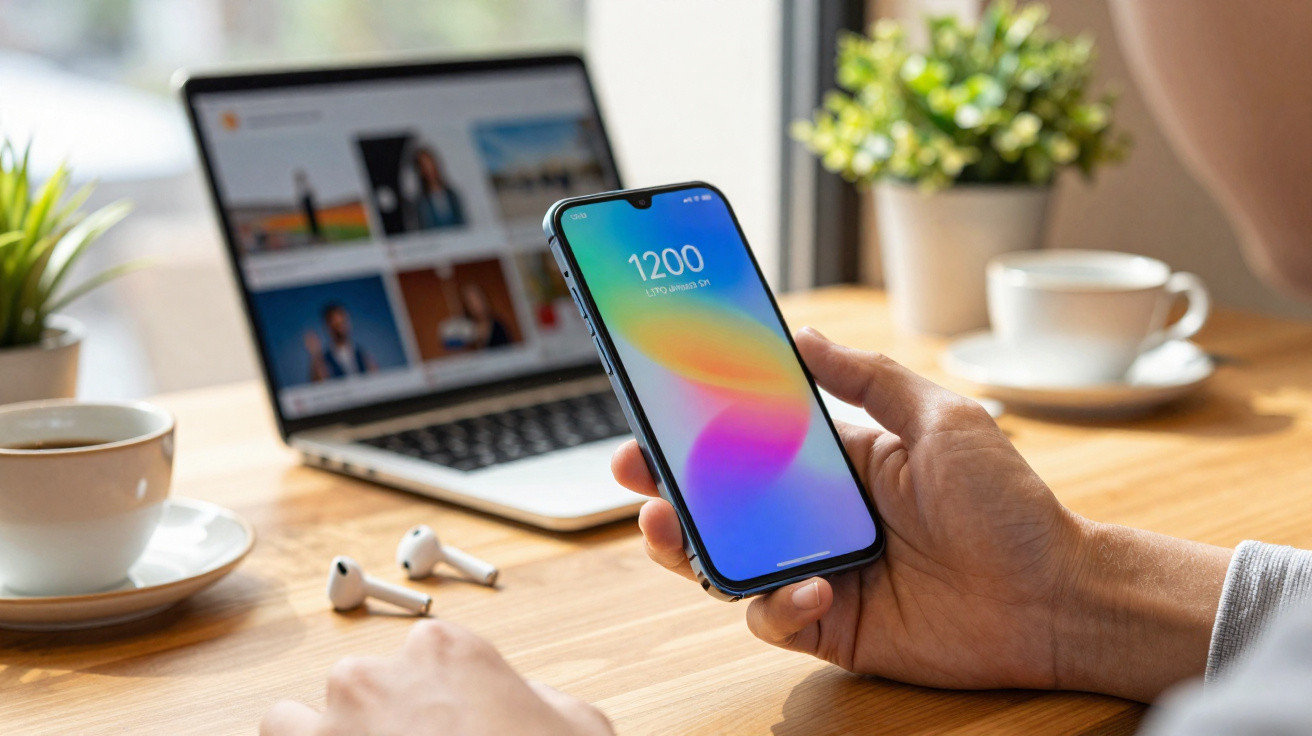
For phones, choose a protector clearly labelled “matte” or “anti-glare”. Apply it when you are calm, not while rushing on the Tube. Remove the backing gradually, smoothing the protector as you go. If possible, test the phone beside a window immediately afterwards. You will see how much less of the room is reflected on the black screen.
After fitting the filters, reduce the brightness by one setting and monitor how your eyes feel across a full day rather than only for five minutes.
There is a quiet sense of guilt when experts list “all the things you should be doing” for eye health. Take a break every 20 minutes. Look at a tree. Blink deliberately. We have all heard the advice. Let’s be honest: nobody really does that every day.
So give yourself some grace. Treat filters as small allies for the days when you know you will ignore the good-habits rulebook. Whether you are a gamer doing back-to-back sessions or a student revising deep into the night, a straightforward anti-glare layer can provide comfort when your usual routine breaks down.
The common errors? People purchase the cheapest filter, dislike its murky appearance and reject filters entirely. Or they fit one, leave the brightness at maximum and wonder why their eyes still hurt. Glare is only one part of the issue, and filters are tools rather than miracles.
“The first evening after I added a matte filter, I kept waiting for that familiar burning behind my eyes,” a remote worker told me. “It just… never arrived. I realized how much I’d normalized feeling wrecked at 7 p.m.”
Not everyone will experience a dramatic before-and-after change. At times, the benefit is quieter: less squinting, one fewer headache each week, or being able to read a lengthy article in bed without feeling as if your eyes are being sandblasted. Those small improvements matter over a year, and even more over a career.
- Begin with your main screen instead of fitting filters to everything at once.
- Try different matte levels if you are sensitive to blur.
- Combine filters with softer room lighting where possible.
- Pay attention to your body: burning, dryness and pressure all indicate something.
Giving your eyes room to breathe in a screen-first life
We are not returning to a world without glowing rectangles. Work, friends, news, banking, streaming and even hobbies such as drawing or music production now take place behind glass. That does not mean accepting the gritty, sand-in-your-eyes feeling as the price of modern life.
Using filters to reduce glare is one of those small, unglamorous changes that quietly improves the baseline. You will not receive praise for it. Nobody will remark on your anti-glare screen during a meeting. Yet you may find that you feel less depleted after a long afternoon, or that your concentration does not unravel as quickly at 9 p.m.
At a deeper level, it means refusing to treat your body as secondary to your devices. A ten-dollar film for a phone, a basic clip-on panel for a monitor or glasses with an effective coating are modest acts of resistance against the notion that screens set every condition of use.
On a grey Monday, you may not notice any dramatic difference. Six months later, you may suddenly realise that your eyes no longer feel like a battleground. That is the sort of improvement nobody markets with flashy adverts, yet it changes how you approach your work, games and late-night chats.
We have all had moments when the screen seems harsher than the task itself. Perhaps the real question is not whether you “need” a filter, but how much longer you want to bargain with glare before deciding that your comfort is worth a thin, almost invisible layer of support.
| Key point | Detail | Benefit for the reader |
|---|---|---|
| Glare causes hidden eye strain | Reflections make your eyes continually refocus and dry out more quickly | Helps you connect headaches and fatigue with something you can genuinely change |
| Filters reshape light, not your habits | Matte and polarised layers soften harsh reflections on screens | Provides relief even when you cannot take regular breaks or move your desk |
| Small changes build up over time | Combine filters with adjustments to brightness, lighting and position | Creates a more comfortable, sustainable screen routine without major lifestyle changes |












Comments
No comments yet. Be the first to comment!
Leave a Comment